30+ Measuring Instruments for Mechanical Engineers
Dec 11, 2025

Bad measurements kill budgets and ruin tight production schedules. True accuracy demands more than just a glance. We categorize 30+ vital Measuring Instruments for Mechanical Engineers.
See why Digital vs Analog Measuring Instruments matters for data. Finally, we link these tools to Industry 4.0. Elevate your inspection skills from basic reading to analysis.
Vernier Caliper (Manual vs. Digital)
This is the workhorse of the shop floor. It measures Outside Diameter (OD), Inside Diameter (ID), and Depth.
Least Count: 0.02 mm (Analog) / 0.01 mm (Digital).
Pro Tip: Always close the jaws completely before measuring. Check for light gaps. This identifies "Zero Error."
Digital Upgrade: Modern digital calipers eliminate parallax error (viewing angle mistakes) and display readings on an LCD.
Mini-Guide: Proper Caliper Technique
Clean: Wipe the jaws and the part. Debris = Error.
Zero: Close jaws. Press 'Zero' (Digital) or align scales (Analog).
Align: Ensure the measuring faces are parallel to the workpiece. Do not tilt.
Read: For analog, look straight on to avoid parallax.
Micrometers (Outside, Inside, Depth)
When you need tighter tolerances than a caliper, you grab a micrometer.
Least Count: 0.01 mm or 0.001 mm (with Vernier scale).
The Difference: While a caliper is good for 0.02 mm, a standard micrometer gets you down to microns.
Crucial Feature: Use the Ratchet Stop. Never tighten the thimble by hand force alone. The ratchet ensures consistent measuring pressure.
Professor's Note: Zero error kills accuracy here, too. Unlike calipers, measuring faces on micrometers collect fine dust. Clamp a clean piece of paper between the anvil and spindle, then pull it out to clean the faces before zeroing.
Vernier Height Gauge
Think of this as a caliper standing vertically on a heavy base.
Use Case: Primarily used for marking out workpieces (scribing center lines) on a casting.
Setup: It must be used on a granite Surface Plate for accuracy.
Slip Gauges (The Reference Standard)
These are not for daily measurement—they are the "truth" against which other tools are judged.
Construction: Hardened steel or ceramic blocks ground to extreme precision.
The Magic of Wringing: When you slide two slip gauges together, they stick with significant force. This "wringing" excludes air and bonds them molecularly, allowing you to build exact heights.
Professor's Warning: Know your grades.
Grade 0 (Reference): Locked in the lab. Used only to calibrate other gauges.
Grade 2 (Workshop): Used on the floor for setting sine bars or checking micrometers.
Never use a Grade 0 block to check a rough casting.
Sine Bar
The Sine Bar is not a direct measuring instrument. It is a setup device used with Slip Gauges to set highly precise angles based on trigonometry.
How it works: It operates on the principle of a right-angled triangle.
Hypotenuse: The fixed length of the sine bar (distance between roller centers, e.g., 100 mm).
Height: The height of the slip gauges placed under one roller.
Formula:
Sin (θ) = H / L
Why it matters: By calculating the required height for a specific angle, you can set the bar to verify angles with a precision far higher than a standard protractor.
Bevel Protractor
For direct angle reading, we use the Bevel Protractor. The Vernier scale allows us to read angles to an accuracy of 5 minutes (5').
Application: Checking the angle of a V-block or a machined chamfer.
Spirit Level (Clinometer)
Used for checking the horizontality or verticality of machine beds. Precision spirit levels are vital when installing heavy CNC machinery to ensure geometric accuracy.
Dial Indicators (Plunger vs. Lever)
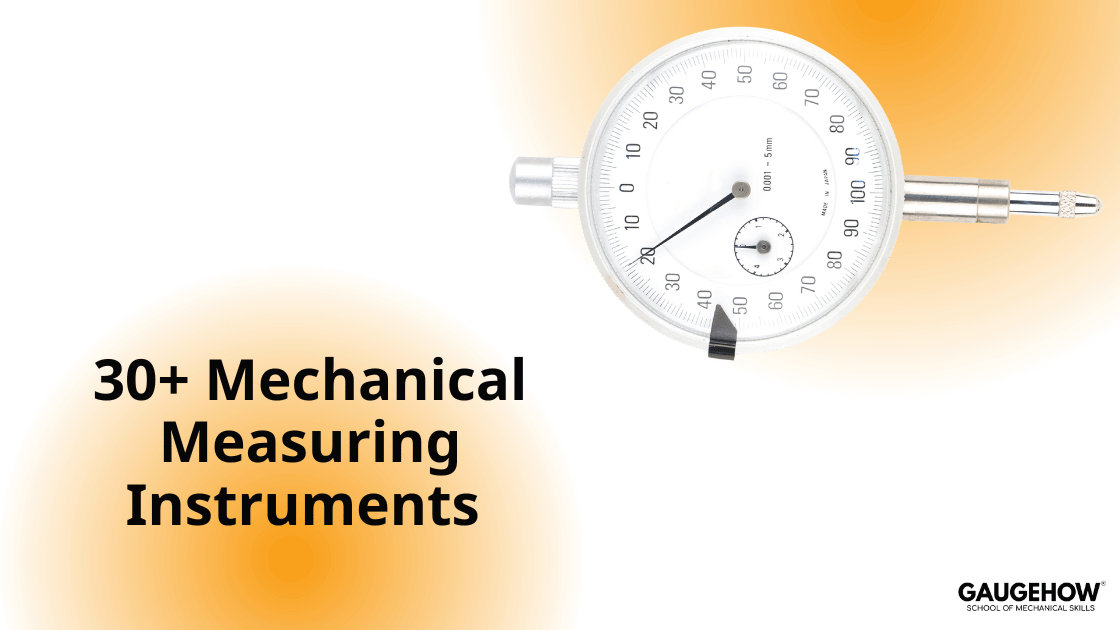
These tools measure deviation, not absolute size.
Plunger Type: The spindle moves vertically. Great for checking surface flatness on a lathe.
Lever Type (Puppit): Uses a pivoting stylus. Perfect for centering holes.
Application: We use these to check "Runout" on rotating shafts.
Go/No-Go Gauges
These are fixed limit gauges used for rapid inspection.
Plug Gauge: Checks hole diameters. The "Go" end should enter; the "No-Go" end should not.
Snap Gauge: Checks shaft diameters.
Ring Gauge: Verifies external threads or studs.
Bore Dial Gauge
A specialized comparator for measuring the inside of cylinders. It detects ovality and taper in engine blocks.
Least Count: Typically 0.01 mm or 0.001 mm.
Surface Roughness Comparator
One effective method for quickly assessing the surface profile is using a comparator.
What it is: A flat plate with reference surface profiles (e.g., grit blasted, machined).
How to use: You compare the workpiece visually and tactilely (by touch) against the standard sample.
Pros/Cons: It is portable and fast, but subjective and limited in accuracy.
Stylus Profilometer
For a quantitative number, you need a profilometer. A stylus is drawn across the surface to measure microscopic geometry.
Ra (Average Roughness): The average deviation; it is the most used parameter.
Rz (Mean Roughness Depth): The average peak-to-valley height; it is usually higher than Ra and more representative of extremes.
Why it matters: High surface roughness can lead to increased wear, corrosion, and fatigue failure.
Atomic Force Microscopy (AFM)
High Tech: This is a non-contact method to measure roughness at the nanometer level.
How it works: A probe hangs just above the surface, and laser deflection measures the atomic forces, creating a 3D topographic image.
Coordinate Measuring Machine (CMM)
The CMM is the bridge to the Digital Twin. It uses a touch probe to map points in X, Y, and Z space.
Capability: It can verify complex geometries (like engine blocks) against a CAD model automatically.
Calibration: Requires yearly calibration by ISO-accredited labs.
No | Instrument | Standard Least Count / Resolution | Application |
1 | Vernier Caliper | 0.02 mm (Analog) / 0.01 mm (Digital) | Linear dimensions (OD/ID/Depth) |
2 | Outside Micrometer | 0.01 mm | Precise shaft diameter/thickness |
3 | Inside Micrometer | 0.01 mm | Precise internal bore diameters |
4 | Depth Micrometer | 0.01 mm | Precise slot or step depth |
5 | Vernier Height Gauge | 0.02 mm | Vertical marking & height transfer |
6 | Slip Gauges (Gauge Blocks) | Grade dependent (0, 1, 2) | Calibration reference & Sine Bar setup |
7 | Steel Rule | 0.5 mm | Basic length & layout |
8 | Feeler Gauge | 0.05 mm (step) | Measuring gaps/clearance |
9 | Thread Pitch Gauge | N/A (Standard Form) | Identifying screw thread pitch |
10 | Radius Gauge | N/A (Standard Form) | Checking fillet/corner radii |
11 | Wire Gauge | N/A (Standard Sizes) | Checking wire gauge/sheet thickness |
12 | Telescoping Gauge | N/A (Transfer Tool) | Transferring ID to a micrometer |
13 | Small Hole Gauge | N/A (Transfer Tool) | Measuring small holes/slots |
14 | Sine Bar | Dependent on Slip Gauges | High-precision angle setting |
15 | Bevel Protractor | 5 minutes (5') | Measuring angles directly |
16 | Spirit Level | N/A (Visual) | Checking basic horizontal level |
17 | Clinometer | 1 minute (1') | Precision machine bed leveling/tilt |
18 | Combination Set | 1 degree / 0.5 mm | Layout, squaring, centering |
19 | Dial Indicator (Plunger) | 0.01 mm | Checking runout & flatness |
20 | Dial Test Indicator (Lever) | 0.01 mm / 0.002 mm | Centering holes & checking parallelism |
21 | Bore Dial Gauge | 0.01 mm / 0.001 mm | Checking cylinder bore ovality/taper |
22 | Plug Gauge (Go/No-Go) | Fixed Limit | Pass/Fail check for holes |
23 | Snap Gauge (Go/No-Go) | Fixed Limit | Pass/Fail check for shafts |
24 | Ring Gauge (Go/No-Go) | Fixed Limit | Pass/Fail check for OD threads |
25 | Gear Tooth Vernier | 0.02 mm | Measuring gear tooth thickness (chordal) |
26 | V-Block | N/A (Fixture) | Holding cylindrical parts for inspection |
27 | Surface Plate | N/A (Reference Plane) | The datum for all vertical measurements |
28 | Surface Roughness Comparator | N/A (Qualitative) | Visual check of surface finish |
29 | Stylus Profilometer | 0.001 µm (typical) | Quantitative Ra/Rz measurement |
30 | Optical Flat | ~0.3 µm (Light bands) | Checking micrometer anvil flatness |
31 | Coordinate Measuring Machine (CMM) | 0.001 mm (or better) | 3D geometry verification & GD&T |
Mechanical Engineering Courses That Industry Actually Uses
Learn Tools of Design & CAD, Analysis & Simulation, Automation & Robotics, and Industry 4.0 used in modern factories.
Join 40+ Mech Courses like GD&T, Siemens NX, SolidWorks, CATIA V5, AutoCAD, ANSYS (FEA & Fluent), ABAQUS, Creo, Fusion 360, CNC Programming, Digital Twins, Python for Mechanical, and Industry 4.0.
Our Courses
Complete Course Library
Access to 40+ courses covering various fields like Design, Simulation, Quality, Manufacturing, Robotics, and more.