GD&T Symbols With Examples (Geometric Dimensioning and Tolerancing)
Dec 13, 2025

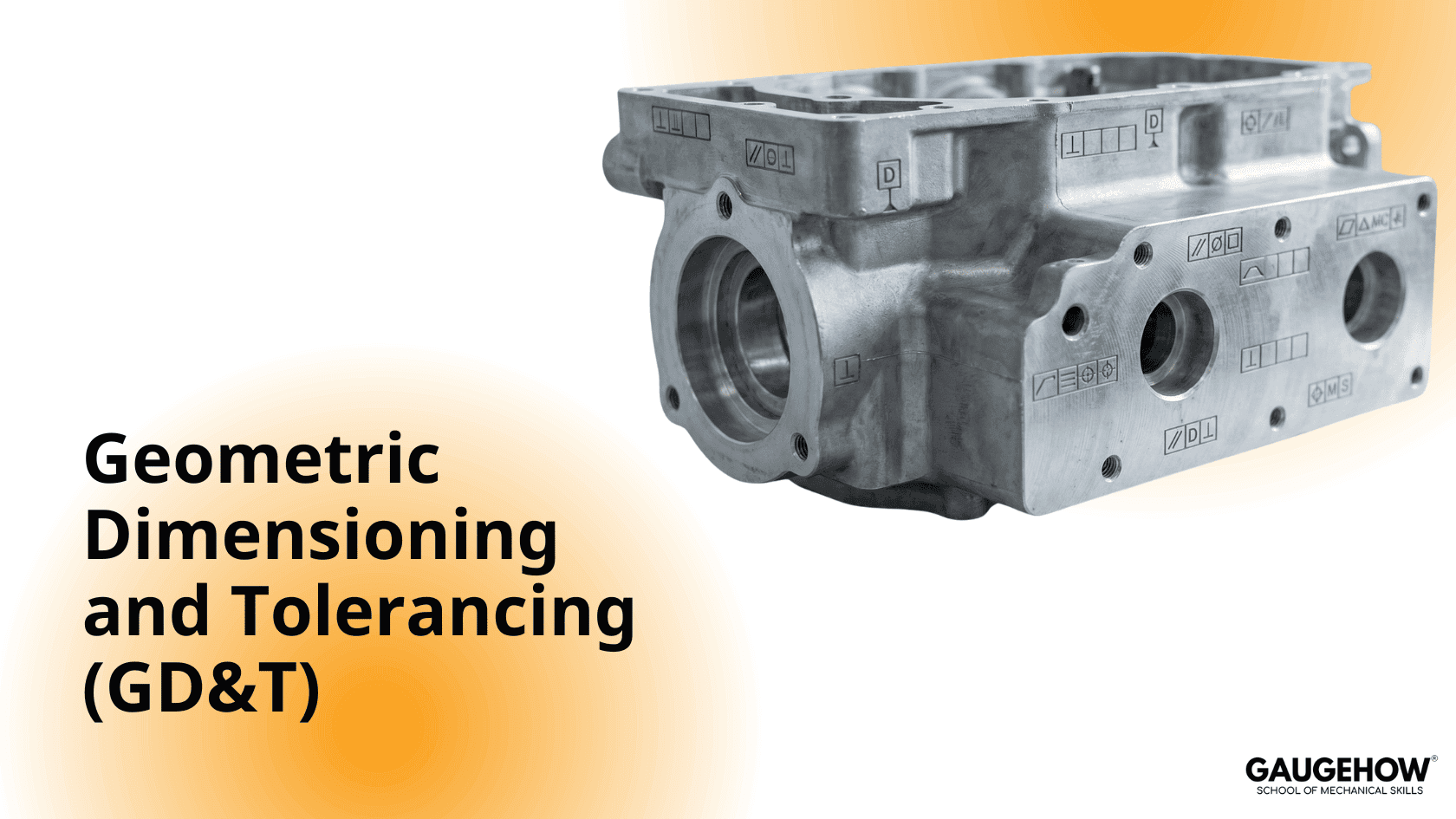
Geometric Dimensioning and Tolerancing (GD&T) defines how parts must fit, seal, locate, and rotate—not just what size they are. When done right, GD&T replaces ambiguous dimensions with functional rules that manufacturing and inspection can actually prove.
If you’ve ever asked why a part is “in size” but still doesn’t assemble, GD&T is the answer.
I teach GD&T the way it’s learned on the shop floor: clear rules, tight sketches, and decisions tied directly to function. This guide is a practical reference for students and practicing engineers who want to know what to use, why to use it, and how to apply it today.
What GD&T Symbols Do — and Why They Matter
GD&T controls:
Form (shape)
Orientation
Location
Runout
A good GD&T callout tells the shop how the part must behave in assembly, not just its dimensions. Correct GD&T:
Reduces rework
Shortens inspection time
Removes interpretation errors
Allows functional verification, not guesswork
Before adding any symbol, ask one question:
Which assembly or performance requirement fails if this feature is wrong?
That answer determines the symbol.
⌀ Diameter — Cylindrical features such as holes and shafts
⌖ Datum — Functional reference for location and orientation
Position (⦿) — Bolt patterns, dowel holes, locating features
Flatness — Mounting and sealing faces
Profile — Complex or sculpted surfaces
Circularity — Bearing journals and rotating fits
Runout / Total Runout — Rotating balance and stability
How to Choose the Right GD&T Symbol (Functional Rule)
Choose the control that directly prevents failure:
Feature must locate → Position
Surface must mate or seal → Flatness or Profile
Part must rotate smoothly → Circularity or Runout
This rule beats memorizing symbol definitions.
Practical Examples (Short Case Studies)
1. Flange Bolt Pattern — Position
Bolt holes drifted after welding.
Solution: Position tolerance to:
Datum A (mating face)
Datum B (centerline)
With MMC
Result: Bonus tolerance during manufacturing, guaranteed assembly fit, zero rework.
2. Motor Mounting Face — Flatness
Motors tilted and required shims.
Solution: Single Flatness callout on the machined face.
Result: One-setup machining, shims eliminated.
3. High-Speed Shaft — Circularity + Runout
Bearing failures due to out-of-round journals.
Solution: Circularity on journals + Runout relative to shaft datum.
Result: Lower vibration, longer bearing life.
GD&T vs Tolerance Stack-Up
When assembly performance depends on geometry, replace chains of linear dimensions with geometric controls.
Linear stacks → worst-case accumulation
Position/Profile → functional tolerance zones
A quick stack-up check tells you whether size or geometry should control the feature.
Practical Comparison
Method | Best Use | Trade-off |
|---|---|---|
Chain dimensions | Simple fits | Accumulates error |
Position | Locating features | Requires datum planning |
Profile | Complex mating surfaces | Higher inspection effort |
Teach-a-Junior Checklist
Identify the function: locate, seal, or rotate
Pick the primary datum where the part actually mates
Use Position + MMC for bolt patterns
Use Flatness to eliminate shimming
Use Profile for complex sealing geometry
Link each callout to how it will be measured
Avoid redundant dimensions that fight GD&T
Add a short inspection note on the drawing
Measurement Mapping (Design → Inspection)
Every GD&T callout should include one inspection method:
Position → CMM, datum-based measurement, MMC virtual condition
Profile → CMM scan strategy with allowable deviation
Circularity/Runout → Dial indicator or CMM rotary routine
This keeps design, manufacturing, and inspection aligned.
How to Add GD&T to a Production Drawing (Step-by-Step)
Identify the functional requirement
Select real assembly contact surfaces as datums
Choose the symbol that prevents the failure mode
Add MMC/LMC only when it adds value
Specify the inspection method
Avoid unnecessary stacked dimensions
Process-Aware Tolerancing
Match tolerance to machine capability
Check fixturing before tightening form controls
For sheet metal, plan bends and fixtures before Profile
For motion systems, account for bearing preload and alignment
Welding & Fixtures — Control Early
Welding distorts geometry.
Control it with:
Symmetric weld sequences
Datum-locking fixtures
Controlled tack strategy
Good fixturing reduces the need for tight post-weld tolerances.
Two Questions Before Release
Can this be measured easily and repeatedly?
If not, revise the callout or add a functional gauge.Does this guarantee assembly without shimming or forcing?
If not, reconsider MMC or the chosen control.
One Change to Make Today
On your next drawing:
Find one recurring assembly problem
Replace stacked dimensions with one clear GD&T callout
Add a small sketch and inspection note
Do it on one part. Track first-article results.
Conclusion
GD&T symbols with examples turn drawings from instructions into proof of function. Small, deliberate callouts—paired with a clear inspection plan—cut rework, speed launches, and lower cost.
GaugeHow provides workshop-ready GD&T guides, diagrams, and downloadable templates to train teams faster.
Download the PDF and standardize your drawings today.
FAQs
1. Most used GD&T symbols?
Datum, Position, Flatness, Profile, Circularity, Runout.
2. Why use MMC with Position?
It guarantees assembly while allowing bonus manufacturing tolerance.
3. Can a CMM measure all GD&T?
Most, yes—if the measurement strategy is specified.
4. Profile vs linear dimensions?
Use Profile when surface geometry affects function as a whole.
5. How to keep GD&T shop-friendly?
Functional datums, simple sketches, clear inspection notes.
6. Can GD&T reduce cost?
Yes. Proper GD&T reduces scrap, rework, and inspection time.
Mechanical Engineering Courses That Industry Actually Uses
Learn Tools of Design & CAD, Analysis & Simulation, Automation & Robotics, and Industry 4.0 used in modern factories.
Join 40+ Mech Courses like GD&T, Siemens NX, SolidWorks, CATIA V5, AutoCAD, ANSYS (FEA & Fluent), ABAQUS, Creo, Fusion 360, CNC Programming, Digital Twins, Python for Mechanical, and Industry 4.0.
Our Courses
Complete Course Library
Access to 40+ courses covering various fields like Design, Simulation, Quality, Manufacturing, Robotics, and more.