cmm part inspection
cmm part inspection
cmm part inspection

What is CMM? Types of CMM and Probs

Dec 13, 2025

author image Deepak choudhary

Deepak Choudhary


Learn What Industry Wants

Lead the CHANGE in Mechanical Engineering

Upskill with 40+ courses in Design/CAD, Simulation, FEA/CFD, Manufacturing, Robotics & Industry 4.0.

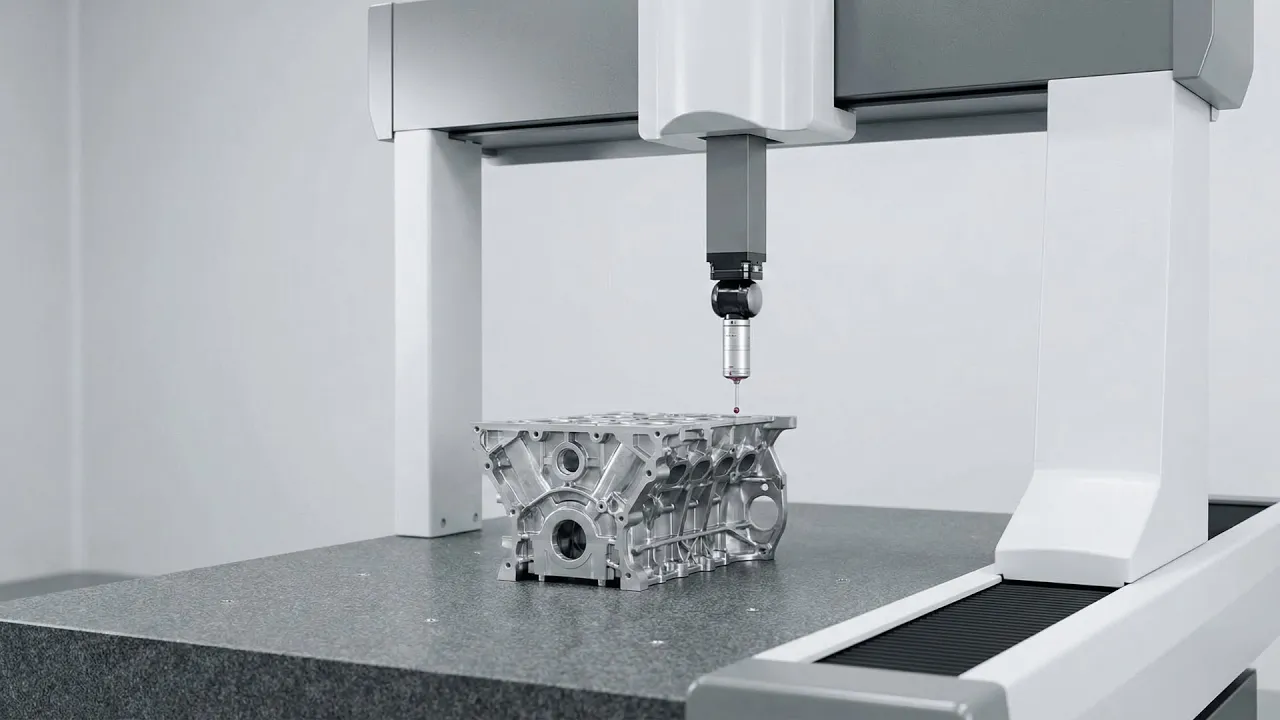
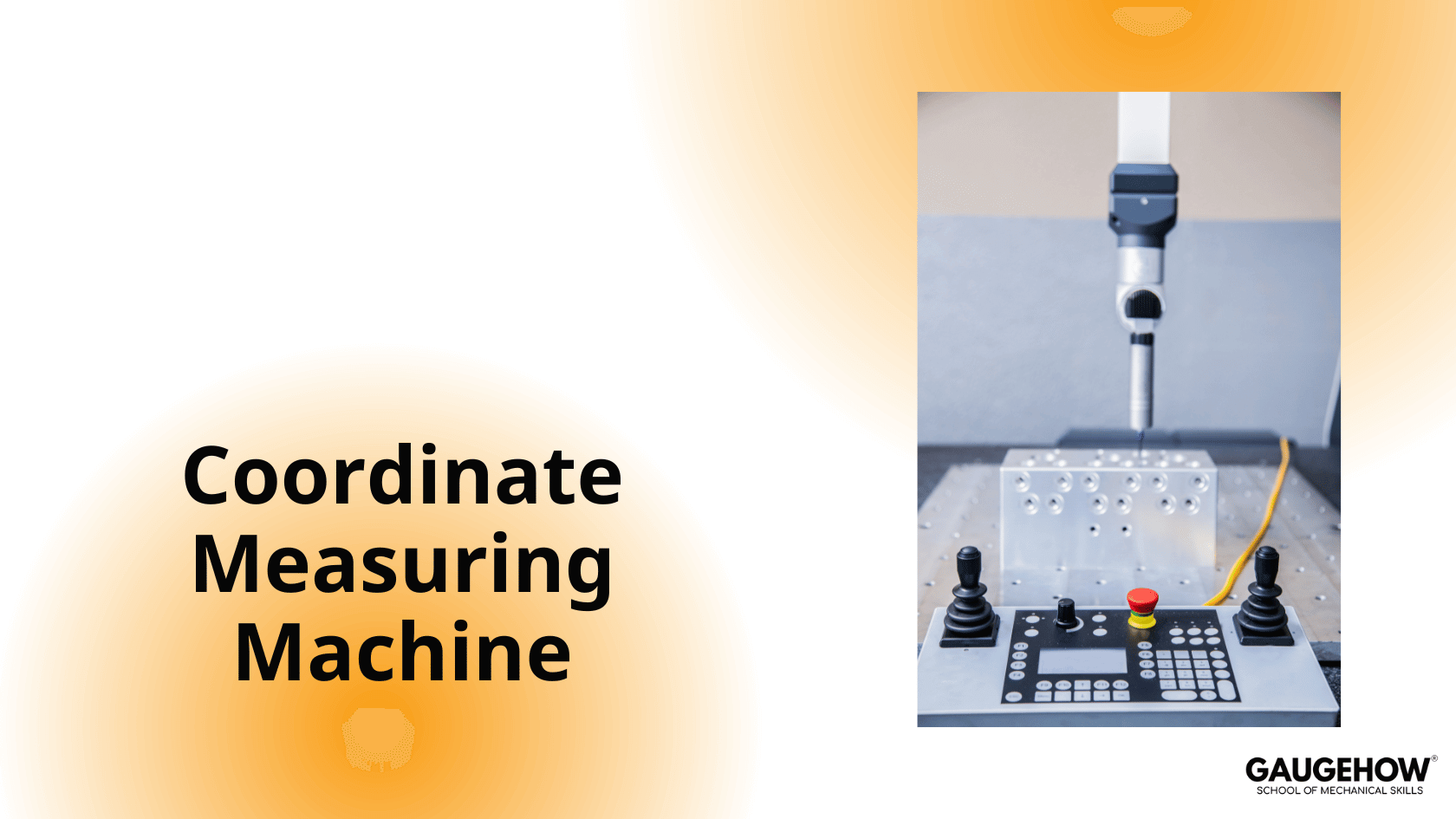
A CMM (Coordinate Measuring Machine) is a precision measuring machine used to check the size, shape, and position of parts.

It works by touching (or scanning) a component with a probe and recording the exact X, Y, and Z coordinates of points on the surface. Using these points, the CMM tells us whether a part is within tolerance or not.

CMMs are widely used in manufacturing and quality control because they provide high accuracy, repeatable results, and reliable inspection of complex parts.

Probes

CMM probes convert physical measurements into electrical signals, which are then processed by the Coordinate Measuring Machine (CMM) to determine accurate coordinates.

CMM probes are available in a wide range of designs and are used for both direct measurement and comparative measurement applications.

CMM probes are broadly classified into three main types:

1. Touch-Trigger Probes

Touch-trigger probes are the most commonly used CMM probes.

  • The probe physically touches the surface of the workpiece

  • Upon contact, an electrical signal is generated

  • The CMM records the XYZ coordinates of the contact point

  • The probe then retracts and moves to the next measurement location

This process is repeated point by point. Touch-trigger probes are ideal for:

  • Discrete point measurement

  • Prismatic components

  • General inspection work

2. Displacement Measuring CMM Probes (Scanning Probes)

Displacement measuring probes are also known as scanning probes.

In this method:

  • The probe is moved continuously over the surface

  • It remains within its working range

  • A continuous stream of measurement data is transmitted to the CMM

Scanning contact probes commonly use:

  • LVDT (Linear Variable Differential Transformer)

  • Optoelectronic position-sensing systems

These probes are suitable for:

  • Free-form surfaces

  • Profile measurement

  • High-density data collection

3. Proximity or Non-Contact Probes

Proximity or non-contact probes work on a principle similar to scanning probes, but without physical contact with the workpiece.

Instead of LVDTs, they use:

  • Laser sensors

  • Capacitive sensors

  • Video or optical measurement systems

Non-contact probes are preferred for:

  • Soft or delicate materials

  • Highly finished surfaces

  • High-speed inspection requirements

Types of CMM Machines

There are four basic types of stationary CMMs:

  1. Bridge Type CMM

    • Most widely used

    • High accuracy and rigidity

  2. Cantilever Type CMM

    • Open structure for easy loading

    • Suitable for small to medium parts

  3. Horizontal Arm CMM

    • Used for large sheet-metal and automotive body inspection

  4. Gantry Type CMM

    • Designed for very large and heavy components

    • Common in aerospace and heavy industries

Our Courses

Complete Course Library

Access to 40+ courses covering various fields like Design, Simulation, Quality, Manufacturing, Robotics, and more.
comsol design of mechanical part

COMSOL Multiphysics Essentials

You will understand the major COMSOL modules such as AC/DC, CFD, Heat Transfer, Structural Mechanics, MEMS, and Pipe Flow. This helps you see how COMSOL is used in different engineering fields.

You will learn how to customize the COMSOL desktop, use the Model Wizard, access the main menu and toolbar, and follow the basic steps needed to build any simulation model. You will also use ChatGPT to understand sequencing in COMSOL.

You will learn global and local definitions, create variables and expressions, use operators and functions, and load parameters from external text files with AI assistance. This gives you strong control over parametric modeling.

You will work with geometry tools, selection lists, transparency settings, hiding and showing entities, rendering, and user-defined selections. This helps you build clean and accurate models.

You will learn geometry modeling, adding nodes, editing nodes, and understanding the current node. You will also use ChatGPT to assist with geometry features.

You will explore material databases, assign materials properly, work with the material browser, and use external material libraries. You will understand how materials behave in multiphysics simulations.

You will learn how to build full COMSOL models using the Model Builder, manage nodes, enable or disable physics, save files, open model libraries, and explore advanced results sections using GPT-based guidance.

Finally, you will work on multiple learning projects covering named selections, meshing, solver studies, results plotting, friction modeling, and cylindrical roller simulations. These projects help you apply COMSOL to real engineering problems.

Featured

Advanced

comsol design of mechanical part

COMSOL Multiphysics Essentials

You will understand the major COMSOL modules such as AC/DC, CFD, Heat Transfer, Structural Mechanics, MEMS, and Pipe Flow. This helps you see how COMSOL is used in different engineering fields.

You will learn how to customize the COMSOL desktop, use the Model Wizard, access the main menu and toolbar, and follow the basic steps needed to build any simulation model. You will also use ChatGPT to understand sequencing in COMSOL.

You will learn global and local definitions, create variables and expressions, use operators and functions, and load parameters from external text files with AI assistance. This gives you strong control over parametric modeling.

You will work with geometry tools, selection lists, transparency settings, hiding and showing entities, rendering, and user-defined selections. This helps you build clean and accurate models.

You will learn geometry modeling, adding nodes, editing nodes, and understanding the current node. You will also use ChatGPT to assist with geometry features.

You will explore material databases, assign materials properly, work with the material browser, and use external material libraries. You will understand how materials behave in multiphysics simulations.

You will learn how to build full COMSOL models using the Model Builder, manage nodes, enable or disable physics, save files, open model libraries, and explore advanced results sections using GPT-based guidance.

Finally, you will work on multiple learning projects covering named selections, meshing, solver studies, results plotting, friction modeling, and cylindrical roller simulations. These projects help you apply COMSOL to real engineering problems.

Featured

Advanced