GO and NOGO Gauge
Learn More in This Video
Subscribe to GaugeHow for More
Plain Plug Gauge
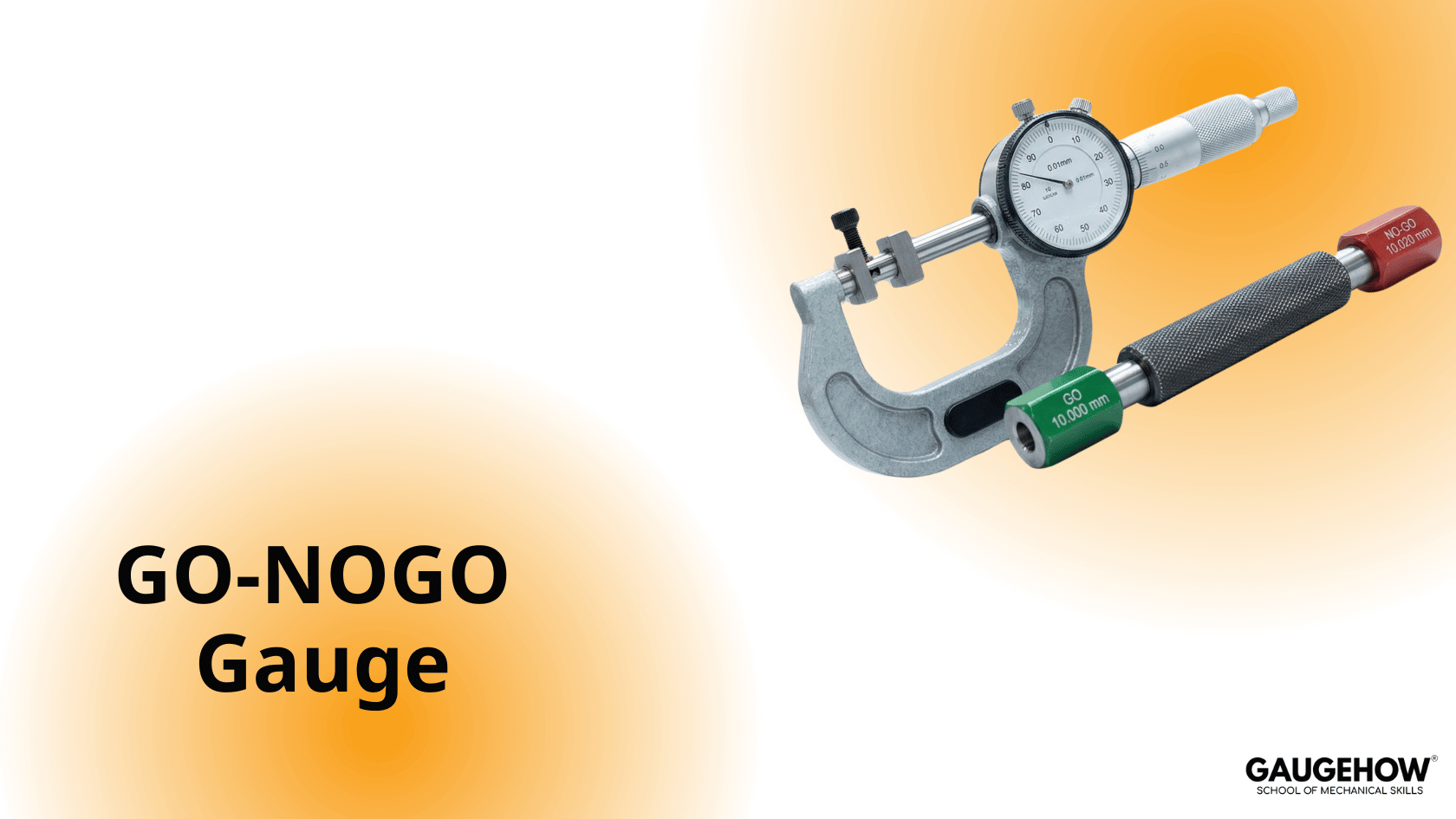
A plain plug gauge is used to check the diameter of a hole. It works on the GO and NO GO principle and is also commonly called a pin gauge.
Apart from checking hole diameter, plug gauges are also used for comparison, setting, and calibration of other gauges.
Plug gauges are manufactured according to standard tolerances, such as Metric or British standards.
Example
Assume a plug gauge size of 25 H7.
Important correction:
For 25 H7, the tolerance is +0 / +0.021 mm (not +0.27 mm).
So:
GO side = 25.000 mm
NO GO side = 25.021 mm
Identifying GO and NO GO Sides
The GO side has a smaller diameter and longer length.
The NO GO side has a slightly larger diameter and shorter length.
Measurement Using a Plug Gauge
Measurement is done by checking which side of the gauge fits into the hole:
If the GO side enters fully and the NO GO side does not, the hole is within tolerance.
If the NO GO side also enters, the hole is oversized.
Snap Gauge
A snap gauge is also a GO–NO GO type gauge. It consists of two fixed gaps:
One gap represents the GO limit
The other represents the NO GO limit
GO → Workpiece is acceptable
NO GO → Workpiece is rejected
For external measurements, the GO size is always larger than the NO GO size.
Example
Let the snap gauge size be:
12.500 ± 0.050 mm
Then:
GO size = 12.550 mm
NO GO size = 12.450 mm
This becomes the acceptance criterion for the workpiece.
GO Condition
If the snap gauge passes over the workpiece only up to the GO side, the workpiece is within tolerance and accepted.
NO GO Condition
If the snap gauge passes through the NO GO side, the workpiece is undersized and rejected.
Application
Snap gauges are mainly used for checking external dimensions, where acceptance or rejection can be quickly and visually confirmed.
Mechanical Engineering Courses That Industry Actually Uses
Learn Tools of Design & CAD, Analysis & Simulation, Automation & Robotics, and Industry 4.0 used in modern factories.
Join 40+ Mech Courses like GD&T, Siemens NX, SolidWorks, CATIA V5, AutoCAD, ANSYS (FEA & Fluent), ABAQUS, Creo, Fusion 360, CNC Programming, Digital Twins, Python for Mechanical, and Industry 4.0.
Our Courses
Complete Course Library
Access to 40+ courses covering various fields like Design, Simulation, Quality, Manufacturing, Robotics, and more.


