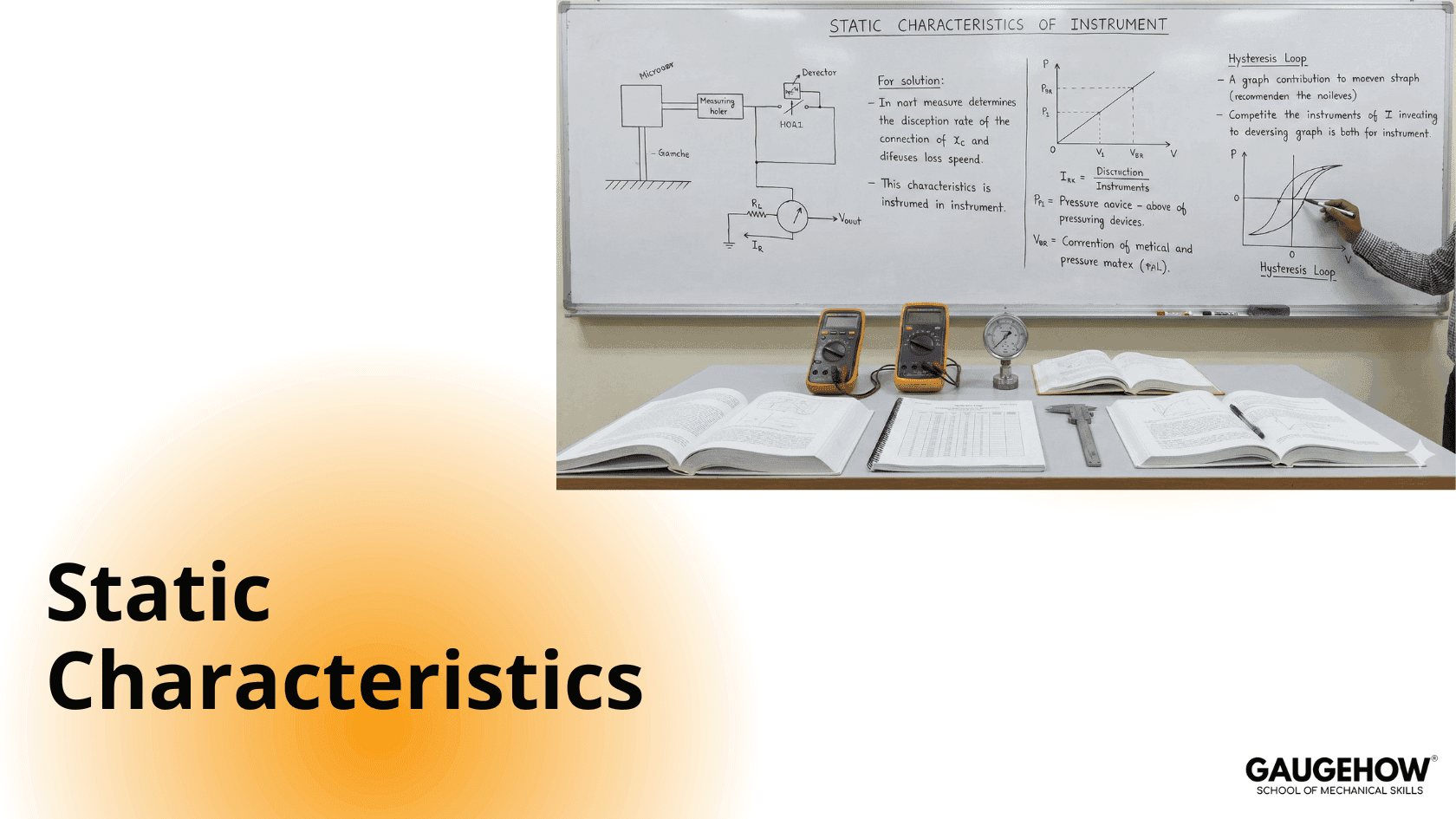
Static Characteristics
Learn More in This Video
Subscribe to GaugeHow for More
Performance Characteristics of Measuring Instruments
The performance characteristics of measuring instruments are broadly classified into two types:
Static characteristics
Dynamic characteristics
Static characteristics are used to evaluate instruments that measure quantities which are constant or vary slowly with time.
The important static characteristics are:
Accuracy
Sensitivity
Precision
Linearity
Resolution
Repeatability
Range
Tolerance
Hysteresis
Static Characteristics (Detailed Explanation)
1. Accuracy
Accuracy is the degree of closeness of the measured value to the true or actual value.
It is always expressed relative to the true value.
2. Sensitivity
Sensitivity is the ability of an instrument to detect small changes in the measured quantity.
Mathematically, it is defined as the ratio of change in output to the change in input:
Sensitivity=ΔOutputΔInput\text{Sensitivity} = \frac{\Delta \text{Output}}{\Delta \text{Input}}Sensitivity=ΔInputΔOutput
3. Precision
Precision refers to the degree of closeness of repeated measurements to each other, irrespective of the true value.
An instrument is said to be precise if it produces nearly identical readings for repeated measurements under the same conditions.
4. Linearity
Linearity is the ability of an instrument to produce output that is directly proportional to the input.
An instrument is considered linear if:
Equal increments in input produce equal increments in output
The input–output relationship follows a straight line over the specified range
5. Resolution
Resolution is the smallest change in input quantity that produces a detectable change in the output.
Small changes in input that do not affect the output continue until a threshold value is reached. This minimum detectable change is called the resolution.
6. Repeatability
Repeatability defines the ability of an instrument to produce the same output for the same input, when measurements are repeated under identical conditions.
7. Range
Range is the minimum and maximum values of the measured quantity for which the instrument operates satisfactorily.
Range=Maximum value−Minimum value\text{Range} = \text{Maximum value} - \text{Minimum value}Range=Maximum value−Minimum value
8. Tolerance
Tolerance is the maximum permissible error allowed in a measurement.
It is specified as a limit within which the measured value must lie to be considered acceptable.
9. Hysteresis
Hysteresis is the phenomenon where an instrument shows different output values for the same input, depending on whether the input is increasing (loading) or decreasing (unloading).
Mechanical Engineering Courses That Industry Actually Uses
Learn Tools of Design & CAD, Analysis & Simulation, Automation & Robotics, and Industry 4.0 used in modern factories.
Join 40+ Mech Courses like GD&T, Siemens NX, SolidWorks, CATIA V5, AutoCAD, ANSYS (FEA & Fluent), ABAQUS, Creo, Fusion 360, CNC Programming, Digital Twins, Python for Mechanical, and Industry 4.0.
Our Courses
Complete Course Library
Access to 40+ courses covering various fields like Design, Simulation, Quality, Manufacturing, Robotics, and more.


