Surface Plate Grades and it’s types
Learn More in This Video
Subscribe to GaugeHow for More
Surface metrology specifies the functional quality of a surface. One of the most important parameters in surface metrology is surface roughness.
In manufacturing industries, a surface must lie within specified roughness limits to ensure proper performance. Therefore, measuring surface roughness is critical for quality control of machined workpieces.
By surface measurement, we can:
Predict the performance and life of a component
Control and improve the manufacturing process
Basic Terminology in Surface Measurement
Flatness
Flatness is defined as the maximum deviation between the highest peak and the deepest valley on a reference surface (such as a surface plate).
Rigidity
Rigidity is the ability of a solid body to resist deformation under applied forces.
Levelling
Levelling is the process of adjusting a surface plate or table using its support system so that it lies perfectly horizontal.
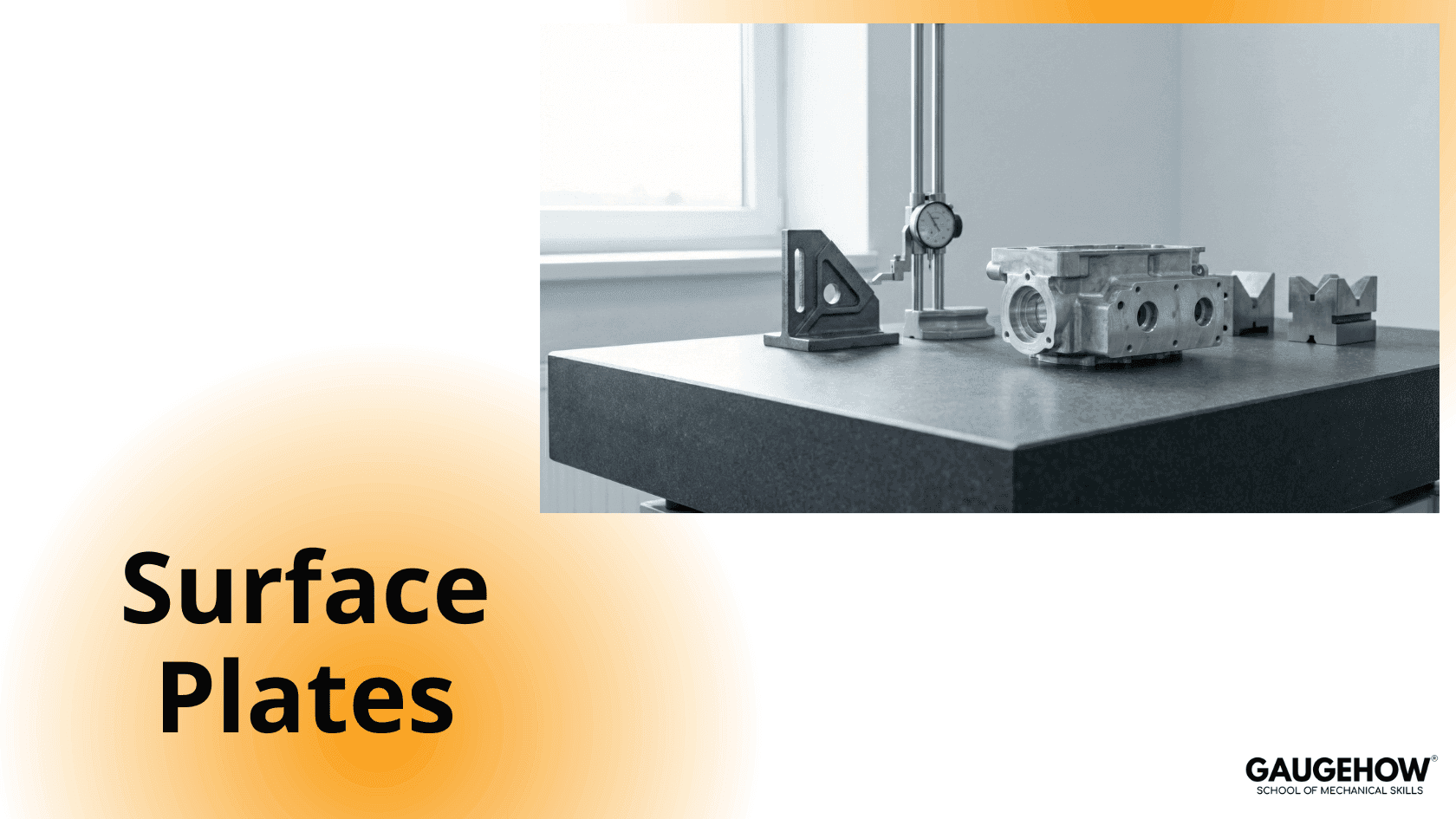
Types of Surface Plates
Based on the material used, surface plates are classified into three types:
Granite Surface Plate
IS 7327
ISO 8512-2
Cast Iron Surface Plate
IS 2285
ISO 8512-1
Glass Surface Plate
IS 14900
Granite Surface Plate
Granite surface plates offer high rigidity, excellent wear resistance, and are free from corrosion. They have a high modulus of elasticity and are moisture-free, making them suitable for precision measurement.
Metallic components can easily slide over their surface without damage.
Common size range:
400 × 250 × 50 mm to 2000 × 1000 × 250 mm
Grading System
Grade 00 – Preferred for metrology laboratories
Grade 0 – Preferred for general quality control work
Grade 1 – Preferred for tool rooms
Grade 2 – Used on the shop floor
Grade 3 – Also used on the shop floor, depending on customer requirements
Cast Iron Surface Plate
Cast iron surface plates are manufactured by rough machining, followed by seasoning and heat treatment to relieve internal stresses.
The accuracy typically ranges from ±0.002 mm to ±0.005 mm for a surface plate with a 150 mm diagonal.
Grades
Grade 1 – Maximum flatness of 5 microns for a 300 × 300 mm plate
Grade 2 – Maximum flatness of 20 microns for a 300 × 300 mm plate
Glass Surface Plate
Glass surface plates are commercially available, lightweight, and free from burrs and corrosion.
Accuracy range: 0.004 mm to 0.008 mm
Available sizes: 150 × 150 mm to 600 × 800 mm
They are commonly used for light inspection and layout work.
Measurement of Surface Roughness
Inspection and assessment of surface roughness of machined workpieces can be carried out using various techniques, such as:
Pocket Surf (Portable Surface Roughness Tester)
Electronic Level
Mechanical Engineering Courses That Industry Actually Uses
Learn Tools of Design & CAD, Analysis & Simulation, Automation & Robotics, and Industry 4.0 used in modern factories.
Join 40+ Mech Courses like GD&T, Siemens NX, SolidWorks, CATIA V5, AutoCAD, ANSYS (FEA & Fluent), ABAQUS, Creo, Fusion 360, CNC Programming, Digital Twins, Python for Mechanical, and Industry 4.0.
Our Courses
Complete Course Library
Access to 40+ courses covering various fields like Design, Simulation, Quality, Manufacturing, Robotics, and more.