Vernier Caliper vs Micrometer | Basics of Vernier Caliper and Micrometer
Learn More in This Video
Subscribe to GaugeHow for More
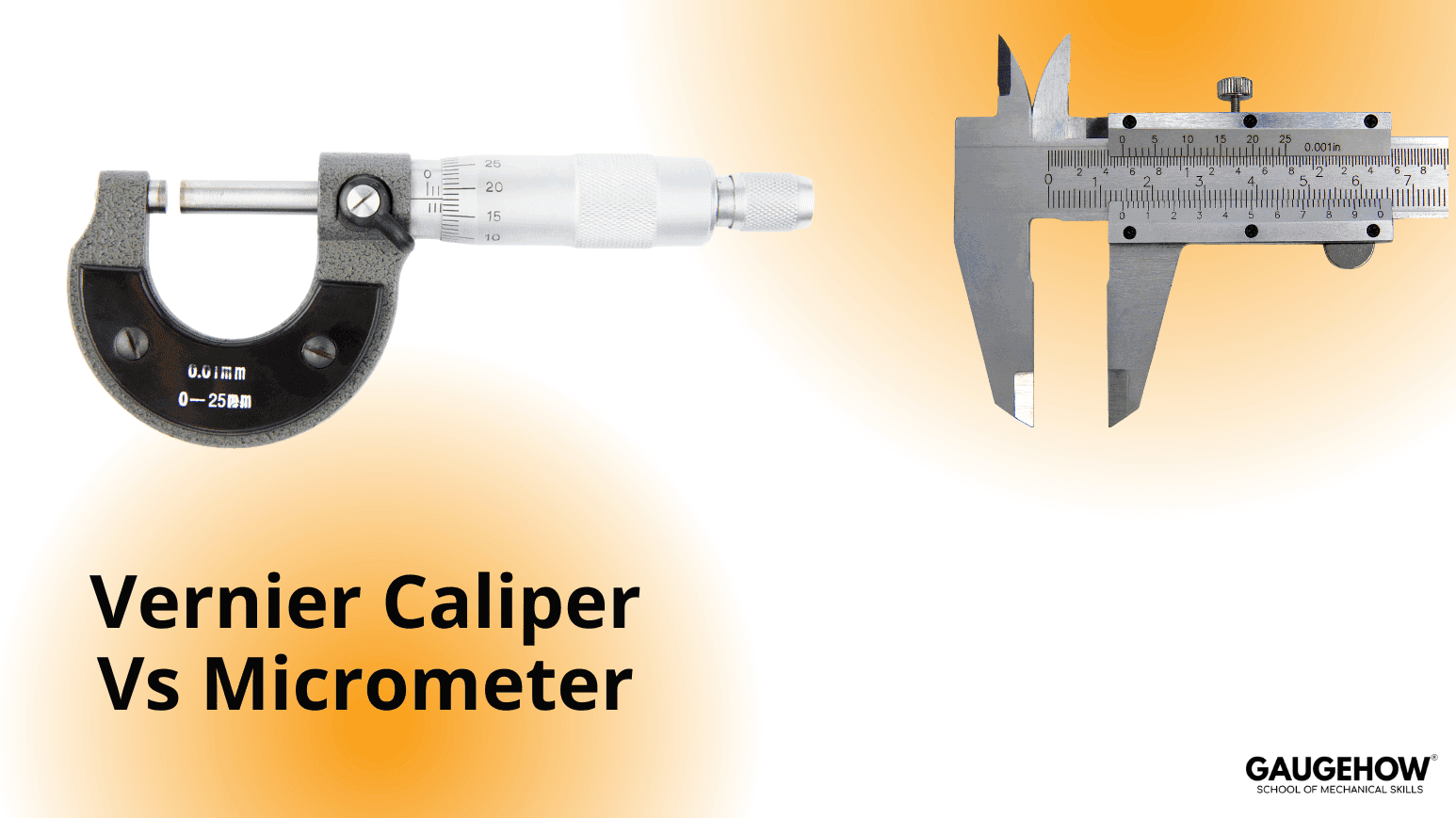
Vernier calipers and micrometers are widely used in industries for daily quality control and inspection. Both instruments are easy to use and suitable for precise linear measurements.
Today, both vernier calipers and micrometers are also available in digital versions, which provide better readability, higher accuracy, and reduced human error.
Before comparing the two, let’s first understand the basic concept of each instrument.
Learn more about Vernier Calipers and Micrometers in our Advanced Engineering Metrology Course.
Vernier Caliper
A vernier caliper is a widely used linear measuring instrument used to measure:
Length
External diameter
Internal diameter
Depth
Types of Vernier Caliper
There are three main types:
Analog Vernier Caliper
Dial Vernier Caliper
Digital Vernier Caliper
Analog Vernier Caliper
The analog vernier caliper is the most commonly used type.
It consists of two scales:
Main scale
Vernier scale, which slides along the main scale
Measurements can be taken using:
External jaws (for external dimensions)
Internal jaws (for internal dimensions)
The most common least count of an analog vernier caliper is 0.02 mm, though 0.05 mm and 0.1 mm variants are also available.
Dial Vernier Caliper
In a dial vernier caliper, the vernier scale is replaced by a dial indicator, which makes reading measurements easier and faster.
The least count of a dial vernier caliper is similar to the analog type.
Digital Vernier Caliper
A digital vernier caliper is an upgraded version of the analog type.
It provides:
Digital display
Higher accuracy
Faster and error-free readings
The typical least count is 0.01 mm, making it more accurate than analog and dial vernier calipers.
Micrometer
A micrometer is more accurate and precise than a vernier caliper and is used when tight tolerances are required.
Common types include:
External (Outside) Micrometer
Digital Micrometer
External Micrometer
An external micrometer is used to measure the outside diameter of shafts and components.
It provides accuracy of:
0.01 mm
Up to 0.001 mm, depending on the model
Digital Micrometer
Digital micrometers are widely used due to their compact size and ease of reading.
They allow measurements in millimetres or inches, depending on the requirement.
The accuracy of a digital micrometer can be up to 0.001 mm, making it more precise than a standard external micrometer. Higher accuracy usually comes at a higher cost.
Main Differences Between Vernier Caliper and Micrometer
Micrometers are generally more accurate and precise than vernier calipers.
A micrometer has a limited measuring range (usually 25 mm), whereas a vernier caliper has a wider range.
Depth measurement can be done using a vernier caliper, while a depth micrometer is required for depth measurement using micrometers.
Internal diameter is measured using the internal jaws of a vernier caliper, whereas an inside micrometer is required for the same purpose.
Learn more about mechanical measuring instruments like vernier calipers and micrometers in our Advanced Engineering Metrology Course.
Mechanical Engineering Courses That Industry Actually Uses
Learn Tools of Design & CAD, Analysis & Simulation, Automation & Robotics, and Industry 4.0 used in modern factories.
Join 40+ Mech Courses like GD&T, Siemens NX, SolidWorks, CATIA V5, AutoCAD, ANSYS (FEA & Fluent), ABAQUS, Creo, Fusion 360, CNC Programming, Digital Twins, Python for Mechanical, and Industry 4.0.
Our Courses
Complete Course Library
Access to 40+ courses covering various fields like Design, Simulation, Quality, Manufacturing, Robotics, and more.