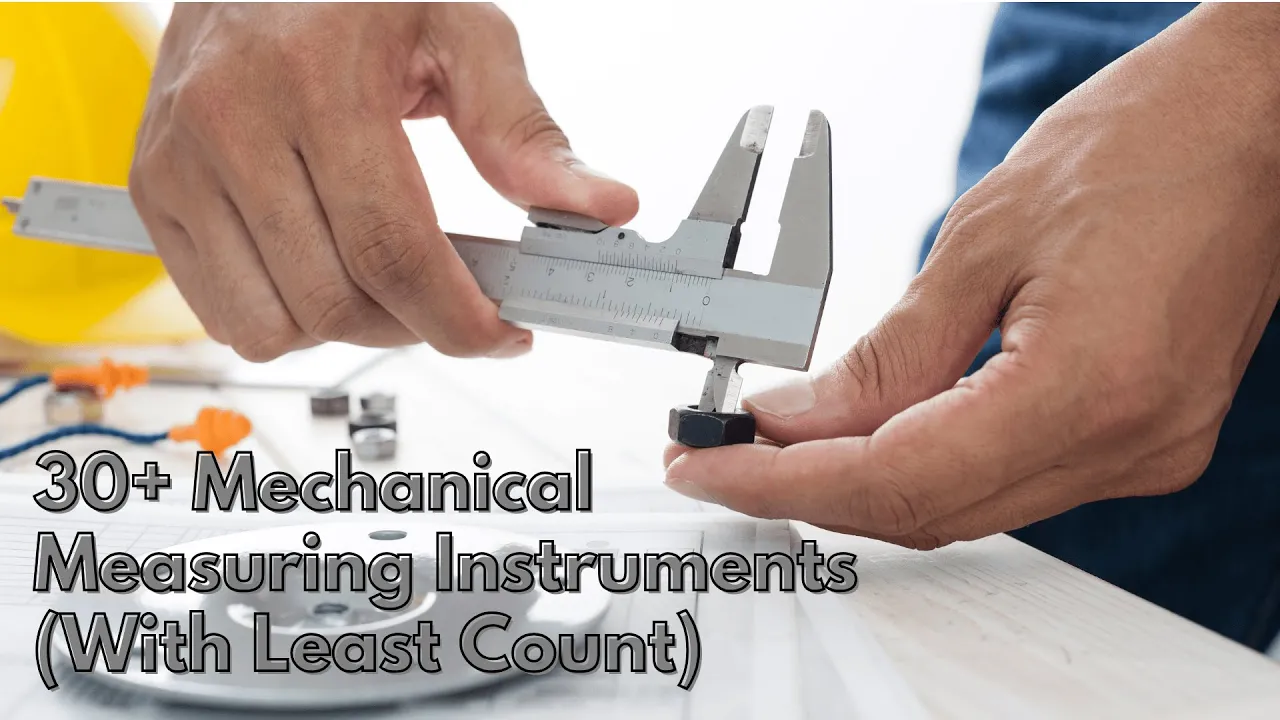
vernier caliper measuring a mould

Vernier Height Gauge

Dec 13, 2025

author image Deepak choudhary

Deepak Choudhary


Learn What Industry Wants

Lead the CHANGE in Mechanical Engineering

Upskill with 40+ courses in Design/CAD, Simulation, FEA/CFD, Manufacturing, Robotics & Industry 4.0.

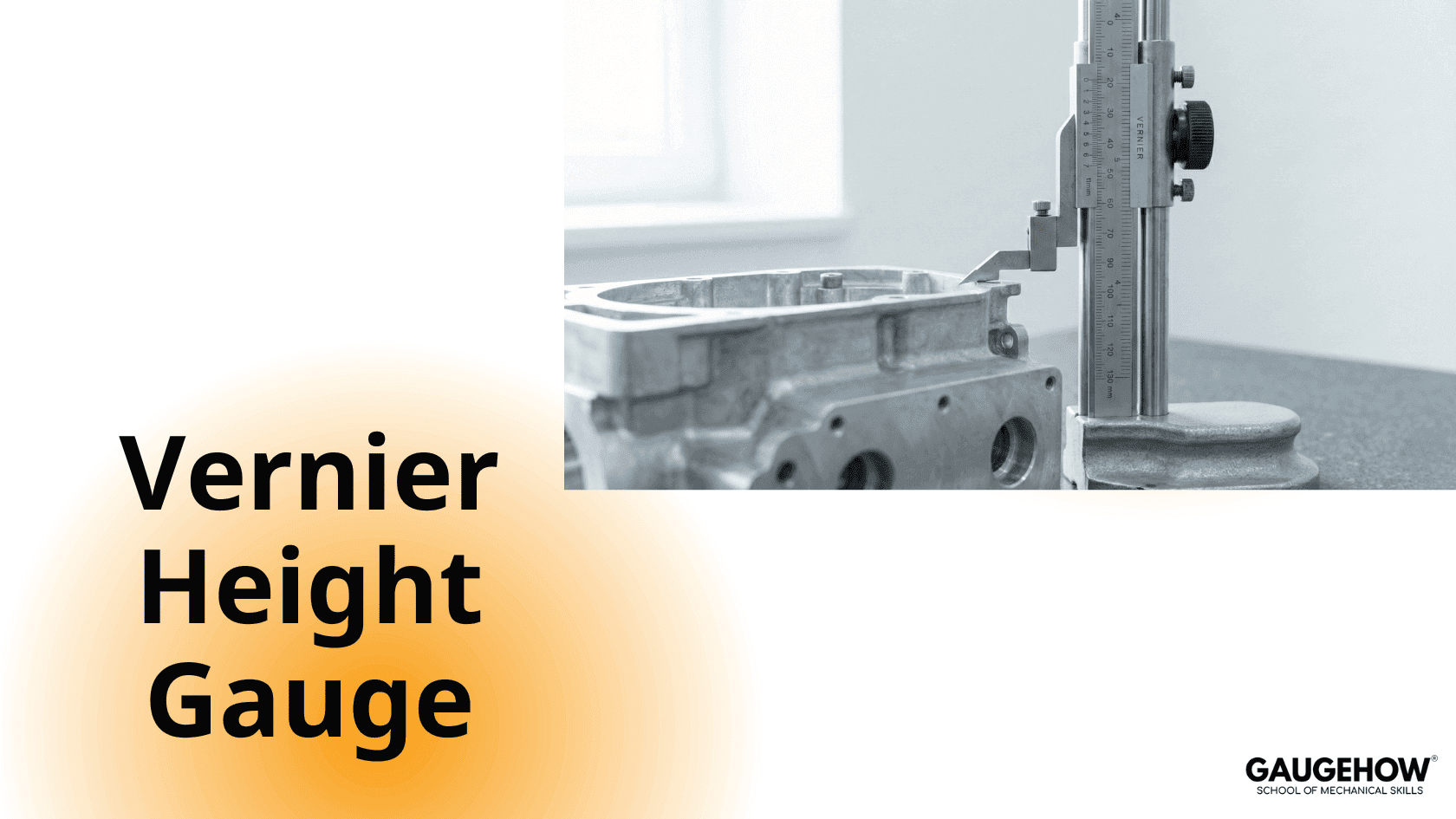
A vernier height gauge is used to measure vertical dimensions from a reference surface, usually a surface plate.

A vernier height gauge consists of a graduated scale or beam mounted vertically on a finely ground and rigid base. This base ensures stability and accurate reference during measurement.

The graduated scale typically has a least count of 0.02 mm, similar to that of a vernier caliper. The method of taking measurements using a vernier height gauge is also the same as that of a vernier caliper.

The reading is obtained by observing the coincidence of the graduation line on the vernier scale with the graduation line on the main scale. When these two lines align, the corresponding value gives the correct measurement.

Our Courses

Complete Course Library

Access to 40+ courses covering various fields like Design, Simulation, Quality, Manufacturing, Robotics, and more.
comsol design of mechanical part

COMSOL Multiphysics Essentials

You will understand the major COMSOL modules such as AC/DC, CFD, Heat Transfer, Structural Mechanics, MEMS, and Pipe Flow. This helps you see how COMSOL is used in different engineering fields.

You will learn how to customize the COMSOL desktop, use the Model Wizard, access the main menu and toolbar, and follow the basic steps needed to build any simulation model. You will also use ChatGPT to understand sequencing in COMSOL.

You will learn global and local definitions, create variables and expressions, use operators and functions, and load parameters from external text files with AI assistance. This gives you strong control over parametric modeling.

You will work with geometry tools, selection lists, transparency settings, hiding and showing entities, rendering, and user-defined selections. This helps you build clean and accurate models.

You will learn geometry modeling, adding nodes, editing nodes, and understanding the current node. You will also use ChatGPT to assist with geometry features.

You will explore material databases, assign materials properly, work with the material browser, and use external material libraries. You will understand how materials behave in multiphysics simulations.

You will learn how to build full COMSOL models using the Model Builder, manage nodes, enable or disable physics, save files, open model libraries, and explore advanced results sections using GPT-based guidance.

Finally, you will work on multiple learning projects covering named selections, meshing, solver studies, results plotting, friction modeling, and cylindrical roller simulations. These projects help you apply COMSOL to real engineering problems.

Featured

Advanced

comsol design of mechanical part

COMSOL Multiphysics Essentials

You will understand the major COMSOL modules such as AC/DC, CFD, Heat Transfer, Structural Mechanics, MEMS, and Pipe Flow. This helps you see how COMSOL is used in different engineering fields.

You will learn how to customize the COMSOL desktop, use the Model Wizard, access the main menu and toolbar, and follow the basic steps needed to build any simulation model. You will also use ChatGPT to understand sequencing in COMSOL.

You will learn global and local definitions, create variables and expressions, use operators and functions, and load parameters from external text files with AI assistance. This gives you strong control over parametric modeling.

You will work with geometry tools, selection lists, transparency settings, hiding and showing entities, rendering, and user-defined selections. This helps you build clean and accurate models.

You will learn geometry modeling, adding nodes, editing nodes, and understanding the current node. You will also use ChatGPT to assist with geometry features.

You will explore material databases, assign materials properly, work with the material browser, and use external material libraries. You will understand how materials behave in multiphysics simulations.

You will learn how to build full COMSOL models using the Model Builder, manage nodes, enable or disable physics, save files, open model libraries, and explore advanced results sections using GPT-based guidance.

Finally, you will work on multiple learning projects covering named selections, meshing, solver studies, results plotting, friction modeling, and cylindrical roller simulations. These projects help you apply COMSOL to real engineering problems.

Featured

Advanced