Automation Engineer Roadmap: From Fresher to Job Ready
Learn More in This Video
Subscribe to GaugeHow for More
Trying to break into automation engineering but confused about where PLCs, robotics, and Industry 4.0 fit together? You are not the only one. Most engineering graduates learn control theory in a lecture hall and then get handed a real control panel with no idea how it connects to a robotic arm or a live production dashboard.
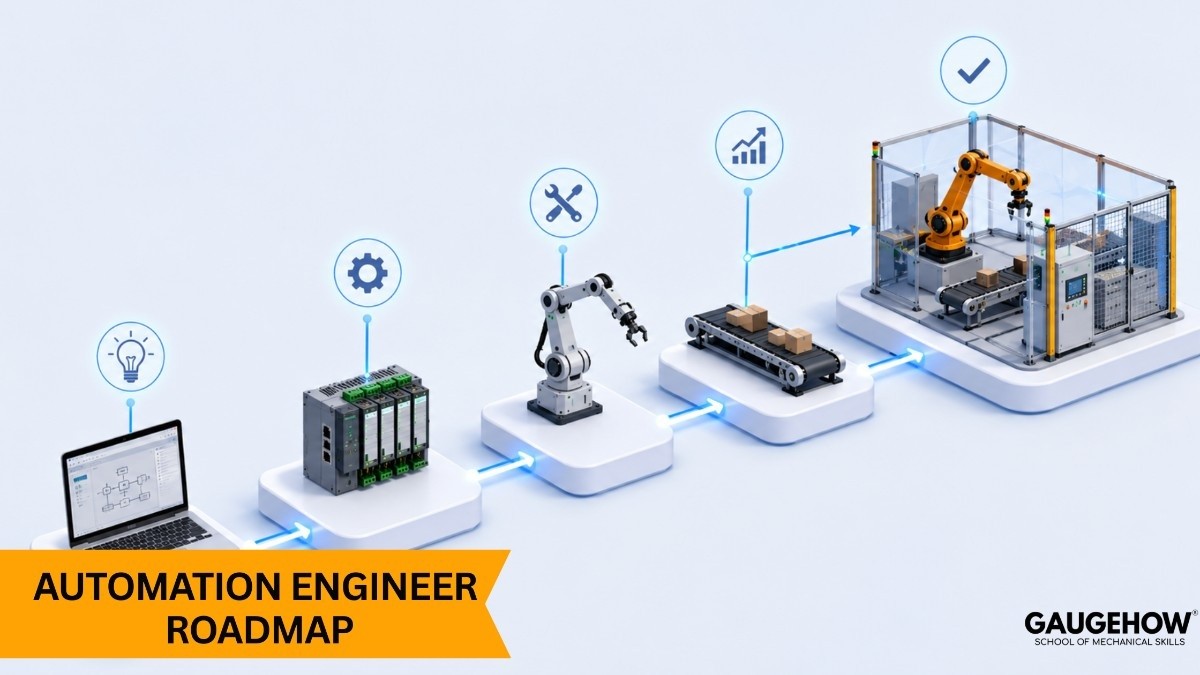
This roadmap lays out the career in clear, ordered stages. No generic advice like "learn automation." Just the tools, skills, and systems that show up again and again in real job postings, learned in the order that actually makes sense.
What Does an Automation Engineer Do Day to Day?
An automation engineer designs, programs, and maintains systems that let a machine or process run with minimal manual input. On a typical day, this includes:
Writing and troubleshooting PLC logic that controls machine behavior
Wiring sensors, actuators, and robotic arms into one working system
Building or reading SCADA and HMI screens that operators depend on
Pulling production data from connected equipment for reporting
Catching faults early, before they cause unplanned downtime
Coordinating with mechanical, electrical, and IT teams on shared projects
The role sits right at the intersection of mechanical, electrical, and software engineering. You do not need to master all three, but you need to be fluent enough in each to work alongside the specialists on your team without slowing them down.
Automation Engineer Roadmap: Step by Step
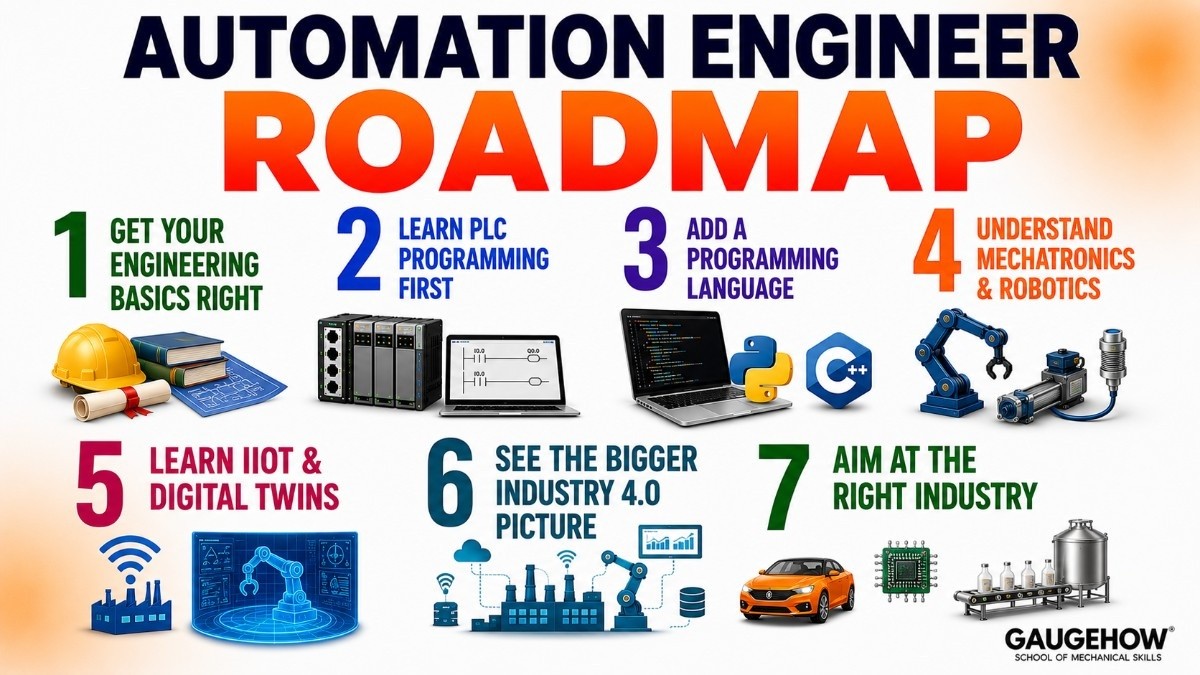
Step 1: Get Your Engineering Basics Right
Most automation roles look for a bachelor's degree in mechanical, electrical, mechatronics, or industrial engineering. If you are still in school, prioritize electives in control systems, electrical circuits, and manufacturing processes. Already have the degree? This step is behind you.
Step 2: Learn PLC Programming First
This is the single most important skill in the field. Nearly every automated line runs on a programmable logic controller, and employers expect you to read and write ladder logic, understand input and output wiring, and troubleshoot a control panel when something goes wrong on the floor.
The PLC Programming and Automation course builds this exact foundation, from basic logic through real industrial control scenarios.
Step 3: Add a Programming Language
Automation today is not just relay logic. Scripting skills let you pull production data, build small automation utilities, and connect systems a PLC cannot handle on its own.
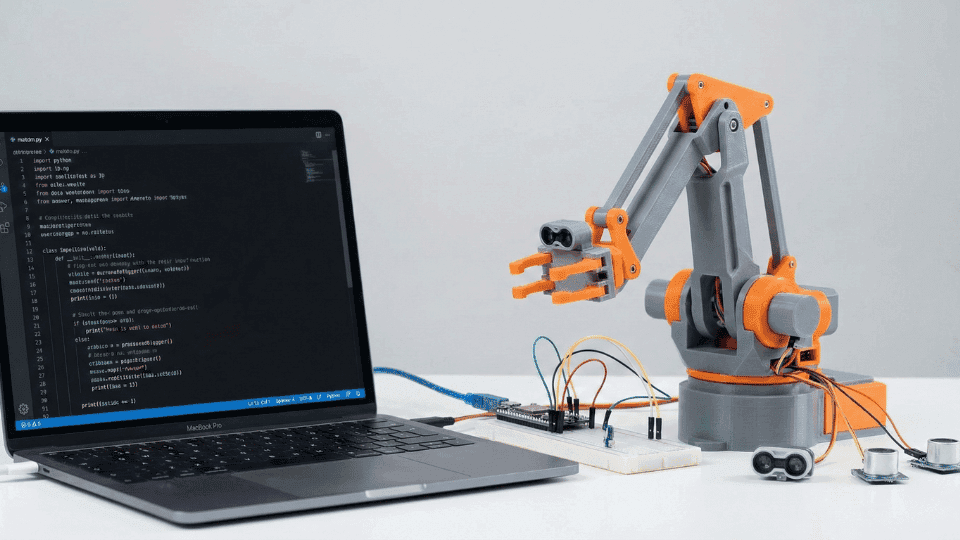
Python is the fastest entry point for most engineers, while C++ shows up often in embedded and real-time control roles. The Python for Mechanical Engineers & Robotics course and C and C++ for Mechanical Engineering course both teach this from an engineering angle rather than a pure software one.
Step 4: Understand Mechatronics and Robotics
Automation and robotics constantly overlap on the shop floor. Even in a PLC-heavy role, knowing how sensors, actuators, and robotic arms are wired and sequenced makes you far more useful on integration projects.
The Mechatronics for Beginners course covers the mechanical, electrical, and control mix that shows up in real robotics-adjacent automation work.
Step 5: Learn IIoT and Digital Twins
Connected manufacturing is where the field is heading. Plants increasingly expect engineers to understand how sensor data feeds into dashboards, how a digital twin models a process before you ever touch the physical line, and how that data supports predictive maintenance decisions.
The Industrial Internet of Things (IIoT) course and Digital Twins course build this layer directly on top of your PLC and robotics foundation.
Step 6: See the Bigger Industry 4.0 Picture
Once the individual pieces click, the next step is understanding how they connect into a full smart factory: how data moves from a single machine up to plant-wide decisions, and where automation fits inside that system.
The Introduction to Industry 4.0 course and Digital Manufacturing course cover this system level view, which is usually what separates a mid-level automation engineer from a senior one.
Step 7: Aim at the Right Industry
Automation hiring varies a lot by sector. Automotive plants want fast robotic integration and cycle time optimization. Electronics wants precision and repeatability at a small scale.
Food and pharma want strict traceability and hygienic design. If robotics-heavy work interests you most, the Robotics industry page is worth checking before you apply, to see what that sector actually prioritizes.
Before interviews, run through common technical questions so a ladder logic or fault-finding scenario does not throw you off.
The Interview Q&A Hub has role specific practice questions, and the Practice / MCQ Tests section works well for a quick refresh before a technical round.
Automation Engineer Skills Checklist
Skill Area | Beginner | Job Ready |
|---|---|---|
PLC programming | Can read basic ladder logic | Can write and troubleshoot a full control program |
Programming / scripting | Knows basic Python or C++ syntax | Can build a script that pulls or processes real machine data |
Mechatronics and robotics | Understands sensor and actuator basics | Has integrated a sensor or robotic arm into a working system |
IIoT and digital twins | Aware connected sensors exist | Can read dashboard data to catch a developing fault |
Industry 4.0 systems thinking | Knows the terminology | Can explain how data flows from machine to plant wide decisions |
Troubleshooting under pressure | Follows a checklist with guidance | Can diagnose an unfamiliar fault independently on a live line |
Automation vs Controls vs Robotics Engineer
These three titles overlap heavily, and plenty of job postings blend all three into a single role.
Role | Main Focus | Typical Tools |
|---|---|---|
Automation Engineer | Running a full process with minimal manual input | PLCs, SCADA, HMI, scripting |
Controls Engineer | Designing and tuning the control logic and hardware | PLCs, sensors, relay logic, wiring diagrams |
Robotics Engineer | Programming and integrating robotic arms and cells | Robot programming, kinematics, vision systems |
A strong automation engineer usually understands enough controls and robotics to move across all three without needing a specialist for every small integration task.
For a course sequence built around this exact overlap, the Automation & Robotics Engineer career track is worth a look before you specialize.
Frequently Asked Questions
Q: Do I need a specific degree to become an automation engineer?
A: Most employers prefer a bachelor's degree in mechanical, electrical, mechatronics, or industrial engineering, though candidates from technician or controls backgrounds are sometimes hired with the right hands-on experience and certifications.
Q: Is coding necessary for this role?
A: Yes, to a meaningful degree. PLC programming is itself a form of coding, and most modern roles also expect basic scripting in Python or C++ for data handling and integration work beyond what a PLC can manage alone.
Q: What is the difference between automation and robotics engineering?
A: Automation engineering covers running an entire process with minimal manual input, which can include robots, conveyors, and sensors working together. Robotics engineering focuses specifically on programming and integrating robotic arms and cells. Many roles combine both under one title.
Q: How long does it take to become job ready?
A: With an engineering degree already in hand, most people reach job ready in six months to a year by learning PLC programming, a scripting language, and completing one hands-on integration project they can walk through in an interview.
Q: Which industries hire the most automation engineers?
A: Automotive, electronics, food and beverage, pharmaceuticals, and general industrial manufacturing all hire heavily for this role, since each depends on reliable, repeatable production processes.
Conclusion
Becoming an automation engineer is less about memorizing terminology and more about being able to walk up to a control panel, understand what is wired to what, and get a stalled process running again.
Follow the roadmap in order: engineering basics, PLC programming, a scripting language, mechatronics and robotics, IIoT and digital twins, then Industry 4.0 systems thinking.
Ready to build the skill set? Start with the Automation & Robotics Engineer career track on GaugeHow to see the full course sequence mapped to this exact roadmap.
Mechanical Engineering Courses That Industry Actually Uses
Learn Tools of Design & CAD, Analysis & Simulation, Automation & Robotics, and Industry 4.0 used in modern factories.
Join 40+ Mech Courses like GD&T, Siemens NX, SolidWorks, CATIA V5, AutoCAD, ANSYS (FEA & Fluent), ABAQUS, Creo, Fusion 360, CNC Programming, Digital Twins, Python for Mechanical, and Industry 4.0.
Our Courses
Complete Course Library
Access to 40+ courses covering various fields like Design, Simulation, Quality, Manufacturing, Robotics, and more.