Fusion 360 vs FreeCAD: Which Should You Choose in 2026?
Fusion 360 and FreeCAD both model parts parametrically, but they serve different work realities. Fusion 360 favors commercial workflows where CAD, CAM, and drawings must stay connected.
FreeCAD favors open, cost-sensitive work where Linux support and seat scaling matter. Your best choice depends on manufacturing needs, commercial limits, and how you manage revisions.
Choosing between these tools looks simple until revisions begin. One path optimizes design-to-manufacture continuity inside a managed ecosystem. The other path keeps costs near zero while trading polish for flexibility.
This comparison keeps the decision practical, covering workflow structure, system needs, use cases, limitations, and pricing. Fusion 360 vs FreeCAD becomes clearer once you map your deliverables.
Pick Fusion when commercial work, drawings, or CAM handoff stays central.
Choose FreeCAD when budget, Linux, or vendor independence drives decisions.
Prefer Fusion when collaboration overhead must stay low across a team.
Stick with FreeCAD when seat count grows faster than budget.
What Is Fusion 360
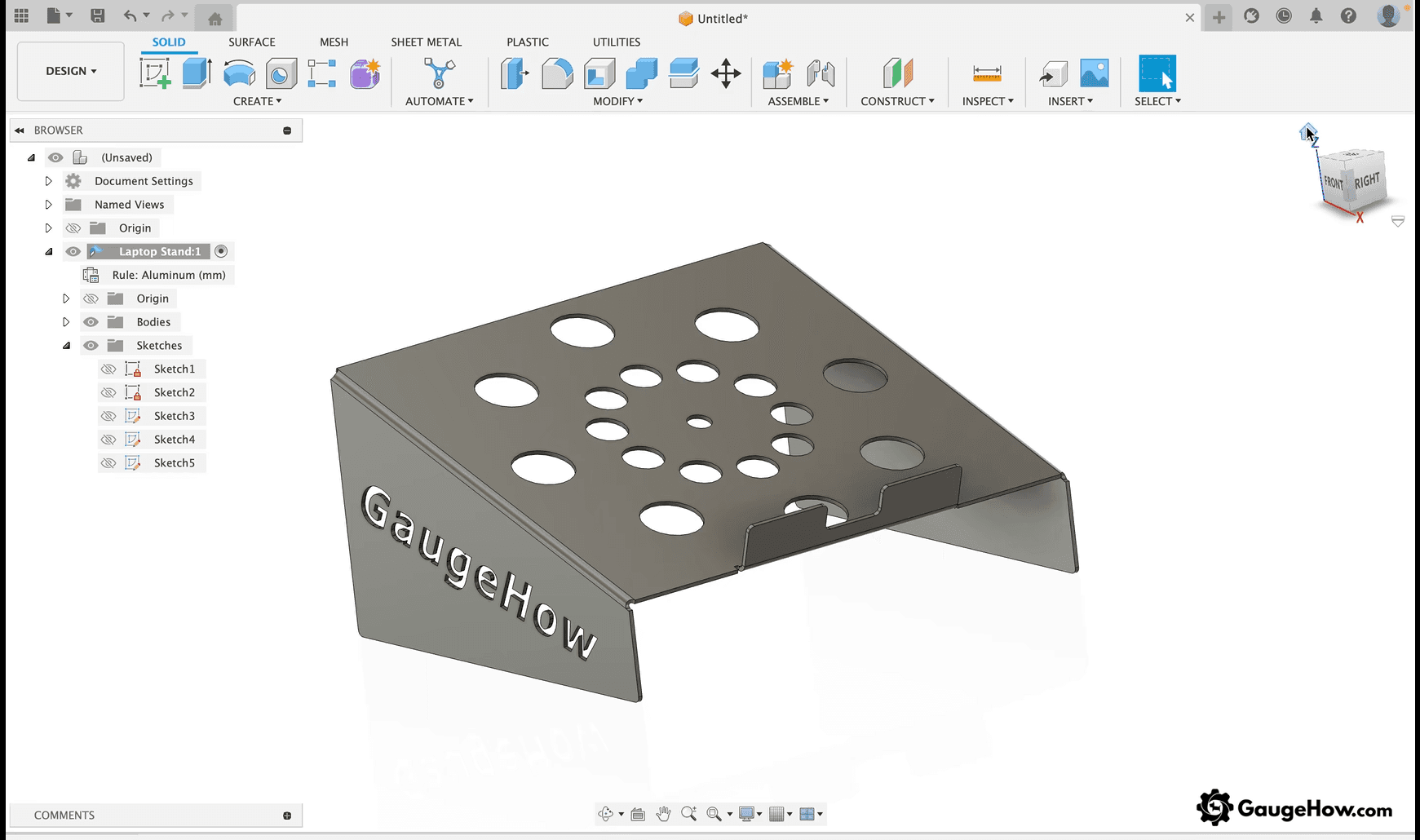
Fusion 360 is an integrated design and manufacturing platform built around continuity. Tight linkage between modeling, toolpaths, and drawings reduces rework after late changes.
Revision travel becomes easier because geometry edits remain closer to downstream outputs. Collaboration tools also reduce version drift when multiple people touch files.
Professional work benefits because change propagation stays predictable across stages. Sketch edits tend to flow into features, then into documentation and manufacturing steps.
That behavior matters once tolerances, tool libraries, and released drawings enter the workflow. A clean pipeline lowers learning friction because the next step stays visible.
What Is FreeCAD
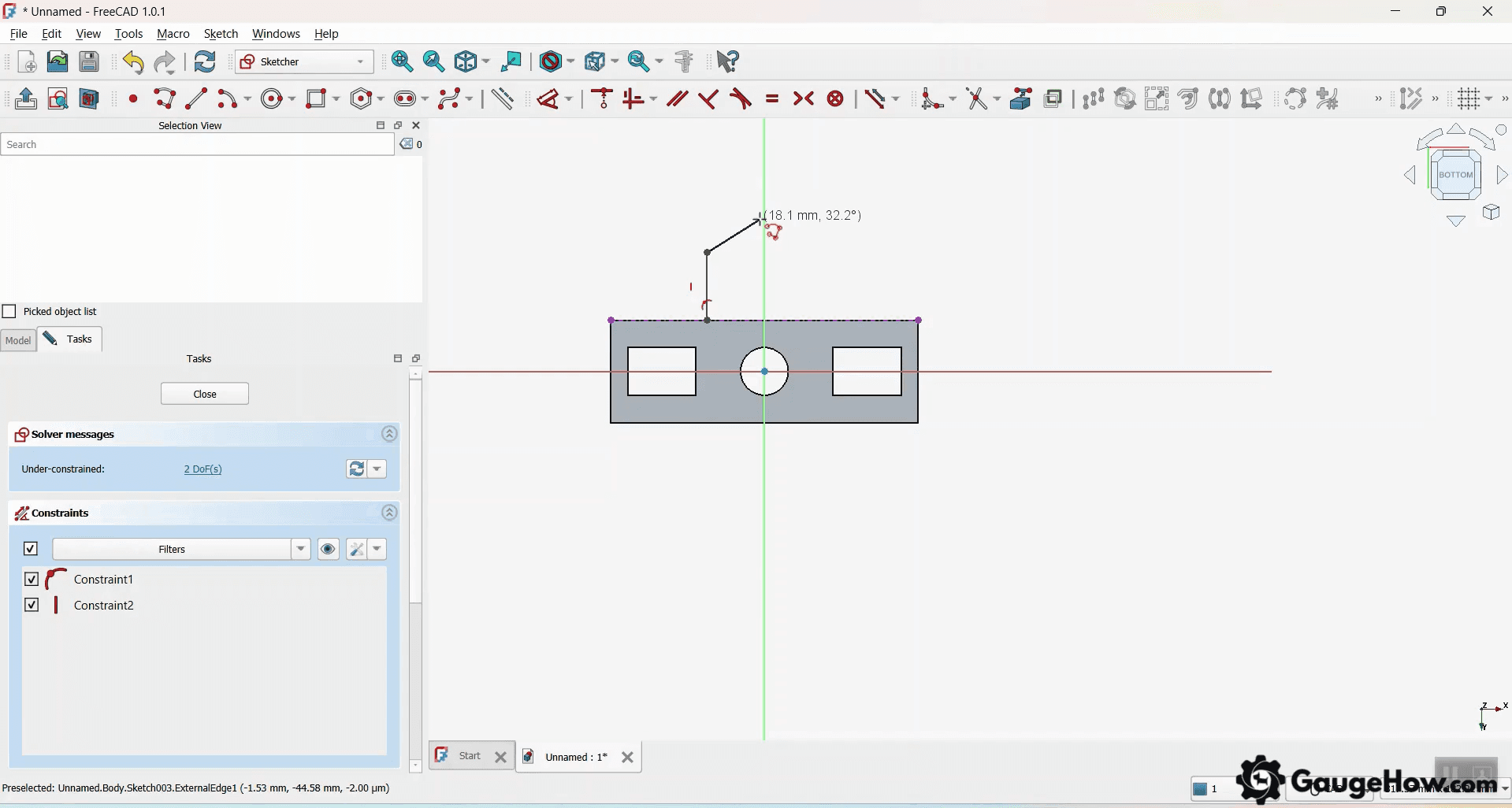
FreeCAD is an open-source parametric modeler with a modular tool ecosystem. Capability expands through modules and add-ons, so workflows can match unusual constraints.
Budget pressure becomes easier to manage because extra seats do not multiply cost. Linux support also turns FreeCAD into a default choice for many shops.
Real control comes with a practical tradeoff in workflow discipline. More freedom means more ways to build the same model.
Consistency depends on how you structure sketches, references, and assemblies. Stability under heavy work can vary, so large assemblies demand careful modeling habits.
Understanding the Difference Between Fusion 360 and FreeCAD
Features | Fusion 360 | FreeCAD |
Licensing | Subscription + special eligibility tiers | Free and open-source |
Best For | Commercial design-to-manufacture workflows | Cost-sensitive mechanical modeling |
Modeling Style | Guided workspace pipeline | Modular tool environment |
CAM Depth | Strong integrated CAM workflow | Useful CAM path, varies by setup |
Simulation | Available within the ecosystem | Available, often workflow-dependent |
Collaboration | Built-in sharing and data management | File-based collaboration patterns |
Linux Support | Not supported | Supported |
Learning Curve | Faster early navigation | More setup and terminology overhead |
Stability | Stronger under heavy revisions | Can vary under complex assemblies |
File Flexibility | Strong, but ecosystem-oriented | Broad, often community-extended |
Community / Support | Vendor support plus community | Community-led documentation depth |
Commercial Use | Designed for commercial workflows | No licensing boundary pressure |
System Requirements
Specification | Fusion 360 | FreeCAD |
Operating system | Windows or macOS | Windows, macOS, Linux |
CPU | Modern 64-bit multi-core | Modern 64-bit multi-core |
RAM | 8 GB feels workable for real projects | 8 GB works for many builds |
Storage | Plan space for installs plus cached data | Lighter install footprint |
GPU | Dedicated graphics help with larger assemblies | OpenGL-capable graphics help |
Internet | Needed for sign-in and cloud workflows | Optional for core use |
System requirements become real once assemblies grow and redraws slow down. Rendering, toolpath simulation, and large sketches raise GPU and memory demand.
On Linux workstations, Fusion 360 does not run on Linux, so FreeCAD becomes default. Hardware decisions matter more than most comparisons admit.
FreeCAD Workbenches
Tool layout drives learning speed because it controls where functions live. FreeCAD Workbenches split tools into focused environments, which improves modularity.
Workflow consistency then depends on choosing the right bench at the right time. Navigation feels slower early because tools move as contexts change.
Fusion uses a more guided pipeline, so the next step stays obvious. FreeCAD gives more freedom, but demands stronger process discipline.
Confusion usually comes from terminology, not from missing capability. Time spent learning structure pays back through flexibility later.
Features And Functions
Modeling success depends on stable sketches and clean references. Weak constraints rebuild poorly, so late edits break features and drafts.
Fusion guides feature placement through staged tools, while FreeCAD rewards disciplined constraint and reference control. Choose the tool that matches your tolerance for process ownership.
Manufacturing fit depends on how often CAM changes after design edits. Integrated CAM keeps toolpaths closer to geometry, so update loops shorten.
FreeCAD can drive CNC work, but setup choices vary more between users. Pick based on repeatability requirements, not on feature checklists.
Rendering support changes when visuals sell the design internally. Cloud rendering is disabled on personal tier, so local rendering becomes the practical path in those cases.
FreeCAD rendering depends on extensions and workflow choices. Choose based on whether visuals are occasional or a recurring deliverable.
Functions | Fusion 360 | FreeCAD |
Modeling | Strong parametric flow with staged workspaces | Strong parametric core with modular tooling |
Manufacturing | Integrated CAM workflow and simulation | CAM via Path-style workflows, setup-dependent |
Rendering | Higher polish, workflow depends on plan | Usable rendering via tools and extensions |
Pricing
As of March 2026, Autodesk lists Fusion at $85/month, $680/year, or $2,040 for three years per user. The free version of Fusion 360 exists for qualifying non-commercial users under special terms. FreeCAD remains free and open-source, so seat scaling stays cost-stable.
Pricing becomes meaningful once time costs beat license costs.
Manufacturing workflows amplify that effect because toolpaths and drawings demand continuity. Subscription cost often replaces rework cost when revisions hit late. FreeCAD’s advantage stays strongest when budgets and seats dominate the decision.
Use Cases by Industry and Job Role
Roles | Used for | Main advantage you need | Best default |
Product designer | Consumer parts, aesthetics, iteration | Smooth iteration plus presentable outputs | Fusion 360 |
Mechanical design engineer | Brackets, mechanisms, small machines | Drawing continuity and stable revisions | Fusion 360 |
CNC hobbyist | Fixtures, jigs, small batches | Toolpath control without heavy overhead | Depends |
Startup founder | Prototype-to-manufacture loops | Short cycles with fewer handoff breaks | Fusion 360 |
Student | Portfolio parts and assemblies | Faster learning plus industry relevance | Fusion 360 |
Freelancer | Mixed client deliverables | Export control and predictable revisions | Fusion 360 |
Open hardware team | Shared designs, many contributors | Seat scaling and OS flexibility | FreeCAD |
Woodworking and CNC hobby work often fit both tools well. Product design teams usually prefer Fusion’s managed workflow and smoother sharing.
Mechanical modeling on Linux often points toward FreeCAD immediately. Large collaborative projects benefit from cost-free access and discipline.
Benefits And Limitations Of Each
Fusion 360 Benefits
CAD-to-CAM Continuity: Toolpaths stay linked to the model, so a late dimension change updates manufacturing steps with fewer manual rebuilds. Rework drops, and cut readiness improves.
Drawing Consistency: Views and dimensions follow model edits more reliably, so released drawings drift less during revisions. Documentation cleanup time stays lower.
Managed Collaboration: Projects live in a controlled workspace, so version mix-ups are reduced, and handoffs stay cleaner. Time spent keeping files aligned shrinks.
Faster Early Productivity: The staged workflow keeps tools easier to locate, so beginners reach usable parts sooner. Learning time shifts from navigation to modeling decisions.
Fusion 360 Limitations
Commercial Boundary Risk: License rules define what qualifies as personal use, so paid work forces subscription decisions earlier. Misalignment creates compliance and workflow disruption.
Cloud Dependence: Sign-in and cloud workflow shape storage and sharing, so offline-first environments face friction. Access constraints can slow work during travel or on restricted networks.
Ecosystem Lock-In Pressure: Strong integration encourages staying inside the toolchain, so switching later can add export and process friction. Handoffs to other systems need early validation.
FreeCAD Benefits
Zero Licensing Cost: Seats scale without subscription math, so teams expand access immediately. Budget stays available for tooling, materials, and hardware.
Linux and Local-First Fit: Local installs and broad OS support keep workflows consistent across mixed fleets. Control stays on your workstation rather than a cloud account.
Modular Capability: Add-on tooling supports specialized tasks, so unusual mechanical workflows stay possible without changing software. Flexibility increases when projects vary.
FreeCAD Limitations
Higher Process Responsibility: Workflow choices vary by user, so inconsistent modeling habits create rebuild failures after edits. Stable results require stricter constraints and reference discipline.
Iteration Friction On Complex Work: Large assemblies and frequent changes can expose stability and performance limits, so revision cycles may slow. Extra checks become routine under load.
Collaboration Discipline Needed: File-based sharing relies on your version control habits, so misaligned edits happen more easily. Teams need clear conventions to avoid drift.
Switching Between Tools
Workflow Mismatch: Tool locations, terminology, and export behavior differ, so switching interrupts momentum even when modeling concepts transfer. Short trials reduce wasted migration time.
Revision Stress Effect: Differences show up after the third change, not the first sketch. A small bracket test with a late hole-spacing edit reveals rebuild reliability fast.
Fusion 360 Personal Use Limitations
Capability Ceiling In Practice: Personal tier limits reduce depth in manufacturing and documentation, so advanced workflows hit walls mid-project. Upgrades become reactive unless planned.
Export Constraints: Some formats and functions are restricted, so external handoffs can fail unexpectedly. Early export testing prevents last-minute surprises.
Collaboration Limits: Single-user orientation reduces team sharing options, so file alignment becomes manual. Version drift rises when more people touch the work.
Eligibility Boundary: Non-commercial requirements shape what you can ship, so client work pushes you into paid licensing. Clear boundaries prevent workflow resets later.
What you need | Fusion personal-use | FreeCAD |
CAM beyond basic milling | Limited | Available through tooling choices |
Team collaboration | Single-user oriented | File-based patterns work |
Full drawings workflow | Limited | Available with more manual control |
Export flexibility | limited import/export file types | Broad, often extendable |
Simulation | Restricted outside toolpath checks | Available, depends on workflow |
Rendering workflow | no cloud rendering | Extension-driven options |
Which Is Better
Fusion 360 vs FreeCAD for CNC
CNC decisions turn on toolpath ambition, not on basic modeling. Fusion 360 vs FreeCAD for CNC becomes simple once you separate 2.5D work from complex machining.
Basic contouring and drilling can work in either tool with discipline. Multi-axis goals and repeatable post-processing favor Fusion’s integrated pipeline.
Linux constraints push CNC hobbyists toward FreeCAD immediately. Stable tool libraries and simulation confidence push paid work toward Fusion.
Shop handoff becomes smoother when CAM, drawings, and revisions stay connected. That integration saves time once iterations reach the machine.
FAQ
1) Is FreeCAD better than Fusion 360 for beginners?
Beginners learn faster in environments where tool paths stay obvious. Fusion tends to reduce early navigation friction and helps you ship outputs sooner. FreeCAD becomes comfortable once you learn the structure and terminology.
2) Can I use Fusion 360 for free commercially?
Commercial work requires a paid subscription under Autodesk’s rules. The free version of Fusion 360 is intended for qualifying non-commercial use. Plan for limitations, such as limited import/export file types, before relying on it.
3) Is FreeCAD good enough for professional mechanical design?
Professional quality depends on workflow discipline more than tool branding. FreeCAD can produce strong mechanical models, drawings, and CAM outputs. Heavy assemblies and complex revisions demand careful modeling habits.
4) Which is better for CNC and CAM work?
Paid workflows usually benefit from tighter CAD-to-CAM continuity. On Linux systems, Fusion 360 does not run on Linux, so FreeCAD often wins by default. Multi-axis ambition and shop repeatability often shift decisions toward Fusion.
5) Which software is better for students and portfolio building?
Portfolios benefit from recognizable workflows and presentable deliverables. Fusion usually helps students produce clean models, drawings, and renders faster. FreeCAD still builds strong fundamentals, especially when budgets stay tight.
CAD-CAM-CAE Work Platform
Find or Post CAD, CAM and CAE freelance projects, full-time jobs and Internships.
GaugeHow is the platform built for core engineering work. Whether you need a freelancer for a CAD project, a full-time hire, or an engineering intern,post it here and get matched with the right person.























