AutoCAD vs SolidWorks: Which Should You Learn First in 2026
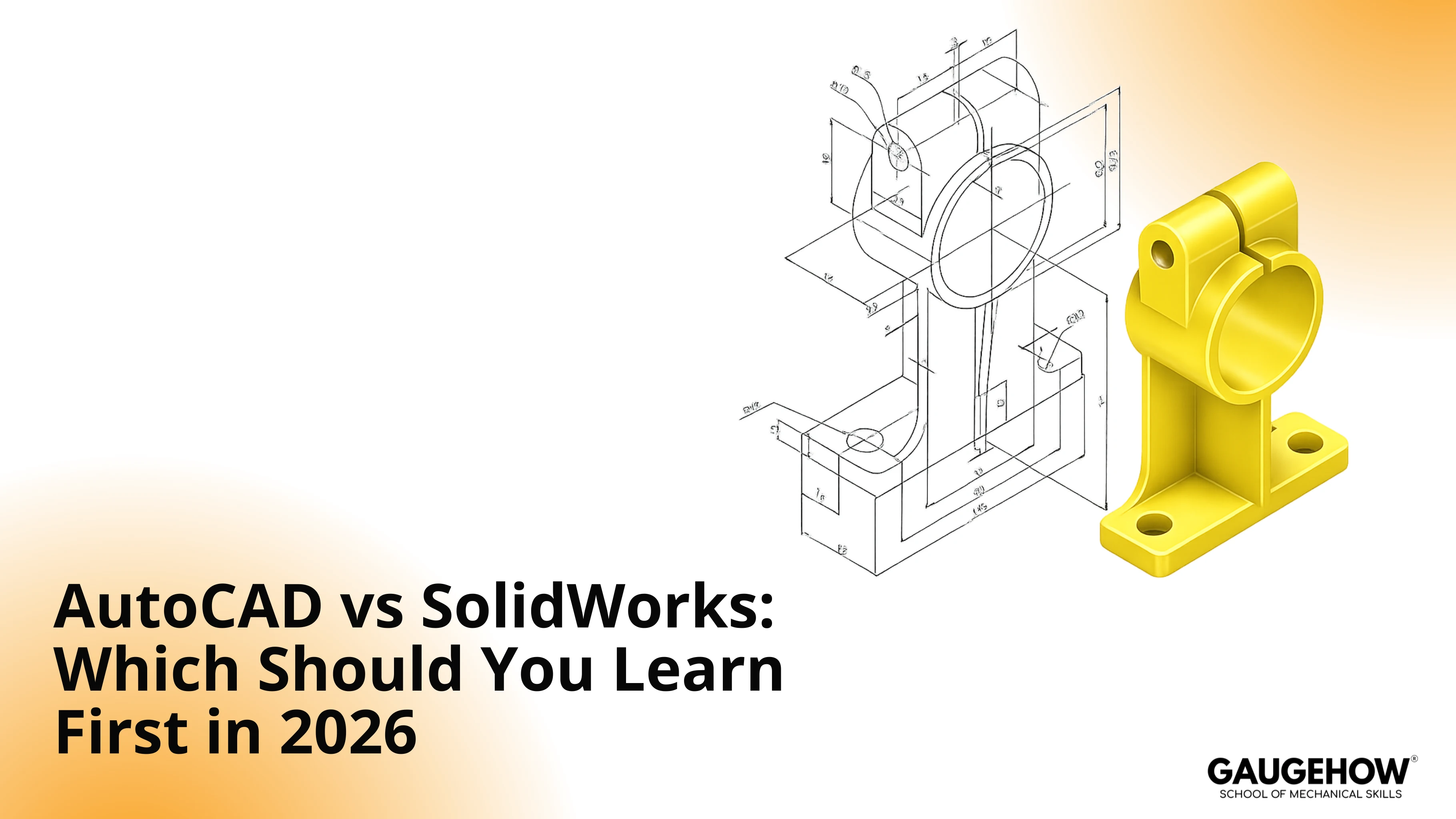
AutoCAD vs SolidWorks becomes obvious once you name what you must ship. Choose AutoCAD when weekly output is controlled by drawing sets, redlines, and re-issues across many stakeholders. Choose SolidWorks when weekly output is parts and assemblies that change often and still must rebuild cleanly without fit breaks.
Wrong choice shows up as revision drift, assembly rebuild errors, and export surprises at vendor handoff.
Choose AutoCAD when deliverables are sheet-first: plans, layouts, schematics, fabrication drawings, markups, and coordination sets that live as governed files.
Choose SolidWorks when deliverables are model-first: parametric parts, assemblies, configurations, and drawings generated from design intent that must survive frequent changes.
What is AutoCAD
AutoCAD is the first CAD drafting system where the drawing set is the deliverable you control and publish. In real work, that means layers, lineweights, blocks, and plotting discipline matter as much as geometry.
When standards stay consistent, reviewers can redline quickly, and your updates stay clean across a full sheet set.
A typical AutoCAD week revolves around drawing maintenance. You manage sheet discipline, reconcile markups, and keep annotations readable under deadline pressure.
That is why AutoCAD remains strong when the review loop happens on drawings, not inside a model.
Micro example: A late revision comes in, a detail moves, and two sheets must be reissued. One plotting mismatch or one layer standard slip creates a rework loop because the set stops looking consistent when printed.
What is SolidWorks
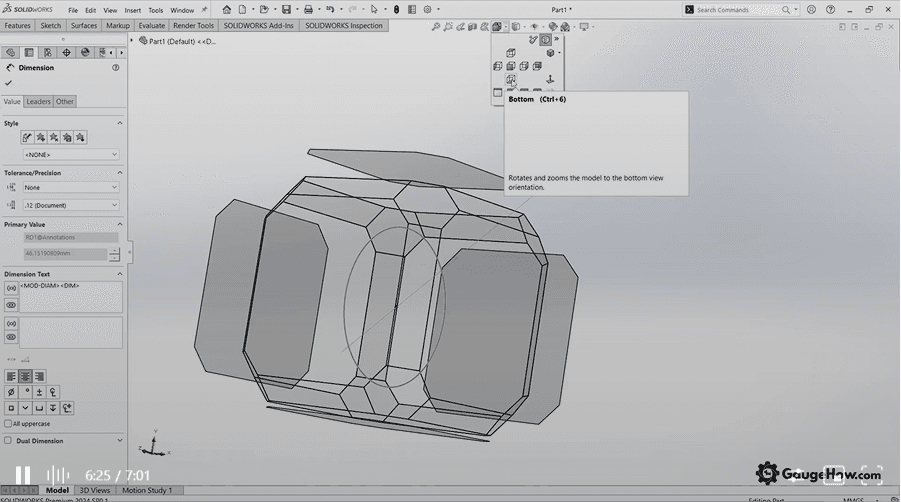
SolidWorks is a parametric 3D CAD where the model holds the design intent, and drawings are usually derived from that intent. In real work, feature history, constraints, references, mates, and configurations are the control system.
When the model is structured well, a change updates related geometry instead of forcing you to re-enter the same intent in multiple places.
A SolidWorks week revolves around change control. You manage interfaces across an assembly, confirm fits and clearances, and keep downstream documentation aligned with the current model.
Work that lives in AutoCAD often protects documentation clarity. Work that lives in SolidWorks often protects revision integrity.
Micro example: A supplier changes a component envelope, one mate rebuilds, and the interface shifts. A disciplined model updates the assembly and the drawing pack. A loose model creates constraint debt, and then every change becomes a rebuild firefight.
Difference between AutoCAD and SolidWorks
A clean comparison starts with rework mechanics, not with features.
Key Differences
Revision propagation drives the first split. Model-driven changes can protect you from drift, while drawing-driven edits can protect you from chaos when the drawing is the product.
Assembly intent drives the second split. Interfaces that must stay consistent across parts demand relationship control, or interface errors show up late. Handoff drives the third split.
Exchange formats behave differently across teams, and neutral export surprises are common when no one validates the handoff early. Standards control drives a quieter split.
Plotting, scale hygiene, and annotation consistency are either maintained on purpose or repaired late.
The SolidWorks and AutoCAD learning curve also differs in shape. Drafting rewards discipline and speed with documentation standards. Parametric modeling rewards intent and structure with controlled change. That difference matters more than the question of which one feels simpler on day one.
Comparison Table
Axis | SolidWorks | AutoCAD | Decision Cue |
Deliverable | Model definition drives outputs. | Drawing set is the primary artifact. | Pick based on what you ship weekly. |
Revision load | Changes can propagate through intent. | Changes often require manual coordination. | Great change favors parametric control. |
Assembly behavior | Interfaces are managed through mates and references. | Interfaces are documented more than enforced. | Assembly heavy work punishes loose intent. |
Documentation origin | Drawings are derived from the model. | Drawings are built directly and maintained. | Drawing first workflows rewards drafting mastery. |
Standards control | Model standards and templates matter. | Layers, lineweights, blocks, plotting matter. | Sheet sets demand plotting discipline. |
Handoff patterns | Model exchange is common in mechanical pipelines. | Drawing exchange is common across disciplines. | Match the reviewer and vendor expectations. |
Typical risk | Constraint debt creates rebuild churn. | Drawing drift appears after repeated edits. | Choose the risk you can control. |
Deadline behavior | Slow early, fast later with good structure. | Fast early, stable for sheet output. | First job tasks should drive the start. |
Use Cases: SolidWorks vs AutoCAD
A useful use case list is not an industry list. Job tasks decide the tool.
In many teams, the real split between SolidWorks vs AutoCAD is the task you own each week, not the job title printed on your contract. The best CAD tool to learn first is the one that lets you deliver those tasks with fewer fragile steps and fewer rework loops.
AutoCAD Job Tasks
Building and maintaining a drawing set through redlines, reissue cycles, and revision blocks.
Standardizing layers, lineweights, blocks, and plotting outputs so prints stay consistent.
Producing layouts, schematics, and documentation packs that reviewers can mark up quickly.
Coordinating drawing readability across stakeholders who do not consume 3D models.
Cleaning up imported references and keeping annotation stable under late changes.
SolidWorks Job Tasks
Managing interfaces across an assembly when one part changes, and fit must still hold.
Producing drawings and documentation from a controlled model without introducing mismatch.
Controlling revision behavior through feature intent, references, and configuration strategy.
Checking clearance and envelope constraints when supplier geometry shifts late.
Supporting manufacturing facing packs where assembly coherence matters more than sheet speed.
Work that leans into AutoCAD and SolidWorks for mechanical engineering often lands here. Interface control, change control, and downstream definition are the daily work drivers, and that is where parametrics usually pay back.
Micro example: A vendor asks for a neutral file for quoting. One export looks fine on your side, then imports with a unit mismatch and flipped normals on theirs. Without a quick exchange validation, the quote comes back wrong, and the schedule slips for reasons no one can explain cleanly.
SolidWorks vs AutoCAD: Benefits and Limits
AutoCAD Benefits
Documentation workflows reward predictable output. Clean plotting, stable annotation, and consistent standards reduce review friction. When the drawing set is the product, a drafting first tool often produces fewer downstream surprises because the deliverable matches what reviewers consume.
SolidWorks Benefits
Revision-heavy design rewards intent. A structured model keeps related geometry aligned, and assemblies make interface thinking unavoidable. That reduces the quiet form of rework where the drawing pack “still looks right” but no longer represents the design.
AutoCAD Limits
Manual coordination becomes the task when change frequency rises. A complex revision history can create drift because updates must be reconciled across multiple views, sheets, and details. That drift is rarely dramatic at first, but it becomes the reason the team stops trusting the pack.
SolidWorks Limits
Constraint debt is the tax when structure is weak. A quick model can be built fast, then every revision becomes rebuild churn. Under deadline pressure, that churn feels like the software is slow, but the root cause is usually intent and reference discipline.
Choose the Right CAD Software – SolidWorks or AutoCAD
Nature of Work: 3D parts, assemblies, and frequent changes favor SolidWorks workflows. Feature history and mates keep interfaces stable through revisions. 2D sheet sets and markup cycles favor AutoCAD drafting discipline.
Industry: Mechanical teams usually review models and expect drawing packs from them. AEC teams often review plotted sheets and coordinate across disciplines. Match the tool to the artifact that gets approved.
Budget: License cost matters, because rework cost dominates schedules. SolidWorks pays back when interface mistakes trigger machining rework. AutoCAD stays economical when drafting speed drives most value.
Learning Curve: AutoCAD improves fastest through standards, layers, and plotting repetition. SolidWorks improves fastest through intent, references, and controlled rebuilds. Choose based on the deliverable you can practice weekly.
Scenario Picks
Student portfolio path
AutoCAD fits portfolios built around sheet sets, annotation discipline, and plotting consistency. Add revision blocks early, so sheets stay audit-ready.
Reviewers spot clarity fast because standards control reads as professional. Product portfolios later need parametric intent, so SolidWorks comes next once documentation feels automatic.
First job in mechanical design
SolidWorks suits roles where assemblies and interfaces shift weekly, so fit stays controlled. Parametric structure reduces interface surprises and keeps drawings aligned to model intent.
Rushed feature trees create rebuild debt, but steady modeling discipline prevents churn. Start deliberately from day one, and revisions stop derailing the week.
Drafting heavy role
AutoCAD suits environments driven by redlines, plotting deadlines, and sheet reissue cycles. Documentation stability protects schedule, because stakeholders review PDFs, not models.
High-revision geometry still demands strict standards, or drift creeps across sheets. Keep layers, lineweights, and scales consistent, so plotting stays predictable.
Mixed deliverables role
Start with the tool dominating the first six months of paid output, then stack the second. Deliverables drive that order, so learning stays tied to real work.
Repetition builds speed and confidence faster than tool switching. Split focus early feels efficient, but portfolio maturity slows, and throughput suffers.
Beginner ramp
Teams supporting AutoCAD and SolidWorks for beginners improve fastest through complete deliverables, not feature tours. Repeat one deliverable twice, once for speed and once for standards.
That repetition builds revision discipline, so pressure stops exposing gaps. Feature sampling spreads effort thin, and revision load stays unmanaged.
Learning Sequence
A practical sequence starts with deliverables, not tool menus. Build one drawing set end to end, then revise it under simulated redlines. Build one small assembly end to end, then revise an interface and watch what stays aligned.
That approach creates skills that survive deadline stress, and it is the best way to make the SolidWorks and AutoCAD learning curve feel predictable instead of random.
Wrong-Choice Risks
Deliverable mismatch regret
You end up redlining drawings all day and never touch the model, or you end up rebuilding a model while the job only needs clean sheets. The symptom is scheduled pressure without progress.
Correction move: Rebuild the portfolio around the deliverables your target role ships weekly, even if the project count drops.
Revision drift regret
Your drawing pack starts to drift after a few revisions, and then no one trusts it. The symptom is extra reviews, extra markups, and late-stage confusion.
Correction move: Define a single source of truth for geometry intent, then reconcile drawings to that source on every revision rather than patching inconsistencies.
Interface error regret
Assembly changes break downstream documentation, and the floor finds it first. The symptom is fit issues that feel “surprising” but were always predictable.
Correction move: Treat interfaces as design contracts, then validate mates and references whenever one part changes.
FAQ
1. Can AutoCAD be used for mechanical design?
Yes. AutoCAD works well for mechanical drafting and documentation, especially when the deliverable is 2D drawings. When you need assemblies, frequent revisions, or model-driven definition, a parametric tool is usually a better daily fit.
2. Is SolidWorks harder to learn than AutoCAD?
It depends on the skill you’re building. Drafting mastery demands strong drawing logic and discipline. Modeling demands intent and structure. The real challenge is aligning your learning to the deliverables you’ll be judged on.
3. Which is better for beginners?
A beginner should start with the tool that matches their first portfolio goal. Drafting-led portfolios favor documentation speed. Model-led portfolios favor parametric thinking. The “best” choice is the one you can practice weekly on realistic outputs.
4. Which is better for 2D drawings?
AutoCAD is typically the more direct tool when your deliverable is primarily 2D drawings and layouts, especially in documentation-heavy workflows where markups and sheet control drive the review cycle.
5. Which is better for product design?
SolidWorks is typically better when product design includes parts, assemblies, and controlled revisions. If the work involves fit, interfaces, and iteration, a parametric model-first workflow usually produces more reliable outputs.
CAD-CAM-CAE Work Platform
Find or Post CAD, CAM and CAE freelance projects, full-time jobs and Internships.
GaugeHow is the platform built for core engineering work. Whether you need a freelancer for a CAD project, a full-time hire, or an engineering intern,post it here and get matched with the right person.























