SolidWorks vs Fusion 360: Which Fits Your Workflow (2026)
SolidWorks fits drawing-first, revision-heavy mechanical design because parametric assemblies and drafting governance stay stable under change. Fusion 360 fits prototype-to-CAM workflows because design, toolpaths, and collaboration live together. That is the SolidWorks vs Fusion 360 decision when you are under real deadlines.
SolidWorks and Fusion 360 solve different mechanical CAD jobs, so the right choice depends on what has to survive after revision and handoff.
SolidWorks leans on disciplined parametric assemblies and release-grade drawings, while Fusion 360 leans on an integrated loop across modeling, collaboration, and manufacturing.
The quick table maps fit by role and output, and the comparison grid backs it up with the differences that create rework.
Which One Fits Your Work
Role | Best For | Advantage | Example Output |
Mechanical engineer releasing drawings | Controlled releases under revision load | Drafting depth and stable parametric behavior | Part + assembly + drawing pack with revision block |
Machine designer building interface-heavy assemblies | Fit, motion, and change propagation | Mature assembly workflows and configuration control | Multi-level assembly with configurations and BOM |
Prototype shop or product builder doing frequent machining | Tight design-to-toolpath loop | Integrated manufacturing workflow and faster iteration | Model + toolpaths + setup sheet + post output |
A startup or solo designer collaborating often | Lightweight sharing and review | Faster onboarding and simpler collaboration loops | Iterative models, rendered concepts, shared reviews |
What Is SolidWorks
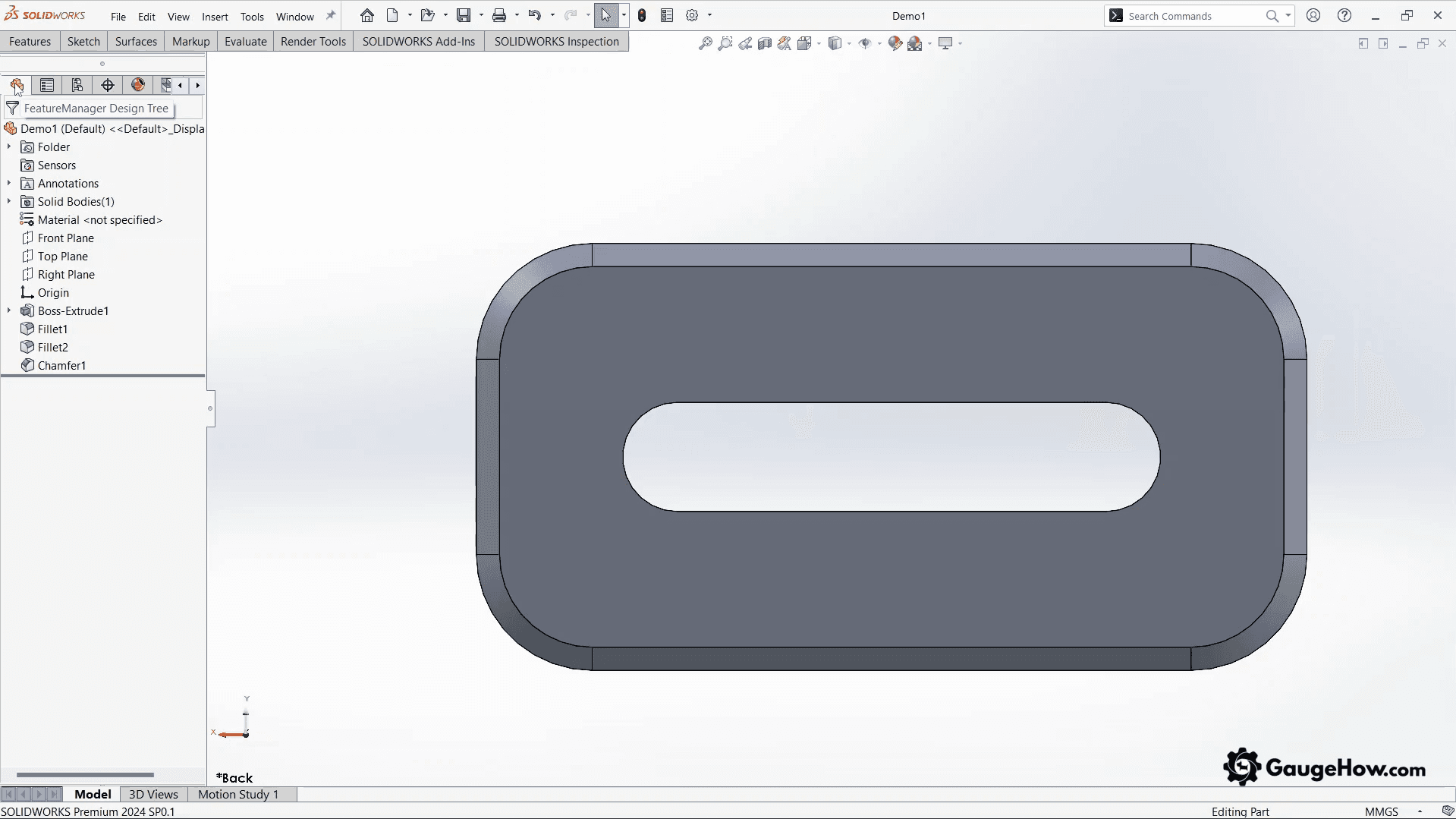
SolidWorks is a parametric mechanical CAD platform built for disciplined parts, assemblies, and drawings. In real work, it produces release-ready models, drawing packages, and change-controlled artifacts that survive revisions without losing intent.
What Is Fusion 360
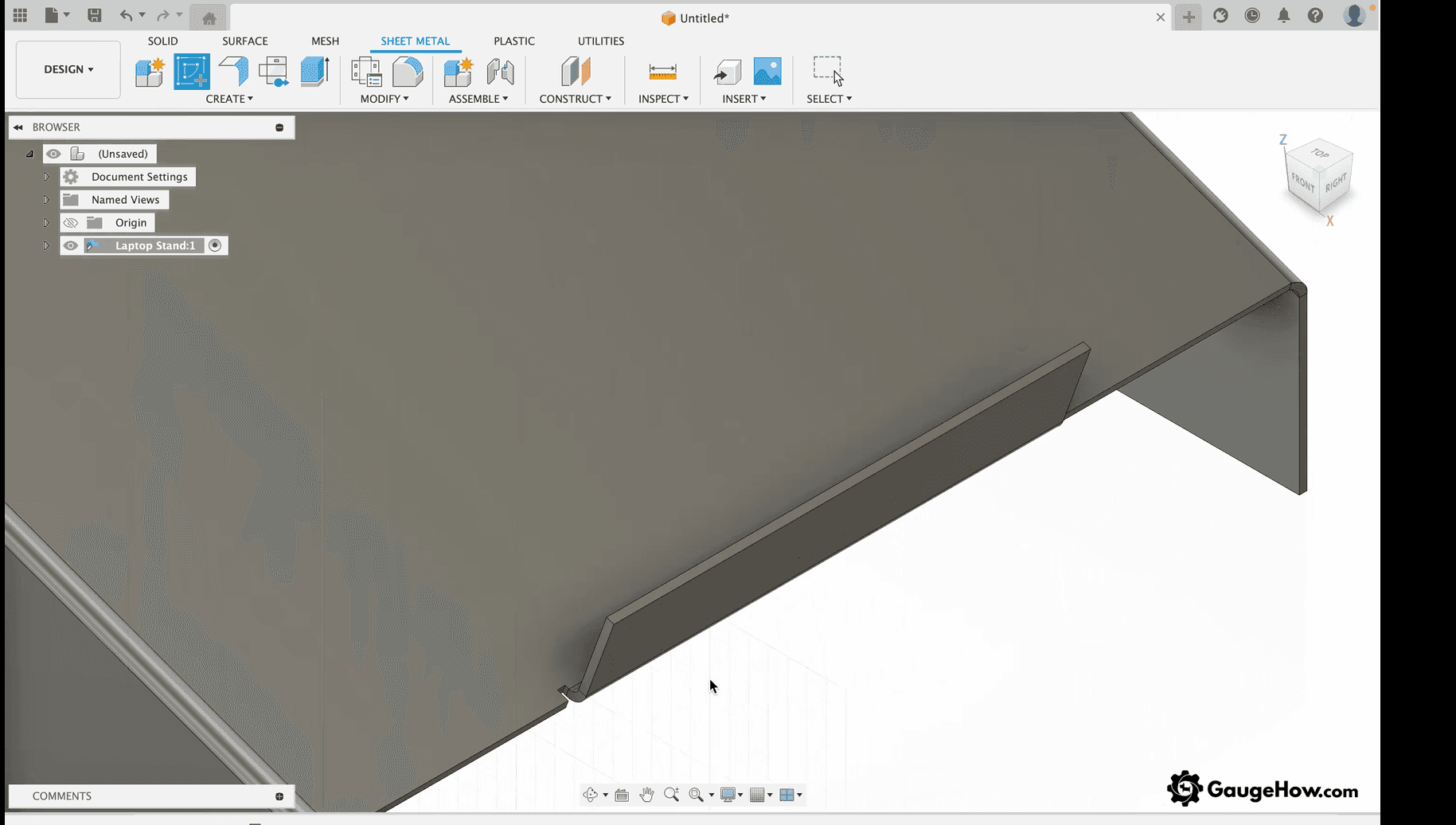
Fusion 360 is an integrated CAD platform that connects modeling, manufacturing workflows, and collaboration in one environment. In real work, it produces parts, assemblies, toolpaths, and shareable project outputs that support rapid iteration and short feedback loops.
SolidWorks Fit
SolidWorks fits you when the deliverable must stay correct after edits, reviews, and supplier handoffs.
1. Assemblies: Mates, top-down references, and interface control are where schedules slip. The practical win is predictable rebuild behavior when you suppress features, swap configurations, or update driving geometry late.
2. Drawings: Revision blocks, GD&T workflows, and drawing governance matter when drawings are contractual. The failure mode is drawing-model drift: the model changes, the drawing looks “mostly fine,” and the shop builds the wrong thing.
3. Revision behavior: Parametric strength depends on reference hygiene. Fragile feature trees feel fine until revision churn arrives, then every edit becomes rebuild triage.
4. Manufacturability: The handoff risk is tolerance intent loss in neutral exports and ambiguous DXF outputs. The professional habit is to verify imports, units, and critical datums before release, not after the first supplier question.
Fusion 360 Fit
Fusion 360 fits you when speed of iteration and manufacturing integration matter more than deep drafting governance.
1. Iteration speed: The advantage is fewer export loops between “design” and “make,” so you spend less time translating and more time refining.
2. Collaboration: Sharing and review workflows can cut rework caused by version confusion, but you still need a release habit so prototypes do not masquerade as approved designs.
3. Revision behavior: Instead of feature-tree fragility, the pain can show up as timeline complexity and design history that becomes hard to reason about when many edits stack up quickly.
Fusion 360 CAM for CNC machining
Fusion 360 CAM for CNC machining works best when you want a single loop from geometry changes to regenerated toolpaths. The failure mode is stale toolpaths after late edits, so the quick check is to force regeneration and re-post before every cut.
CAD software for Mac mechanical design
CAD software for Mac mechanical design is practical when you need mobility, mixed devices, or quick collaboration without Windows workstation friction.
The quick check is simple: Test your largest assembly and your real export workflow on your Mac setup before committing.
Fusion 360 vs SolidWorks
A useful Fusion 360 vs SolidWorks comparison is not about “more features.” It is about where rework appears first: assemblies, drawings, change behavior, CAM loops, and version control. Use the table, then read the five mini-expansions below it.
Decision Area | SolidWorks | Fusion 360 | Why It Matters In Real Work |
Assemblies | Mature mates, configs, suppression strategy | Strong for moderate assemblies, can strain at scale | Review speed and late-change stability |
Drawings | Deep drafting governance and release habits | Capable, varies by workflow maturity | Prevents drawing-model drift under deadlines |
Change behavior | Powerful parametric control can be fragile if modeled poorly | Flexible iteration, timeline can get dense | Determines how painful revision churn becomes |
CAM loop | Usually modular via add-ons or separate CAM stacks | Integrated toolpaths close to the model | Reduces translation and setup errors |
Collaboration | Typically stronger with formal data management habits | Built around sharing and access workflows | Prevents “latest file” confusion and rework |
Interoperability | Strong neutral export discipline potential | Works well, still needs verification | Protects tolerance intent in handoff |
Learning ramp | Slower upfront, deeper ceiling | Faster onboarding, fast early wins | Affects time-to-productivity |
Hardware reality | Prefers a real workstation for heavy work | More flexible on mixed devices | Changes daily throughput, not just speed |
Assemblies
SolidWorks stays stable when you use configurations, suppression strategy, and clean mate structure to control complexity. Fusion can feel fast until interface dependencies pile up.
Quick check: Edit an early driving feature and time rebuild plus mate resolution.
Drawings
SolidWorks fits drawing-first pipelines because drafting governance is baked into how teams release work. Fusion can work well, but drift risk rises when drawings are not treated as controlled deliverables.
Quick check: Change geometry, update drawings, and validate critical dimensions.
Change Behavior
SolidWorks rewards reference discipline and punishes sloppy parent-child chains. Fusion rewards rapid iteration but can become harder to audit when timelines get dense.
Quick check: Run a late-stage change and count how many fixes you must do before the model is clean again.
CAM
Fusion reduces handoff loops because toolpaths live near the model, but you must rebuild and re-post with every meaningful geometry change. SolidWorks-based workflows can win when your shop standardizes on a dedicated CAM stack.
Quick check: Change a fillet and confirm toolpaths update as expected.
Collaboration And Version Control
Fusion can reduce version confusion with built-in sharing habits, but you still need a “release” moment. SolidWorks fits controlled environments when change approval and ownership are explicit.
Quick check: Test a two-person workflow and see how you prevent overwrites, not how you fix them.
SolidWorks and Fusion 360 Pricing
Fusion 360 runs about $85/month or $680/year per user (USD), so it stays predictable when you’re iterating fast and want one CAD-to-CAM subscription.
SOLIDWORKS Design is typically $2,820–$4,716/year per user (USD, Standard to Premium), and that higher spend usually pays for drawing governance and scale, not just modeling tools.
Pricing snapshot updated for 2026
Tier | Intended User | Typical Cost Type | Hidden Limitation You Notice Later |
Maker / personal | Hobby or non-commercial projects | Low-cost personal license | Commercial boundaries and release workflow limits |
Student/education | Learning and coursework | Free or discounted | Tooling may not match industry release habits |
Professional subscription | Freelancers, startups, small teams | Per-user subscription | Add-ons and scaling features can change the total cost |
Enterprise-style workflow | Regulated teams, heavy governance | License + administration overhead | You pay for release discipline, not just modeling |
What you are really paying for is not “features.” You are paying for governance, drawing reliability, scaling behavior in assemblies, manufacturing integration, and how little time you waste proving intent after every change.
Which to choose, SolidWorks or Fusion 360
SolidWorks fits you because your output must be correct after revisions, reviews, and supplier handoffs. Fusion 360 fits you because your output must move fast from design to manufacturing without translation friction.
1. Drawing-first releases: SolidWorks fits when drawings and revision blocks are the product, and the model supports them.
2. Assembly-first machines: SolidWorks fits when mates, configurations, and interface dependencies decide whether the design is reviewable.
3. Prototype-to-shop loop: Fusion 360 fits when you iterate geometry and machining in short cycles and want fewer toolchain breaks.
4. Collaboration-heavy work: Fusion 360 fits when access, sharing, and quick reviews reduce delays more than deep drafting governance.
If the choice still feels close, treat it as a SolidWorks vs Fusion 360 decision about release artifacts: controlled drawings and revisions versus toolpaths and rapid iteration.
Verification Gate
Use this before you commit, and use it again before you release work.
Rebuild clean with no errors or dangling references
Update drawings and validate critical dimensions after a geometry change
Export, re-import, and confirm units, orientation, and key datums
Validate one manufacturing test artifact: PDF drawing + neutral model, plus DXF if you cut profiles
Repeat the test on your real hardware and with your real team workflow
FAQs
1. Is Fusion 360 good for mechanical engineering?
Yes, for concept-to-prototype work, integrated manufacturing workflows, and fast iteration. The limitation appears when documentation discipline, large assembly stability, and deeper validation requirements become part of the daily release process.
2. Is SolidWorks worth it for hobbyists and makers?
It is worth it when assemblies, drawings, and design intent control matter more than speed to the first model. The value shows up in predictable parametric edits and documentation-quality outputs, not in novelty features.
3. Which is better for CNC, Fusion 360, or SolidWorks?
Fusion 360 tends to win when machining is frequent and the workflow benefits from design and toolpaths living together. SolidWorks workflows win when manufacturing is standardized around a separate CAM stack and formal release control.
4. Which is better for large assemblies?
SolidWorks is typically the safer choice when assemblies grow in part count, interfaces, and configurations. Stability under revision and review is the real differentiator, especially when multiple stakeholders rely on the same assembly structure.
5. Can Fusion 360 files open in SolidWorks?
Not as full editable feature history in a clean, reliable way. In practice, transfers rely on neutral formats, and that usually drops parametric intent, mates, and drawing relationships, so rework should be expected.
CAD-CAM-CAE Work Platform
Find or Post CAD, CAM and CAE freelance projects, full-time jobs and Internships.
GaugeHow is the platform built for core engineering work. Whether you need a freelancer for a CAD project, a full-time hire, or an engineering intern,post it here and get matched with the right person.























