How to Choose the Best CAD Software in 2026
How to choose the best CAD software depends on part complexity, assembly scale, revision control needs, simulation depth, supplier handoff, and your budget and training load. SolidWorks or Inventor suit drawing-led mechanical release. Creo or NX suits large assemblies. CATIA suits class-A programs. Fusion or Onshape suits cloud teams. AutoCAD covers 2D. Rhino covers surfacing.
CAD (computer-aided design) is the engineering workspace that takes an idea from a sketch to a release-ready definition.
You build parametric features, assemblies, and drawings that you validate for fit, function, and manufacturability.
Many modern platforms connect cleanly to simulation and manufacturing, so the same model can drive a prototype, a toolpath, or a supplier RFQ package.
Over the last few decades, CAD has expanded from a small set of legacy systems into dozens of credible options with very different modeling approaches and ecosystems.
That variety is useful, but it also creates a real risk of choosing a tool that looks fast in a demo and becomes fragile under revision.
The goal here is simple: help you select a CAD environment you can live with long-term, based on how it behaves when designs change, how it supports your release workflow, and how reliably it hands off to the people building the part.
Software | Used for | Main advantage | Typical public price |
SOLIDWORKS | Mechanical parts + drawings | Strong parametric release workflow | $2,820/year |
Creo | Large assemblies + enterprise change | Assembly scale with enterprise options | $3,190/year+ |
CATIA | Class-A and enterprise programs | High-end surfacing plus platform depth | $7,560/year |
Siemens NX | Advanced mechanical + enterprise | Broad capability with tiered modules | $7,740/year+ |
Fusion | Design-to-manufacture workflows | Integrated CAD/CAM in one stack | $684/year |
Onshape | Cloud CAD + built-in PDM style control | Branching, versioning, and browser access | $1,500/user/year |
What Is CAD Software
CAD is the software layer that turns design intent into a manufacture-ready definition. In practice, it produces a 3D model, a drawing set, an assembly structure, and the metadata you release with it, which includes BOM, revisions, and export files for suppliers.
Modern CAD started as digital drafting, then grew into solid modeling and parametric history, so changes could propagate without redrawing everything.
CAD became dominant because it sits at the handoff point between engineering and manufacturing, so it acts as the common language across design, simulation, tooling, and inspection.
You see CAD everywhere; engineers have to release something traceable: product design, machinery, automotive, aerospace, tooling, medical devices, consumer products, and any shop that depends on controlled drawings and consistent part numbers.
Pricing Of Major CAD Softwares
Prices below reflect publicly visible March 2026 pricing where available. Enterprise suites often move through reseller quotes, module bundles, and support contracts, so custom pricing should be treated as quote-based rather than fixed.
CAD software pricing in 2026
The fastest way to stop pricing confusion is to separate license cost from release cost.
CAD software pricing is only the license line item, while the real budget also includes onboarding, templates, admin time, PDM or PLM impact, and training ramp.
Software | License style | Public price shown | Notes that change the real cost |
SOLIDWORKS (Design Standard w/ cloud services) | Term license | $2,820/year | Higher tiers add routing, simulation, and checks |
PTC Creo (Design Essentials) | Subscription | $3,190/year | Floating and suites raise costs fast |
CATIA (Mechanical Designer) | Subscription | $7,560/year | Roles and platform bundles change totals |
Siemens NX (NX X Design Standard) | Subscription | $7,740/year | Tokens and add-ons can dominate the cost |
Autodesk Inventor | Subscription | $216/month billed annually = $2,592/year | Data management stack often adds cost |
Autodesk AutoCAD | Subscription | $175/month billed annually = $2,100/year | Toolsets and team usage model matter |
Autodesk Fusion | Subscription | $57/month billed annually = $684/year | Extensions can be the real spend |
Onshape (Standard) | Subscription | $1,500/user/year | Per-user pricing scales with seats |
Rhino 8 | Perpetual | $995 one-time | Training and plugins vary widely |
FreeCAD | Open-source | $0 | Time cost is learning plus workflow discipline |
Cost moves upward for three predictable reasons: you add advanced modules, you add seats, or you add governance tooling because the team needs revision control.
Teams usually forget to budget for templates, library parts, drawing standards, and the “CAD lead” time that keeps files consistent.
Subscription vs perpetual CAD license
Subscription reduces upfront friction, while perpetual reduces long-term surprise.
Subscription vs perpetual CAD license becomes a risk decision when your workflow depends on stable versions, offline use, or regulated release packs.
Subscription fits teams that scale seats, work across sites, or rely on cloud services.
Perpetual fits teams that lock a process, validate it, and keep it steady for years. Admin time still exists in both cases, so the decision is about operational stability rather than pure cost.
How To Evaluate CAD Software
Most buying mistakes happen because evaluation focuses on modeling tricks, not releasing pressure.
A CAD tool is “good” only if it survives change without breaking downstream deliverables.
Start with six gates that match real engineering pain:
Part complexity: Thin walls, blends, patterned features, surfacing continuity, and how edits behave.
Assembly scale: Mate stability, rebuild behavior, top-down design, and performance under churn.
Release discipline: Drawings that stay associative, BOM that stays accurate, and revision control that stays unambiguous.
Simulation depth: Whether you need built-in studies or a clean handoff to dedicated CAE.
Supplier handoff: STEP, IGES, native import needs, and whether translation breaks intent.
Training load: How quickly a new hire becomes safe to release parts and drawings.
This is where teams usually fail at how to choose the best CAD software, because they test one happy-path model instead of testing revision churn and exports.
The 10 CAD Software
SOLIDWORKS
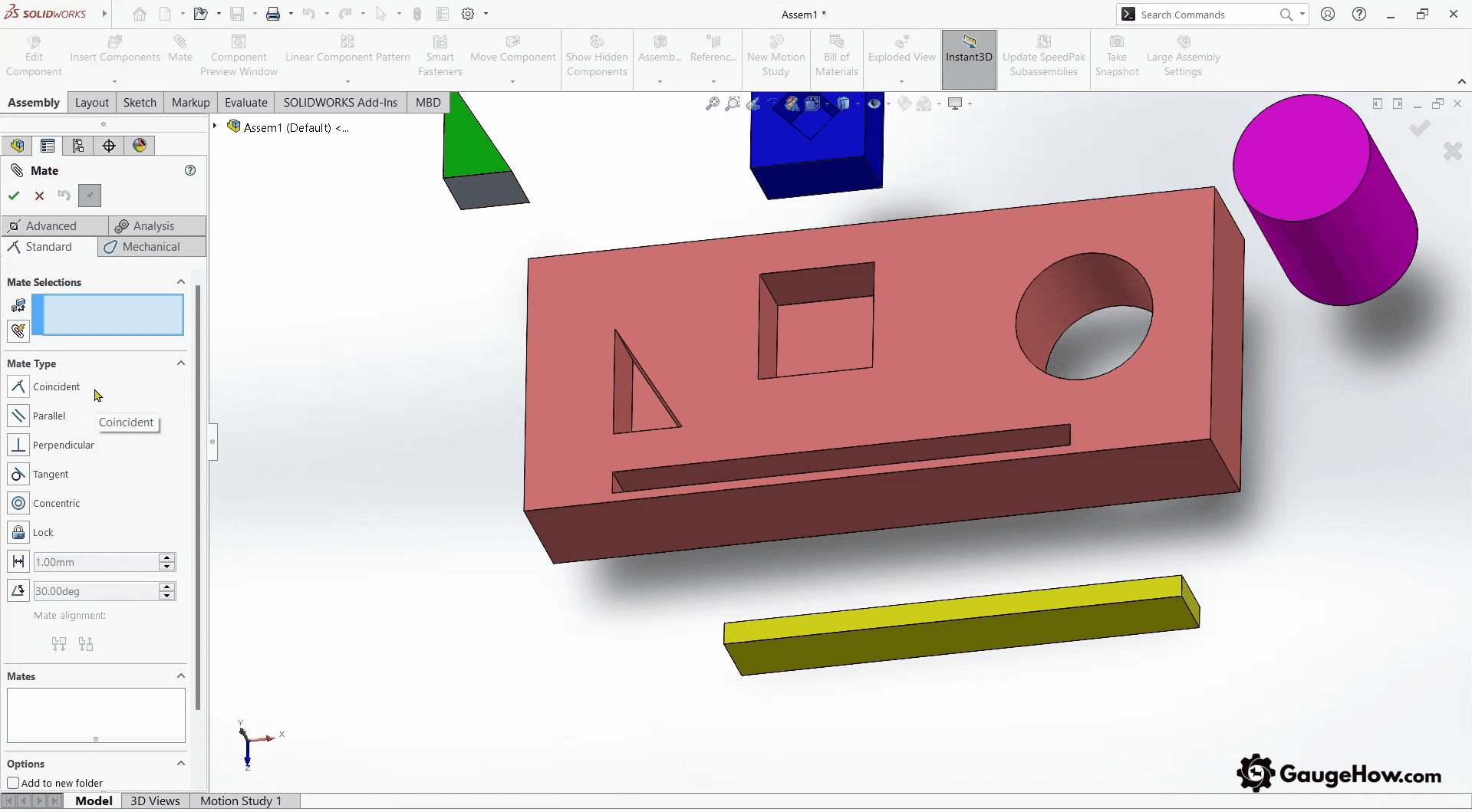
Most teams feel productive fast because the workflow is built around parametric intent and drawing-driven release. You can model parts cleanly, build assemblies with a familiar constraint pattern, and push associative drawings without fighting the tool every hour. The real test shows up under change churn, because external references, circular constraints, and causal in-context modeling can turn into rebuild errors later.
Release discipline matters here, so templates, units, custom properties, and BOM rules should be treated as engineering infrastructure. If your deliverable is drawings and assemblies that must stay stable across revisions, this is usually a safe default. When teams struggle, the cause is rarely “missing features,” but rather fragile modeling habits that only fail when deadlines compress.
PTC Creo
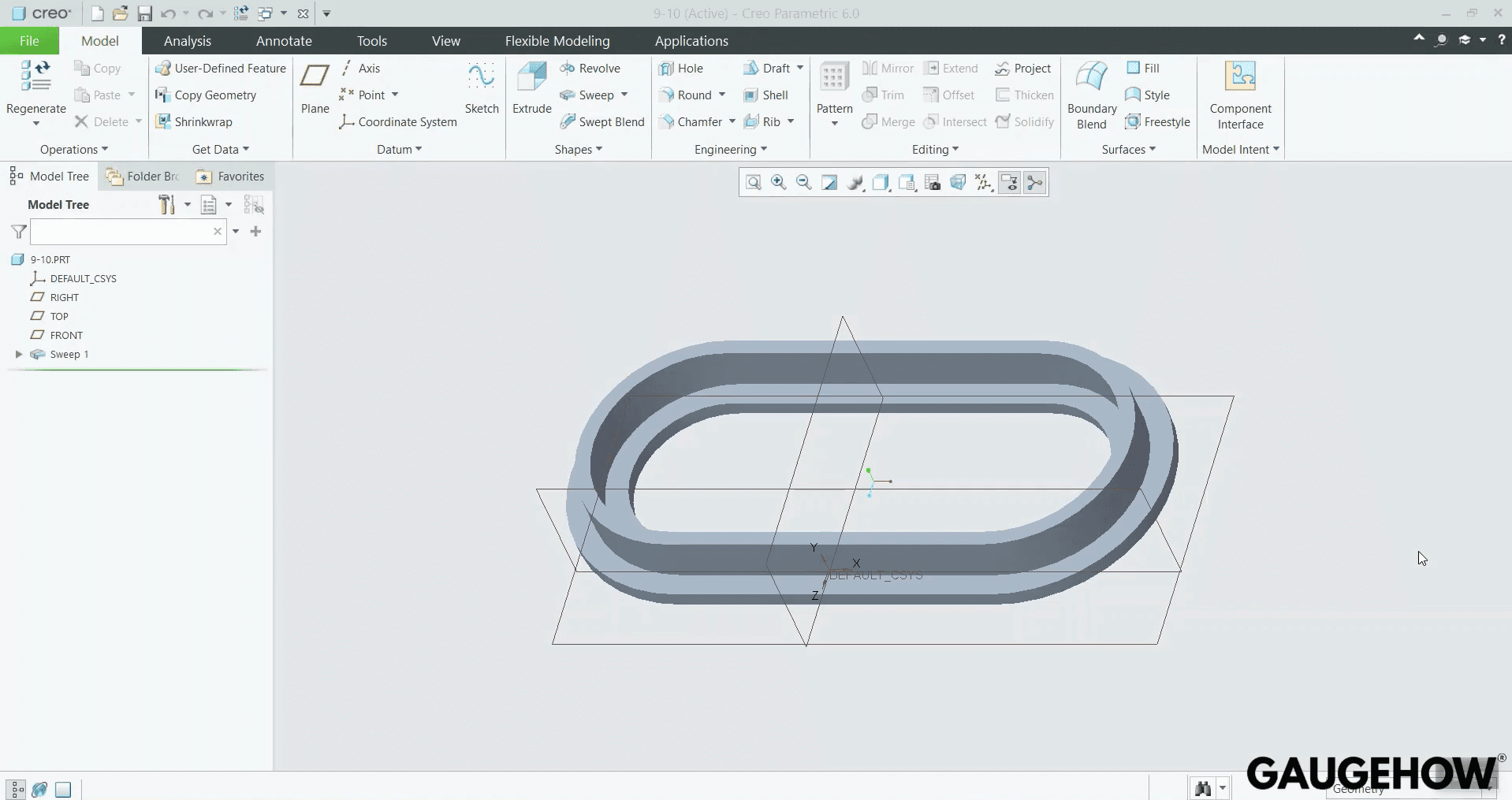
Creo is designed for controlled mechanical work at scale, so it stays composed when assemblies get big, and changes come late. The modeling is robust when you keep references clean, and the ecosystem supports structured configuration and change management when you lean into it properly. You will feel the overhead if your work is mostly simple parts, because setup choices and licensing packaging can add friction before you even start modeling.
The upside is predictable behavior under load, which means fewer surprises when you rebuild complex assemblies and then regenerate documentation. Creo makes most sense when your team’s pain is not sketching parts, but managing revisions, variants, and enterprise handoff with fewer regressions. Small teams can still use it well, but only if someone owns standards and modeling methods.
CATIA
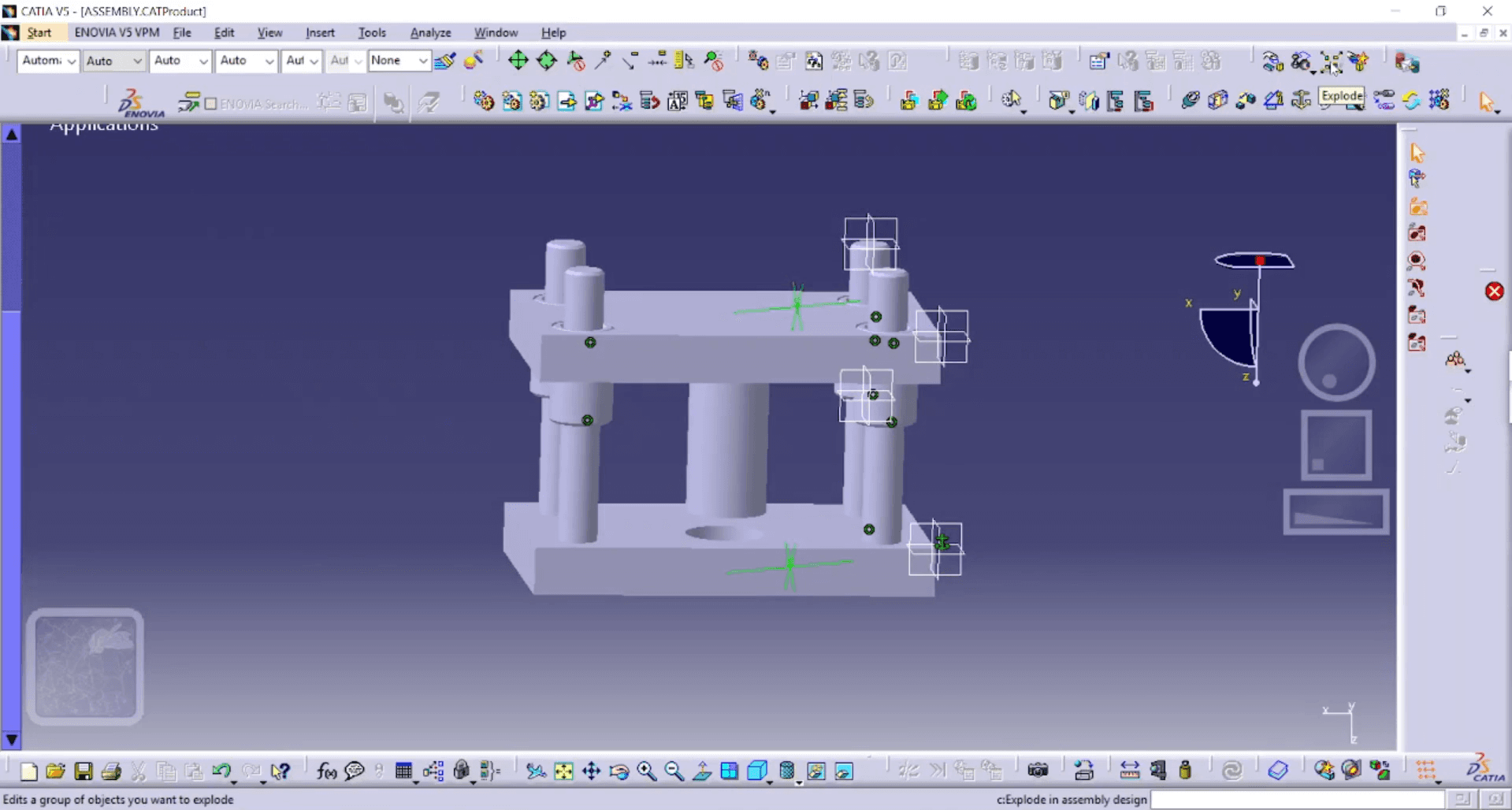
CATIA earns its reputation in environments where surface quality, platform depth, and enterprise workflows all matter at once. It is the kind of tool that can carry complex geometry, heavy assemblies, and disciplined process constraints without feeling like it is being pushed beyond its purpose. The trade-off is that you do not “just install it and go,” because platform structure, roles, and governance choices affect everything from modeling habits to collaboration.
If your deliverables include high-end surfacing, strict design intent control, and large program coordination, CATIA can be the right hammer. If your work is standard mechanical design with typical drawings, the platform weight can slow you down. CATIA shines when your organization has the maturity to run it as a system, not as an app.
Siemens NX
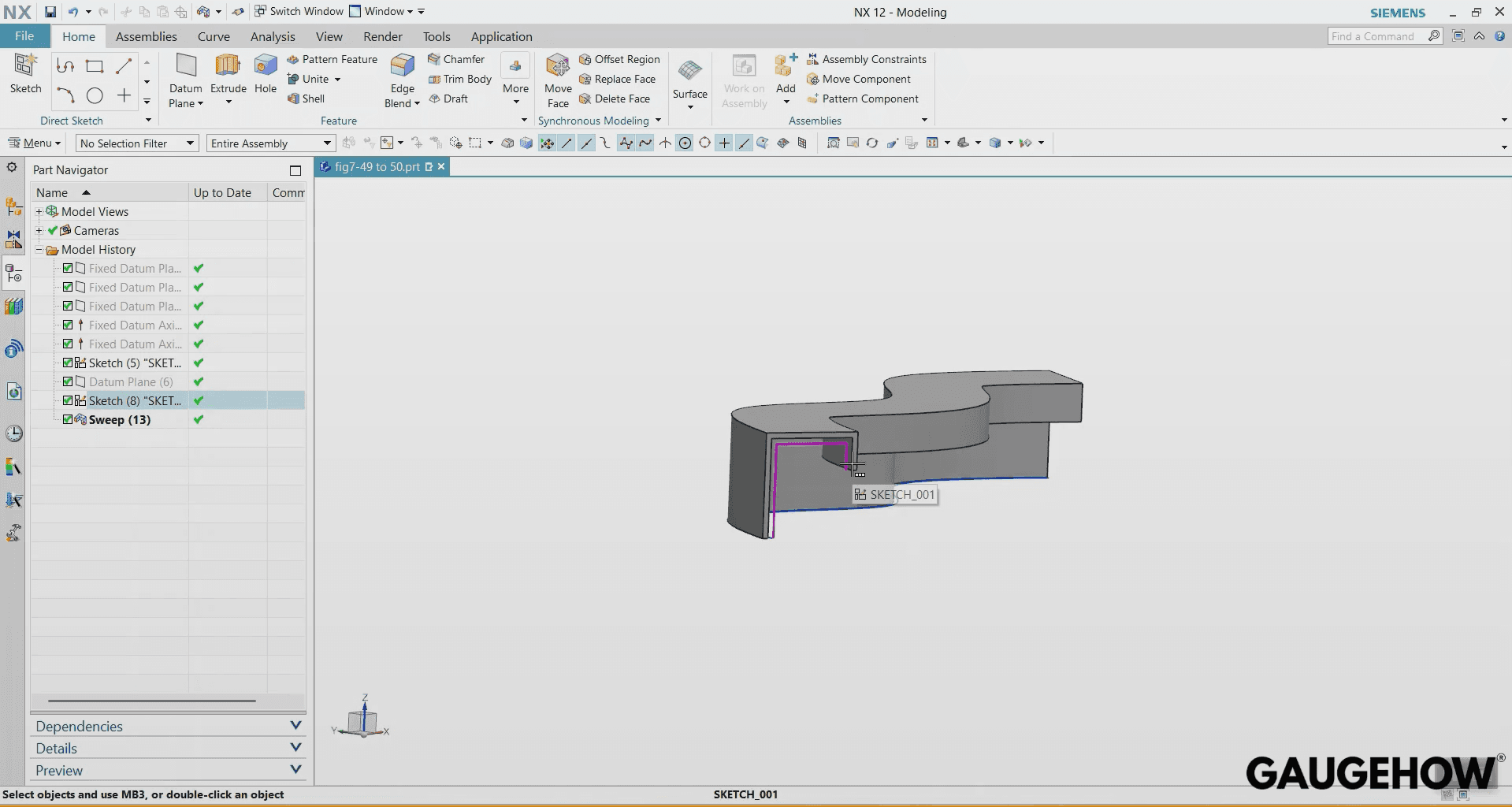
NX is strong when you want one environment that can stretch from design into manufacturing-facing work, and it tends to behave well under high complexity. Geometry tools are deep, assemblies can scale, and the platform can support serious process integration when that is part of your reality. The risk is that breadth invites complexity, so teams sometimes drift into “tool sprawl” where workflows vary by designer and releases become inconsistent.
NX works best when you define a house method early, because consistency is what keeps revision cycles stable. If you are in a high-stakes environment, NX can reduce the number of handoff seams where errors creep in. If you are in a small team with light deliverables, NX can be overkill unless you truly need its depth.
Autodesk Inventor
Inventor is practical for parametric mechanical work, and it fits teams that want a direct path to drawings, assemblies, and documentation without the heavier enterprise feel. The workflow tends to be approachable, and it supports many common mechanical design needs without forcing you into exotic modeling techniques.
Long-term success depends on standards, because inconsistent templates and property handling can create BOM and drawing cleanup work that feels like “CAD problems” but is really governance drift. If your ecosystem already uses Autodesk tools, the integration story can reduce friction across teams. Inventor is not the most exotic tool, but it can be a very reliable production CAD when your team treats release discipline as part of engineering.
Autodesk AutoCAD
AutoCAD is the workhorse for 2D drafting, documentation, layouts, and any workflow where DWG is the contract between teams. It can be extremely efficient when the deliverable is drawings and controlled documentation, because the tools are optimized for that job. The trap happens when teams try to stretch it into a full mechanical release system for complex parametric 3D work, because the workflow is not built around stable design intent propagation.
AutoCAD stays valuable even in 3D-heavy organizations, because many manufacturing and facilities deliverables remain 2D-first. If your work is mainly 2D and coordination, it remains one of the most defensible picks. If your work is mechanical product development, treat it as a drafting environment, not the center of the 3D model lifecycle.
Autodesk Fusion
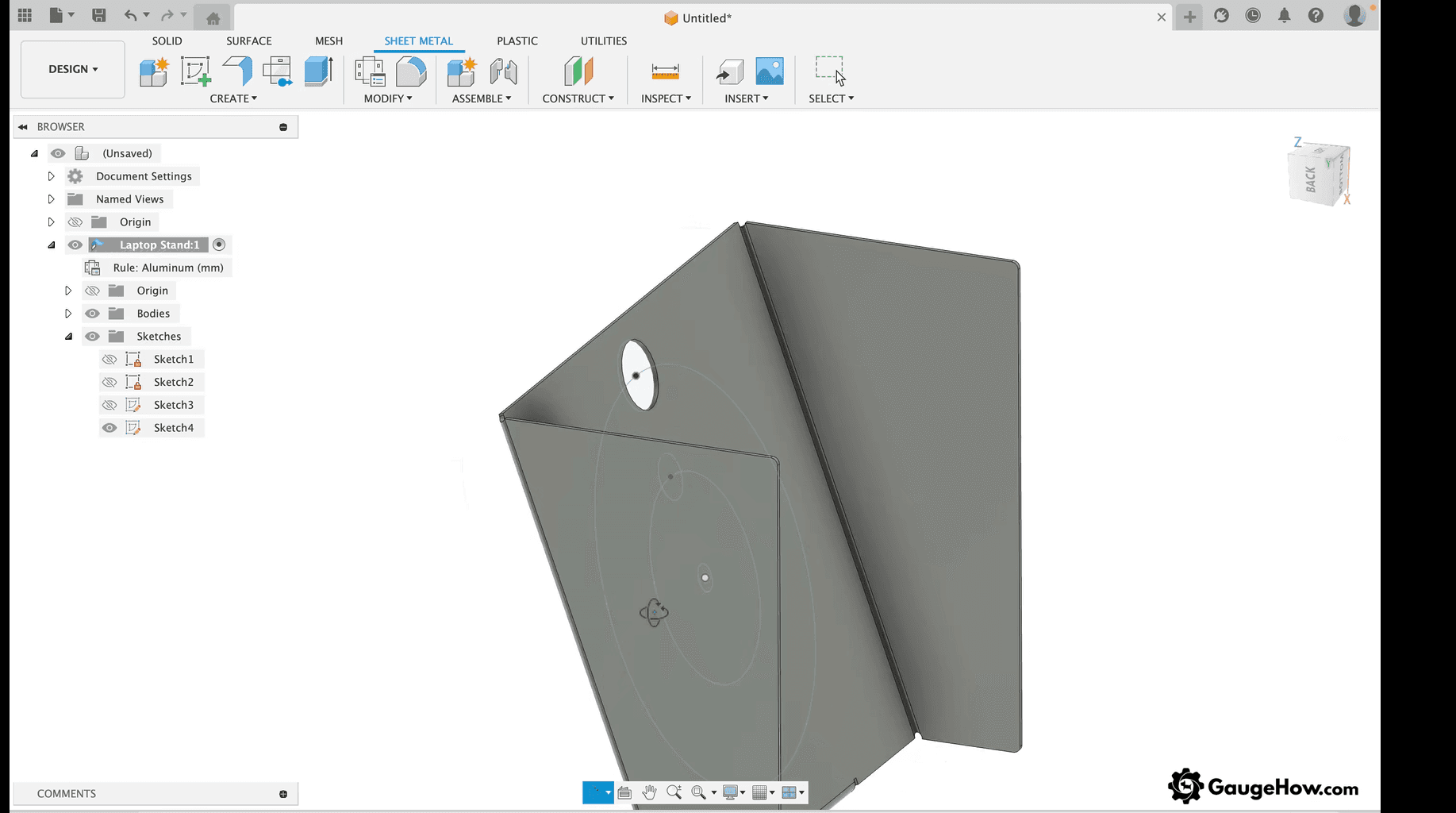
Fusion is attractive because it can cover concept-to-manufacturing workflows in one place, and it supports multiple modeling modes that match early product iteration. It often feels efficient for small teams because you can move from design to manufacturing-related work without switching ecosystems constantly. The boundary appears when you hit advanced enterprise needs, because large assemblies, strict governance, and deep release workflows may push you toward add-ons, integrations, or process workarounds.
Fusion can be excellent when your work is iterative and manufacturing-aware, and the team is comfortable operating with modern tool updates. It is less ideal when long-term controlled release across large teams is the primary constraint. Treat it as a production tool for the right scope, not as a universal answer for every org maturity level.
Onshape
Onshape changes the daily experience because versioning and collaboration are native rather than bolted on, so teams avoid a lot of file-copy chaos. It works well when multiple people touch the same design and when you need traceability without a separate file management culture. The cost is that connectivity and data policy become engineering constraints, so you need organizational clarity on access, vendor dependence, and external sharing.
Modeling capability is strong for many mechanical cases, while the tool really differentiates in workflow control and team coordination. Onshape is a solid pick when process friction is your main enemy, because it reduces the “which file is correct” problem. If your environment demands offline work or strict internal hosting constraints, that becomes a serious limiter.
Rhino
Rhino is loved when you need surfacing and form exploration that feels direct and controllable, especially in industrial design and shape-led engineering. You can create complex geometry quickly, and it can be a great front-end for concept development or geometry creation that feeds downstream tools. The weakness shows up if your project demands heavy associative drawings and a rigid release structure, because
Rhino is not built around parametric history and drawing-centric release the same way mechanical CAD is. Rhino succeeds when you pair it with a clear plan for documentation and downstream handoff. If you need shape authority more than assembly governance, Rhino is often the fastest path. If you need drawing reliability and change traceability as the main deliverable, use it carefully or as part of a pipeline.
FreeCAD
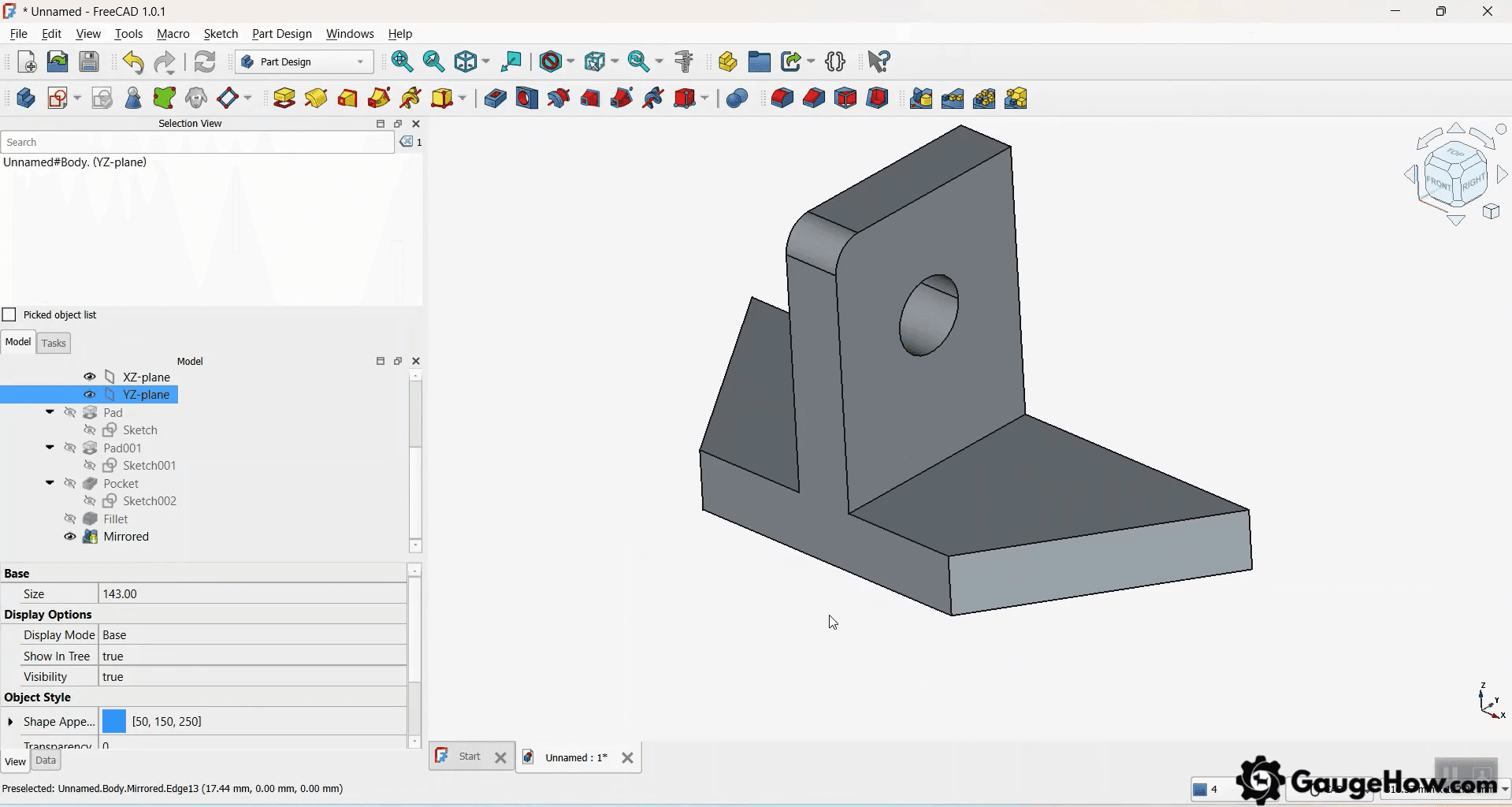
FreeCAD can be genuinely useful for learning and for constrained production workflows, and the price point changes adoption decisions immediately. The real cost is process maturity, because without strong internal standards, the team experience can fragment and releases can become inconsistent.
FreeCAD can work when one person owns templates, units, naming, and file flow, and when the organization accepts that some tasks may take longer. It is a reasonable option when budget is the dominant constraint and the workload fits what the tool does well. It is a risky option when deadlines, external supplier handoff, and revision churn are high. Treat it as a serious tool with serious process needs, not as a casual free substitute.
Best Software Comparison Table
Software | Best fit | Modeling strength | Assembly capability | Simulation/manufacturing depth | Main risk |
SOLIDWORKS | Drawing-led mechanical release | Strong parametric | Strong | Add-ons available | Fragile references under churn |
Creo | Large assemblies + enterprise change | Strong parametric | Very strong | Broad with packages | Package sprawl and admin load |
CATIA | Class-A + complex programs | Very strong surfacing + parametric | Very strong | Deep platform | Role complexity and governance overhead |
Siemens NX | Advanced mechanical + integrated workflows | Very strong hybrid | Very strong | Deep CAD/CAM/CAE options | Token and module cost creep |
Inventor | Practical mechanical CAD | Strong parametric | Strong | Solid integration | Data management mismatch later |
AutoCAD | 2D-first drafting | 2D excellence | N/A | Limited to full 3D release | Misused as a 3D release backbone |
Fusion | CAD-to-CAM continuity | Strong hybrid | Medium | Strong CAM focus | Extension dependence for advanced work |
Onshape | Cloud collaboration | Strong parametric | Strong | Add-ons and integrations | Data policy and connectivity risk |
Rhino | Surfacing and form | Strong surfacing | Medium | Plug-in dependent | Weak drawing release discipline if misused |
FreeCAD | Budget and flexibility | Medium | Medium | Community-driven | Process gaps, inconsistent standards |
CAD Software By Use Case
Best CAD software for beginners
Beginners don’t need the most powerful platform, but they do need a tool that forces clean habits early, because bad constraint discipline turns into broken edits later.
The best CAD software for beginners is the one that makes sketch definition obvious, keeps features stable after changes, and lets you produce a basic drawing without manual patchwork.
A practical starting point is an entry-level parametric workflow that trains you on datums, constraints, mates, and drawing associations. Freeform-first tools feel fast at the start, but they can hide weak structure, which means revisions become frustrating once parts evolve.
GaugeHow exists to shorten that ramp. On GaugeHow, you get CAD learning paths, project-based practice, and release-focused checklists that teach you how to build stable models, generate clean drawings, and run simple change tests so your work holds up under real revision pressure.
Industry Fit
Mechanical product design tends to reward tools that keep drawings, BOM, and revisions stable across churn.
Automotive and aerospace programs tend to reward tools that combine surfacing depth, large assembly performance, and platform-level governance. Architecture and construction workflows tend to reward tools that thrive in drafting, layout, and model coordination.
Tooling and manufacturing teams usually care most about CAD to CAM continuity and interference control. Medical and regulated products care about traceability, controlled release packs, and change documentation.
Jewelry, footwear, and advanced surfacing care about curve quality and surface continuity. Maker and prototyping teams care about speed, learning curve, and export reliability.
Common Buying Mistakes
Feature-count buying is the classic trap, because the release pack is where cost shows up.
Supplier export gets ignored, so translation breaks surfaces or loses intent. The training ramp gets underestimated, so the team ships unstable models under deadline pressure.
Cloud versus file-based control often gets decided by preference, while governance decides whether it works. Under-budgeting for templates, libraries, and naming standards creates inconsistency across designers.
Buying advanced surfacing for a team that mostly releases constrained parts creates a skill and process mismatch.
Which CAD Software Fits Best
Choose based on what you must release, then validate with stress tests. That keeps the decision grounded in downstream reality.
Release drawings and BOMs: Look for stable associativity, predictable detailing, and clean revision states.
Run large assemblies: Focus on mate stability, rebuild behavior, and performance under churn.
Build class-A surfaces: Demand curvature control, surface validation, and robust transitions.
Feed manufacturing daily: Choose clean geometry, consistent exports, and reliable CAM handoff.
Need collaboration at speed: Insist on versioning discipline, access control, and governance fit.
Manage budget and hiring: Factor seat model, training ramp, and talent availability.
Two checks eliminate most wrong picks. Run a three-revision change test on a representative part and assembly, then confirm drawings stay locked.
Run an export test to STEP plus drawings, then validate the files in the toolchain your supplier or shop actually uses.
GaugeHow supports this with CAD courses, project-based practice, and industry-ready skills.
FAQs
1) Should I choose CAD based on what my suppliers use?
Yes, if your work depends on frequent native exchange. Neutral files work for many parts, but supplier friction appears on complex assemblies, drawings, and revisions, which is where schedule risk usually hides.
2) What is the quickest way to test if a CAD tool will survive revisions?
Build one representative part, then change early sketches and core dimensions three times. Watch for broken references, unstable mates, and drawing drift. If you spend hours repairing, the tool is mismatched.
3) Is cloud CAD automatically better for collaboration?
Cloud helps when teams are distributed, and version control is weak. It is not magic, though, because governance still matters. Naming, release states, and review discipline decide whether collaboration stays clean.
4) Do I need built-in simulation, or should I use separate CAE?
Built-in simulation works when you need early checks and fast iteration. Separate CAE is better for validated workflows and complex studies. The deciding factor is whether results must be auditable, repeatable, and approved.
5) What cost surprises hit teams after they buy CAD licenses?
Most surprises come from onboarding time, template and library setup, and admin work that keeps releases consistent. Teams also pay later for PDM or PLM integration when revision control becomes a real requirement.
CAD-CAM-CAE Work Platform
Find or Post CAD, CAM and CAE freelance projects, full-time jobs and Internships.
GaugeHow is the platform built for core engineering work. Whether you need a freelancer for a CAD project, a full-time hire, or an engineering intern,post it here and get matched with the right person.























