CAD software for mechanical engineers: Best Picks (2026)
Which CAD tool is best for mechanical engineering in 2026?
Choose the tool that can ship three deliverables today: native model, STEP, and a drawing PDF. Test a simple bracket, change one key dimension, rebuild, then re-export and reopen the STEP. CAD software for mechanical engineers is a workflow decision, so stability beats reputation.
Software Pick Table
Costly switching happens because the first tool “felt nice.” Revision pressure then arrives, and weaknesses show. So the table below starts from mechanical scenarios, then shows the best fit and the main watch-out. Next, the selection gate turns the table into a confident choice.
Scenario | Best Pick | Why It Fits | Watch-Out |
General Mechanical + Drawings | SOLIDWORKS | Strong drawings, broad adoption | Licensing cost |
Autodesk-Centric Teams | Inventor | Tight documentation workflows | Ecosystem pull |
Config-Heavy Products | Creo | Stable parametrics under change | Ramp time |
Enterprise Programs | NX | Large-program depth | Rollout effort |
Cloud Review Cycles | Onshape | Versioned sharing | Policy fit |
Student Portfolio | Fusion | Fast iteration | Depth ceilings |
Choose the best CAD software for mechanical engineering
Regret usually starts with fuzzy criteria. Tools then get judged on feelings, not outputs. So selection needs a named method that stays stable across brands. The best CAD software for mechanical engineering is the tool that matches your deliverables, your constraints, your ecosystem, and your handoff risk.
D-C-E-H Gate: Deliverable → Constraints → Ecosystem → Handoff Risk
Deliverable: part, assembly, drawing, neutral export
Constraints: budget, hardware, offline, ramp time
Ecosystem: CAM, simulation, PDM habits, suppliers
Handoff risk: revisions, formats, who opens files
Clear gates cut noise fast. One failed export is enough to remove a tool. One unstable drawing is enough to move on. Next, two 2026 shifts explain why this gate matters more now.
What Changed In 2026 That Actually Matters
Faster review cycles are now normal. Quick comments happen daily, not quarterly. Because of that, sharing, version history, and access control matter more than most feature lists suggest. So cloud behavior and collaboration deserve an early test, even for small teams.
Tighter turnaround also raises the bar for “ready.” Drawings must stay readable after edits. Exports must reopen the first time correctly. Next, ecosystem gravity explains why the “right” tool often feels preselected by the supply chain.
Ecosystem Gravity: Where Tools Show Up In Real Supply Chains
Hiring trends shape tool choices quietly. Job descriptions repeat familiar platforms, and training options follow. Because of that, one tool can lower ramp time by weeks. So hiring reality should be part of the selection, not an afterthought.
Supplier habits shape the rest. Some suppliers expect STEP flows. Others live in drawing PDFs and standard templates. So ecosystem fit becomes schedule protection, not brand loyalty. Next, the tool cards translate those forces into clean tradeoffs.
Top mechanical CAD software Tools
Busy teams need quick comparisons. Shallow lists waste time because tradeoffs stay hidden. So each tool card follows one rhythm: best for, why it fits, one limit that matters, and what “done” looks like. Mechanical CAD software differences show most in drawings, revisions, assemblies, and handoff.
1) SOLIDWORKS
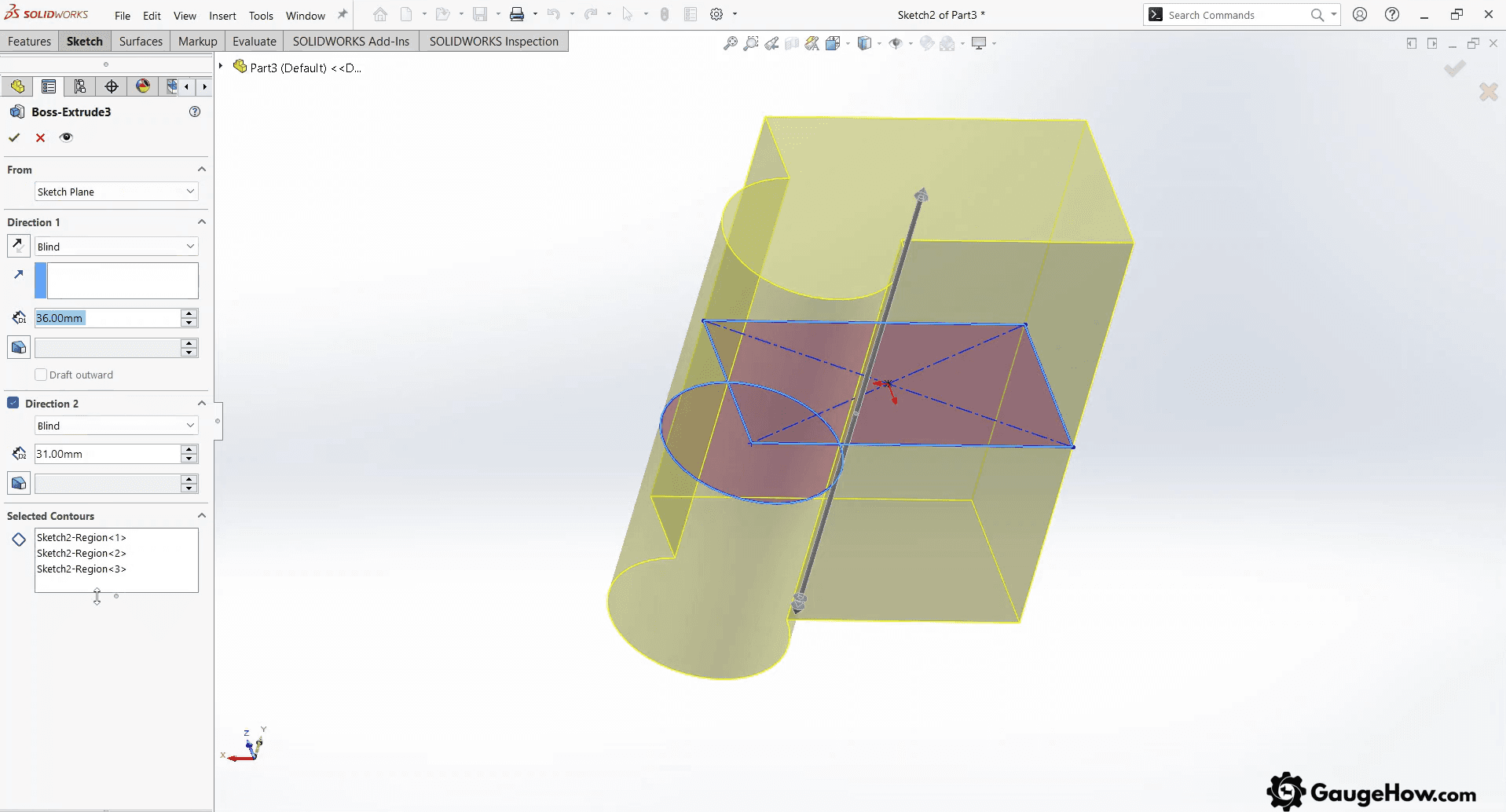
Common in mid-market manufacturing teams. Best for mainstream mechanical design with steady drawings and broad supplier comfort. Limitations show up in licensing and admin overhead as teams grow. Done looks like a stable part, a small assembly, a drawing PDF, and a clean STEP export. Autodesk-heavy teams often lean toward Inventor next.
2) Autodesk Inventor
Frequent in Autodesk-aligned organizations. Best for drawing-driven workflows and clean documentation habits inside that ecosystem. Limitations show up when a team must mix many external standards. Done looks like predictable revisions, tidy drawings, and supplier-ready exports. Variant-heavy products often point toward Creo.
3) PTC Creo
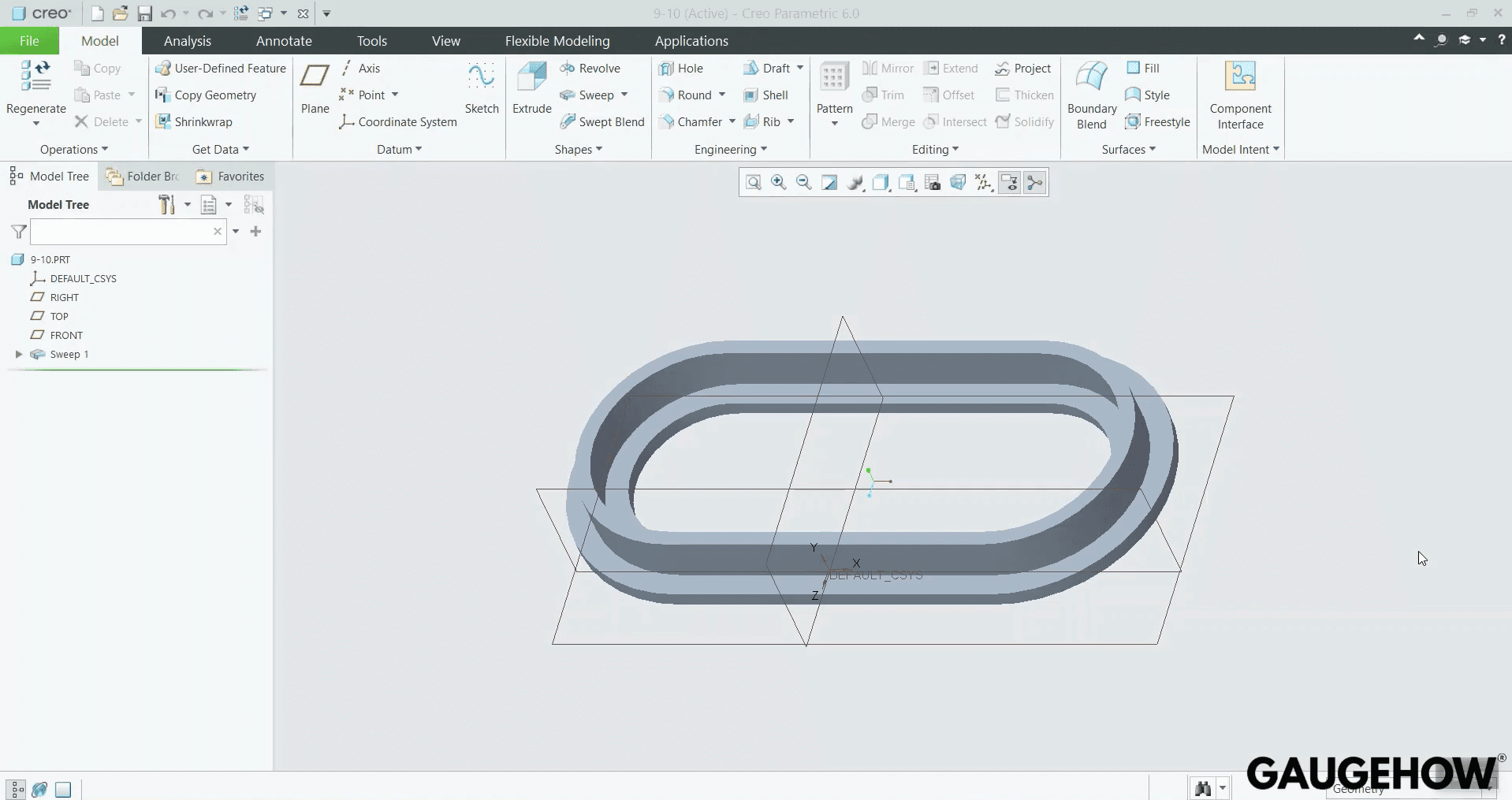
Strong in configuration-heavy product lines. Best for disciplined parametrics that must survive frequent change requests. Limitations show up in ramp time for new users under deadlines. Done looks like variants that rebuild cleanly and drawings that hold intent. Large programs often shift attention to NX.
4) Siemens NX
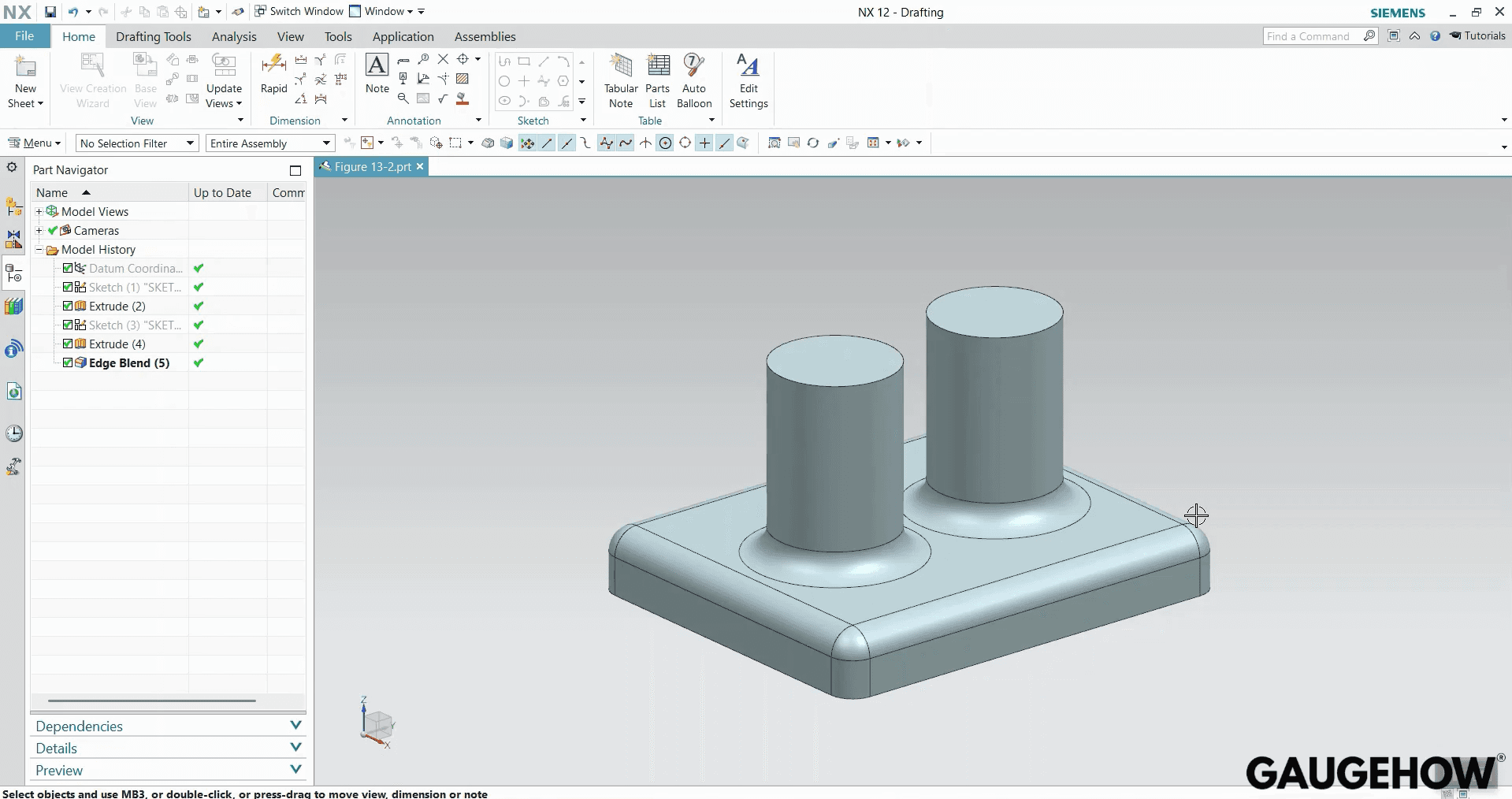
Common in automotive and aerospace programs. Best for large, complex work where performance and integration matter daily. Limitations show up in rollout effort, cost, and training investment. Done looks like large assemblies that load reliably and export without surprises. Surface-heavy industries often sit closer to CATIA.
5) CATIA
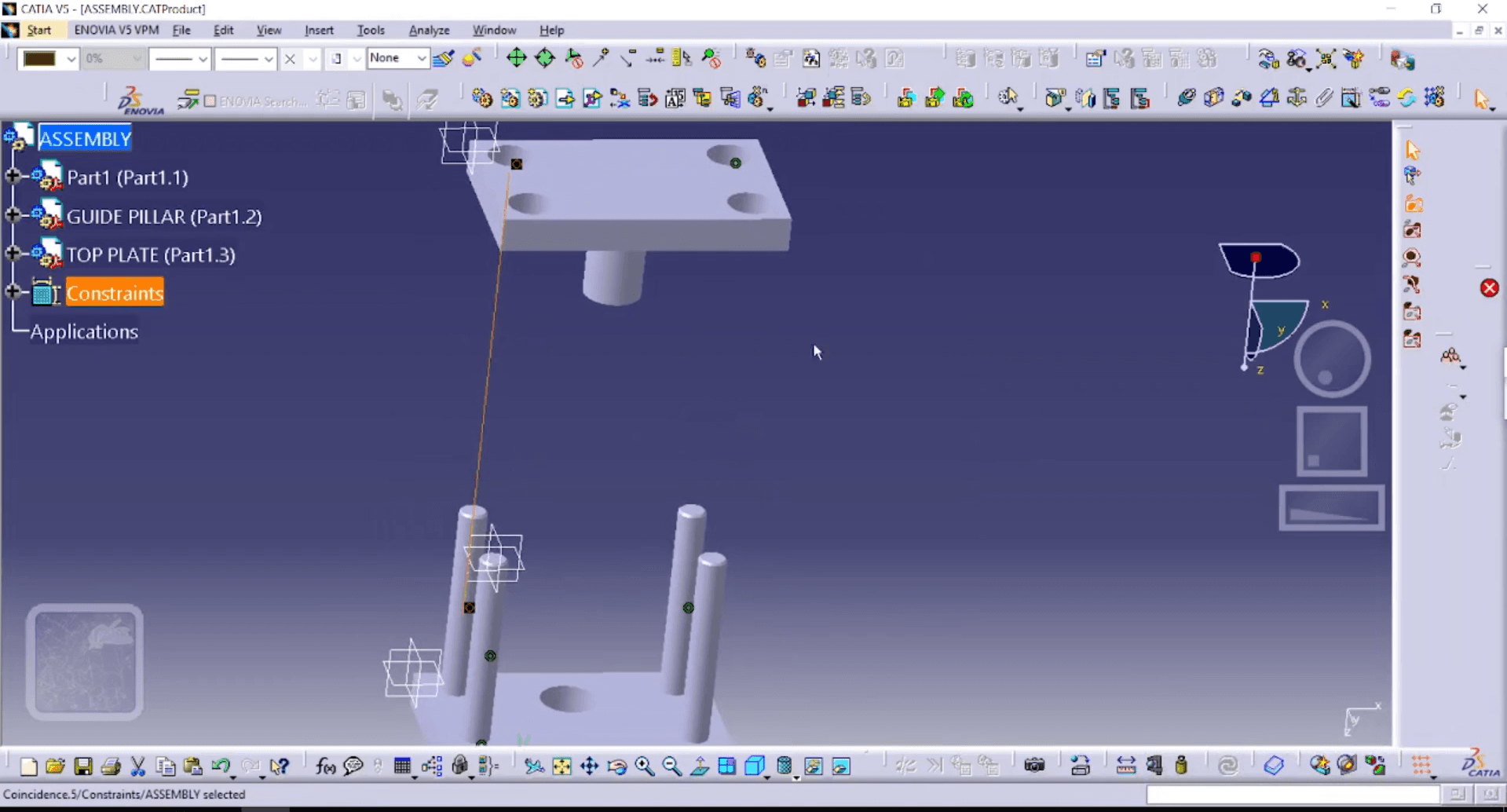
Established in surfacing-led industries. Best for complex geometry and mature enterprise workflows when processes are already strong. Limitations show up in heavier adoption and admin demands. Done looks like controlled surfaces, released drawings, and repeatable handoff. Mid-market teams often consider Solid Edge as a pragmatic alternative.
6) Solid Edge
Regular in practical mechanical groups. Best for solid modeling depth without the heaviest enterprise overhead. Limitations show up in local talent availability in some regions. Done looks like stable parts, clear drawings, and calm revision cycles. Small prototyping teams often prefer Fusion’s speed.
7) Fusion
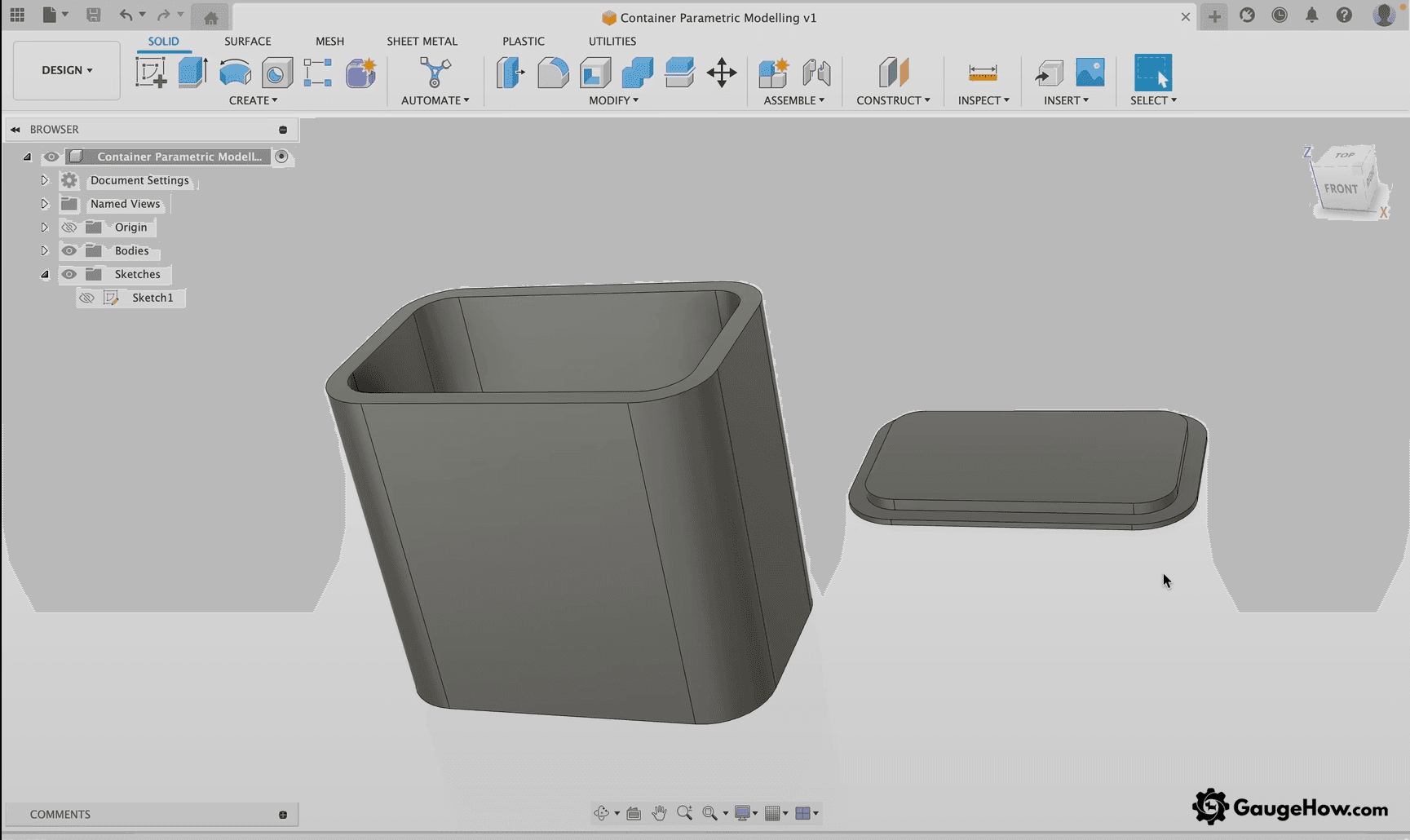
Popular in education, startups, and prototype shops. Best for quick iteration when design and manufacturing sit close together. Limitations show up when governance, suppliers, and strict drawing standards get heavy. Done looks like a finished model, a readable drawing sheet, and a verified export. Cloud-first collaboration often points toward Onshape.
8) Onshape
Growing in distributed teams with frequent browser reviews. Best for fast sharing, versioned history, and clean review cycles without file chaos. Limitations show up in policy fit and connectivity expectations. Done looks like controlled access, clear versions, and clean neutral exports. Value-focused desktop users often look at Alibre next.
9) Alibre Design
Seen in small businesses that value simplicity. Best for desktop control and solid parametric fundamentals without enterprise complexity. Limitations show up in ecosystem depth for advanced integrations. Done looks like stable parts, readable drawings, and consistent exports. Open-tool preferences often lead to FreeCAD.
10) FreeCAD
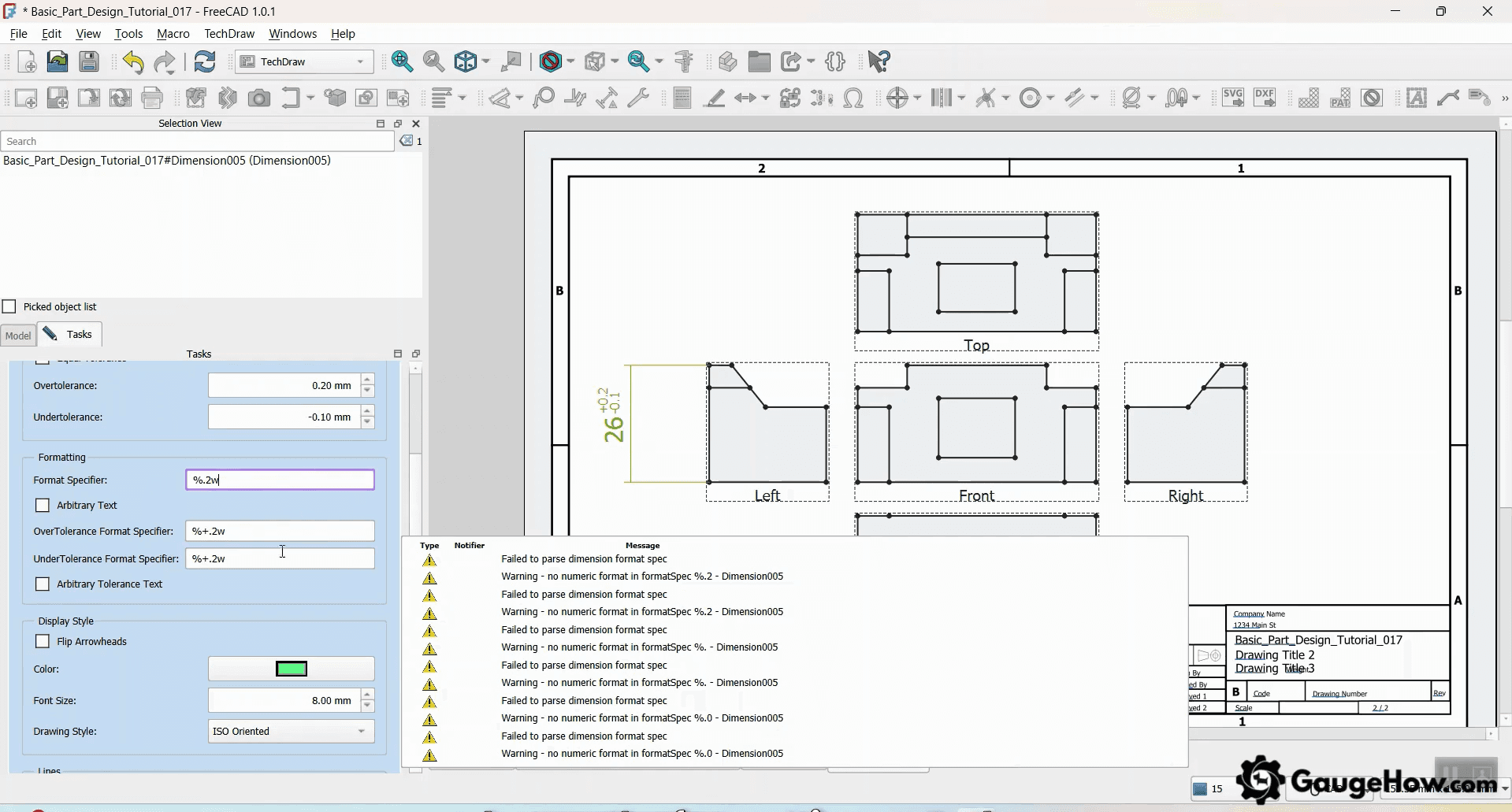
Chosen by disciplined users who prefer open ecosystems. Best for cost control and flexible parametric modeling when habits stay clean. Limitations show up in the learning curve and uneven workflow polish. Done looks like controlled rebuilds, clean exports, and clear file discipline. Next, a short reality check shows where teams lose time.
Conclusion
Choosing CAD software can feel like a never-ending comparison loop. The quickest way out is a clear learning path that turns your choice into a working skill, not another tab you keep open. If you want to move faster, enroll in GaugeHow’s CAD Fundamentals for Mechanical Engineers course and follow a structured, step-by-step track with guided practice, so you pick with confidence, learn with momentum, and start building real project output without second-guessing.
FAQs
1. SolidWorks vs Inventor: which fits typical mechanical teams?
SolidWorks vs Inventor usually comes down to ecosystem comfort and drawing workflow. SolidWorks often fits broad hiring markets and supplier familiarity, while Inventor fits teams already living in Autodesk processes. Run the same pilot in both, then pick the calmer revision experience.
2. CAD software for large assemblies: what matters beyond features?
CAD software for large assemblies succeeds on rebuild performance, lightweight handling, mate stability, and disciplined data routines. Pilot with an assembly that resembles real size, then force two revisions and rebuild. Smooth revision behavior matters more than extra tools.
3. Does popularity automatically mean “best”?
Useful popularity can lower training friction and help with hiring. Workflow fit still decides, though, because drawings and exports expose weaknesses quickly. Pick the tool that passes the pilot in your context.
4. Should drawings drive the decision first?
Clear drawings reveal a mismatch early. Modeling can look fine while drawing output becomes painful under revision. When drawings matter in your work, test them during the pilot, not after adoption.
5. When does cloud collaboration become a real advantage?
Frequent reviews and distributed teams make cloud value obvious. Version history and shared viewing reduce daily friction and speed decisions. Policy fit still matters, so test access and sharing early.
CAD-CAM-CAE Work Platform
Find or Post CAD, CAM and CAE freelance projects, full-time jobs and Internships.
GaugeHow is the platform built for core engineering work. Whether you need a freelancer for a CAD project, a full-time hire, or an engineering intern,post it here and get matched with the right person.























