SolidWorks vs CATIA: Differences That Matter in Real Work
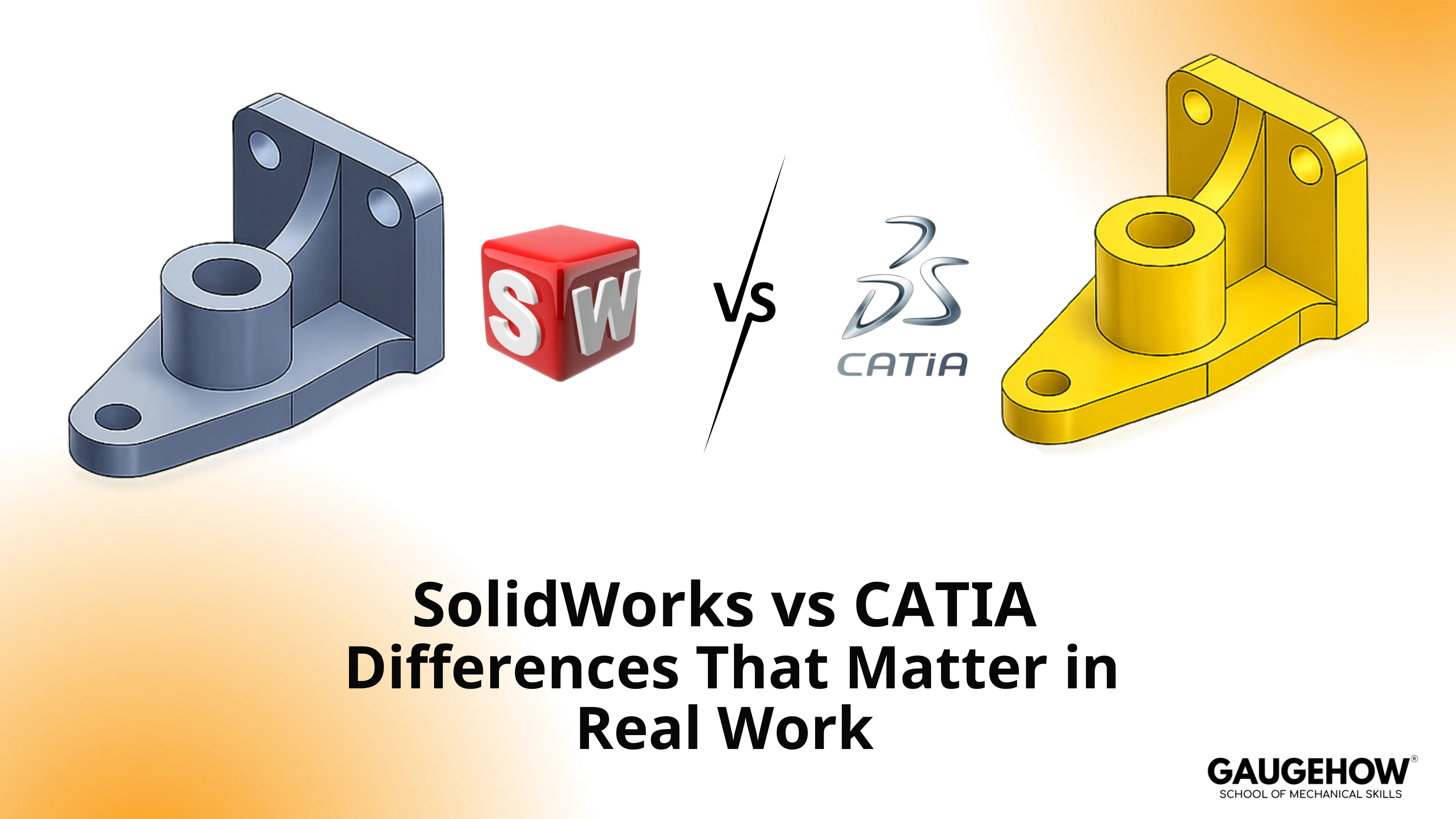
SolidWorks vs CATIA is a choice between two different operating models for engineering output. SolidWorks is built for fast parametric part and assembly work with drawing-heavy releases in small to mid-size teams. CATIA is built for program-scale product definition, where surfacing quality, configuration control, and lifecycle governance drive the risk.
CATIA and SolidWorks solve different engineering problems, so the right choice depends on what drives risk in your workflow.
Surface critical product definition, program control, and enterprise governance pull teams toward CATIA. Fast parametric design, assembly speed, and drawing-led release output pulls teams toward SolidWorks.
This comparison breaks down modeling behavior, assemblies, documentation, collaboration, compatibility, learning curve, and rollout cost, so the decision becomes practical, grounded, and easier daily.
Work Reality | SolidWorks | CATIA | Why Teams Pick It |
Daily output | Parts, assemblies, drawings | Product definition across domains | Release clarity vs program governance |
Geometry pain point | Parametric features and edits | Surface-heavy control | Shape intent vs edit speed |
Assembly scale | Practical, broad use | Built for big program structures | large assembly performance |
Change control | PDM-driven discipline | Lifecycle-driven discipline | Revision risk containment |
Supplier flow | Common vendor ecosystem | Enterprise supplier chains | STEP export fidelity |
Typical rollout | Faster onboarding | Heavier onboarding | Ramp time vs long-run control |
CATIA
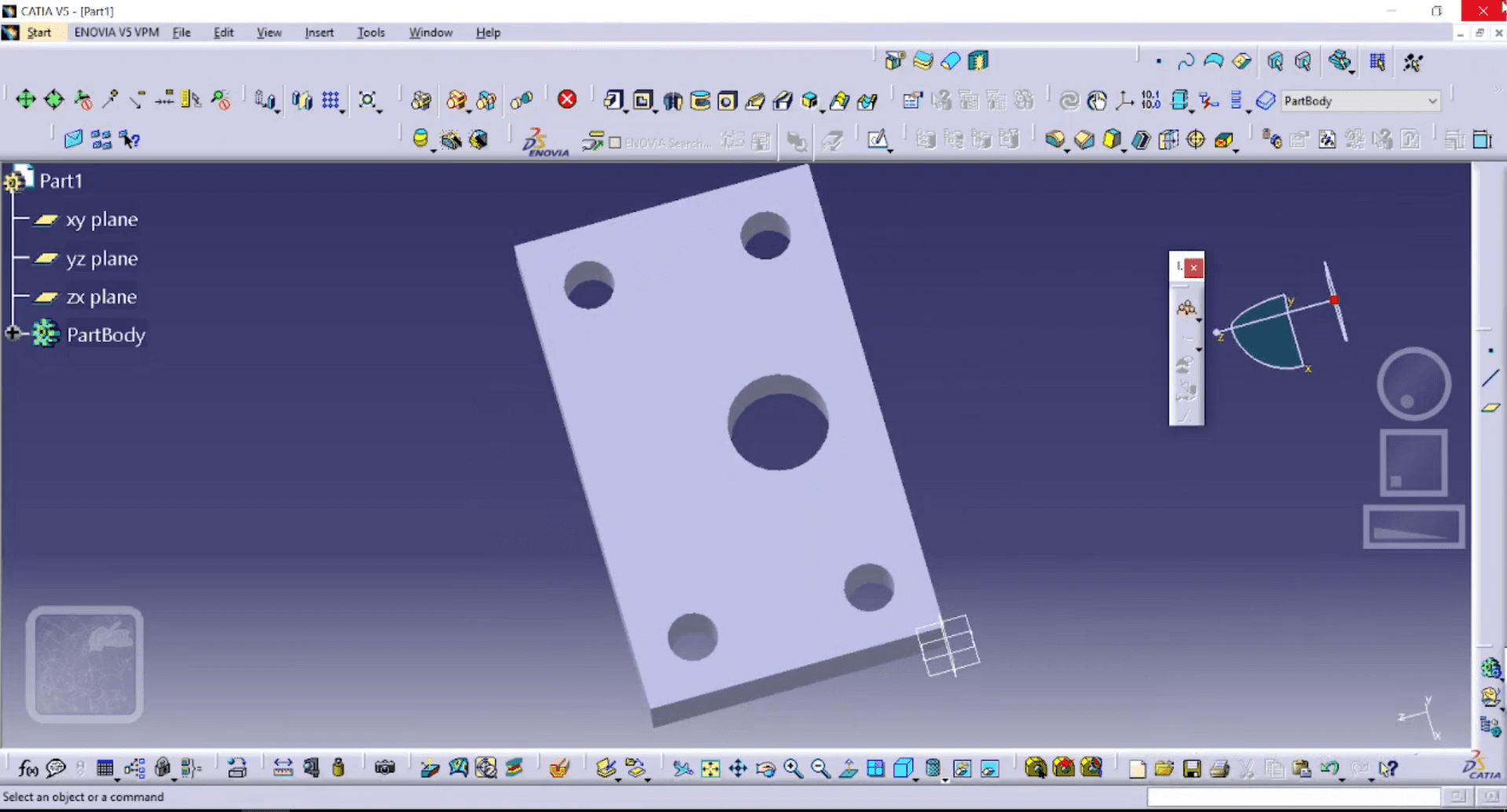
CATIA entered the market in 1981 under Dassault. Its roots sit in aerospace, where surface quality and product definition carry real weight. That origin still shapes its fit today. Larger programs choose it when release control, parallel work, and structured product data start driving cost.
SolidWorks
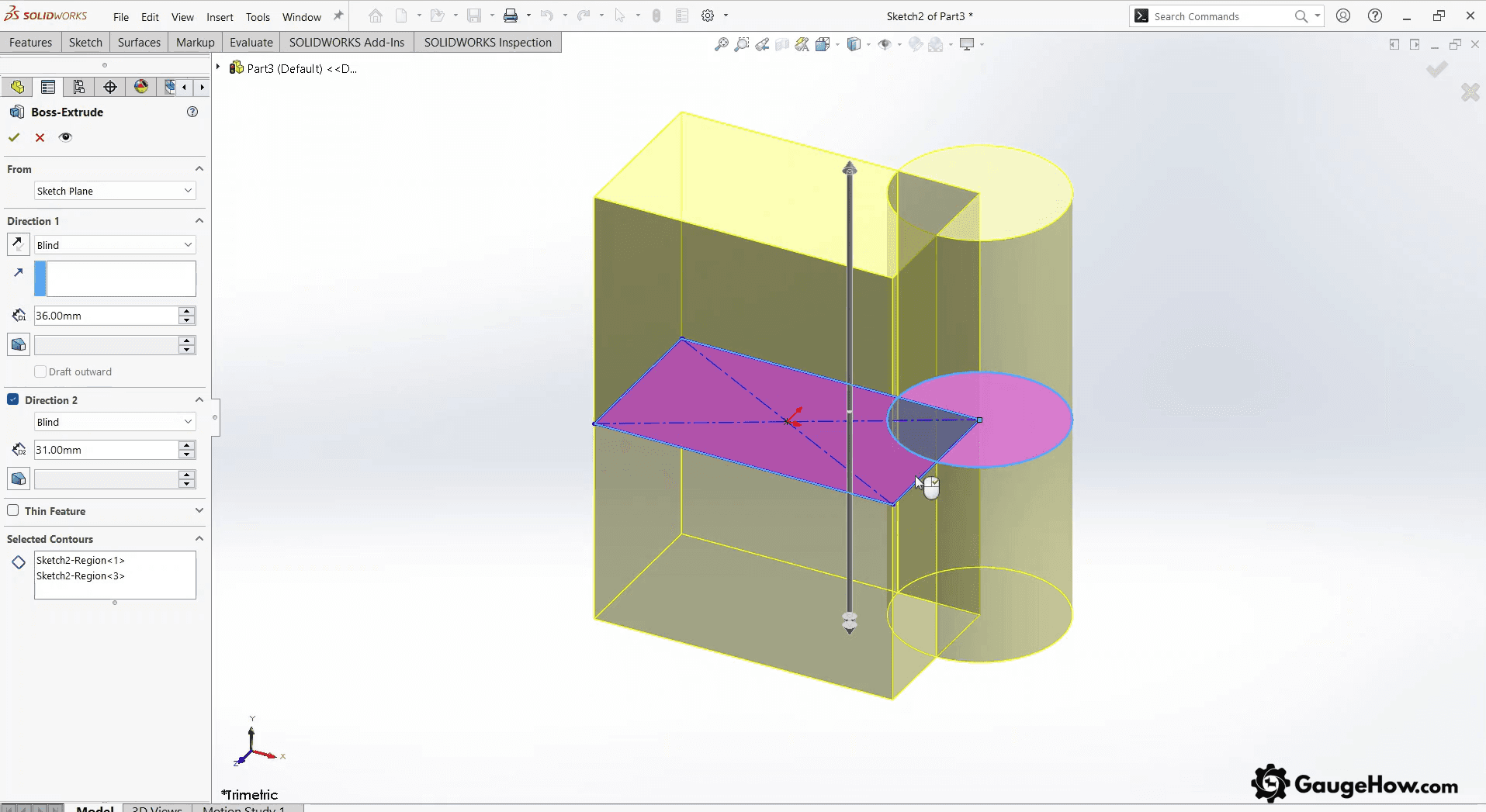
SolidWorks was founded in 1993 by Jon Hirschtick’s team, and the first release came in 1995.
The core aim was clear from day one. Make 3D mechanical CAD easier to use in daily engineering work. That is why it became common in product design, machinery, and supplier-facing development.
Benefits Of CATIA
For surface-led products, CATIA gives tighter shape control. Visible geometry stays cleaner, and tooling teams see fewer curvature-related issues.
On large programs, product structures hold together better. Parallel teams can work with less disruption across heavy assemblies.
During fast change cycles, release packs stay more controlled. Revision mistakes are less likely to slip into export and handoff.
Across complex programs, design intent stays aligned longer. Mechanical, manufacturing, and system definitions drift less over time.
In governed supplier networks, access and change control become easier to manage. That matters in audit-heavy and tightly regulated work.
Benefits Of SolidWorks
For fast-moving teams, SolidWorks keeps modeling work lighter. Parametric edits flow into common deliverables without much delay.
In supplier-facing projects, handoff is usually easier. More vendors already work inside the same ecosystem.
Under daily design pressure, assembly edits feel quicker to handle. That helps teams push revisions without building too much overhead.
From a budget standpoint, expansion stays more practical. Add-ins can be added only where the workflow needs them.
For team ramp-up, training usually moves faster. New engineers become productive without a long setup time.
Key Differences Between CATIA And SolidWorks
Governance Load
SolidWorks suits teams working with file discipline and practical workflow control. CATIA suits environments where lifecycle control shapes daily release work.Surface Ceiling
SolidWorks handles plenty of real mechanical geometry. CATIA pulls ahead when Class A surfacing is part of the actual deliverable.Program Structure
SolidWorks fits practical assemblies and quicker day-to-day iteration. CATIA fits larger structures where concurrency and system complexity stay high.Downstream Fit
SolidWorks often wins on flexibility and broader ecosystem use. CATIA often wins when enterprise systems define release status, revision flow, and approval logic.Handoff Risk
SolidWorks is easier to spread across mixed supplier chains. CATIA is stronger when customer programs demand tighter configuration discipline and controlled release packs.
A Detailed Look at SolidWorks And Catia
UI And Ease Of Use
Ease of use is not about where commands sit; it is about how quickly you can produce correct deliverables without backtracking.
SolidWorks usually feels quicker for daily part and drawing work because the workflows are broadly familiar across the industry.
CATIA often requires more structured onboarding because the environment assumes higher complexity and tighter governance. In practice, the “easier” tool is the one your team can standardize with templates, libraries, and release habits.
Design Approach
Design approach shows up when you make a late change, and you discover what stayed stable and what drifted.
SolidWorks leans hard into parametric features and fast iteration, which suits mechanical parts, machinery, and drawing-driven release.
CATIA is often selected when surface intent must be held tightly across edits, which matters in styled housings, aero surfaces, and complex transitions. Most bad tool choices happen when teams underestimate how much the project depends on surfacing continuity versus edit speed.
CATIA vs SolidWorks for design
CATIA vs SolidWorks for design comes down to what kind of intent you protect under change.
CATIA tends to be favored when surface quality and continuity are part of the spec, because it supports workflows that protect that intent through revisions.
SolidWorks tends to be favored when parametric edits and drawing updates drive throughput, because iteration speed is the daily win. CATIA vs SolidWorks surfacing becomes the real decision when your “simple housing” turns into a styling-critical part, and the surface is no longer negotiable.
Industry Specialization
Industry choice is usually a proxy for workflow maturity and risk tolerance, not brand preference.
CATIA shows up heavily in aerospace and automotive OEM environments because program governance and definition complexity are normal there.
SolidWorks shows up widely in machinery, product companies, and suppliers because speed and communication matter more than platform-level control. A simple test is to ask what your customer expects at release, and whether they treat the model as a contract definition or the drawing as a contract definition.
Collaboration And Data Management
Collaboration becomes real when two engineers touch the same assembly on the same day.
SolidWorks teams often rely on SolidWorks PDM-style workflows to control revisions, check-in habits, and release states.
CATIA teams often work in environments where lifecycle states and access control are part of the system from the start. The practical difference is whether you solve conflicts by file discipline or by platform discipline, which shapes staffing and admin load.
Simulation And Analysis
Simulation matters when you decide who trusts the numbers.
SolidWorks commonly supports integrated, practical analysis for early sizing and design iteration, which is useful when the designer owns the trade-offs.
CATIA environments often connect to deeper enterprise analysis workflows, which is useful when analysis groups control validation and traceability. The right fit depends on whether the simulation is a quick filter or a signed deliverable.
PLM Integration
PLM integration matters when your organization needs “released” to mean the same thing across engineering, manufacturing, and supply chain.
CATIA is often deployed alongside strong lifecycle governance, which supports traceable change control and configuration ownership.
SolidWorks can integrate into PLM or rely on PDM-first approaches, which is often enough for small and mid-sized organizations. Budgeting needs to include admin, templates, and training, because tools do not govern themselves.
Compatibility And Integrations
Compatibility is where most comparison posts stay shallow, because file types look simple until something breaks.
Native-to-native exchange is rare in mixed supply chains, so neutral formats and workflows carry the risk. STEP export fidelity matters when suppliers rebuild features, datum schemes drift, or surfaces degrade just enough to cause a downstream mismatch.
Two checks before you commit: export one representative assembly, then re-import it into the toolchain your supplier uses, and compare mass properties, datums, and drawing views for drift.
Cost And Licensing Options
Current list pricing (USD, checked Feb 2026)
Both products sell multiple ways, so start with the only numbers that stay auditable: published online-store list pricing for named-user subscriptions.
Offer | License style | List price | Practical note |
SOLIDWORKS Design Standard | Named user, cloud-enabled local install | $2,820/year | Core CAD workflow, light governance |
SOLIDWORKS Design Professional | Named user, cloud-enabled local install | $3,456/year | Adds broader productivity and tools |
SOLIDWORKS Design Premium | Named user, cloud-enabled local install | $4,716/year | Highest tier in this offer stack |
CATIA Mechanical Designer | Role subscription | $7,560/year | Higher cost, broader program fit |
CATIA Mechanical Designer | Role subscription | $2,268/quarter | Same role, shorter commitment |
Quote-based pricing
Pricing moves fast when procurement shifts away from online named-user offers.
Device-locked licenses, network licensing, multi-seat deals, enterprise platform roles, PLM stacks, and partner support bundles are usually quote-based.
Budget for onboarding and admin effort, because deployment cost often beats license cost in year one.
CATIA vs SolidWorks Pricing
CATIA vs SolidWorks pricing cannot be treated as one clean number because configurations vary by region, role, and governance stack.
SolidWorks budgeting is often easier because the package is clearer, while CATIA budgeting is often heavier because the environment typically includes more infrastructure and processes.
Training and ramp-up usually cost about $2,500 to $6,000 per engineer. Admin setup, template building, and early supplier alignment can add $5,000 to $25,000 in the first rollout, and delayed STEP export validation can cost several extra weeks.
One buying gate: Requires a quote that lists included roles, data management assumptions, and onboarding scope in writing, because that is where surprises hide.
Summary
SolidWorks wins when daily mechanical throughput, drawings, and broad supplier exchange dominate the work. CATIA wins when surface quality, program-scale definition, and lifecycle discipline dominate the risk.
The clean way to choose is to trace one representative part family through release, then note where your team loses time: revisions, handoffs, assemblies, or governance. SolidWorks vs CATIA becomes obvious once you name the true deliverable, the required change control, the industry expectations, the lifecycle stack, and the budget for rollout.
Quick Pick: CATIA vs SolidWorks
CATIA vs SolidWorks is usually settled by one question: Does your business risk live in geometry and governance, or in throughput and communication? SolidWorks fits faster iteration and supplier-heavy work. CATIA fits a stricter definition of control and enterprise programs.
FAQs
1) Which one breaks less during late ECOs?
Late ECO pain comes from revision discipline, not the CAD logo. SolidWorks can be solid with strict PDM habits, while CATIA often fits organizations that formalize lifecycle states early, which reduces wrong-revision releases.
2) Which one is better for complex surfaces?
Complex surfaces are not just “hard shapes,” they are tolerance-sensitive in definition. CATIA is commonly selected when Class-A surfacing is a deliverable, while SolidWorks can be enough when surfaces support a mechanical function, not styling.
3) Which one is easier to deploy across suppliers?
Supplier deployment depends on neutral exchange habits and standards. SolidWorks often benefits from broader adoption, while CATIA can be strong in OEM supply chains, but only if you control export rules and templates.
4) Do I need PLM on day one?
PLM is useful when the “release” must be consistent across departments. Many SolidWorks teams start with PDM discipline first, while CATIA teams often adopt lifecycle governance earlier because the organization already demands traceability.
5) What is the fastest way to decide without guessing?
Run one real job end-to-end: model, drawing, release, export, and supplier check. Time the rework loop, then document what failed. The tool that minimizes that loop is the right pick.
CAD-CAM-CAE Work Platform
Find or Post CAD, CAM and CAE freelance projects, full-time jobs and Internships.
GaugeHow is the platform built for core engineering work. Whether you need a freelancer for a CAD project, a full-time hire, or an engineering intern,post it here and get matched with the right person.























