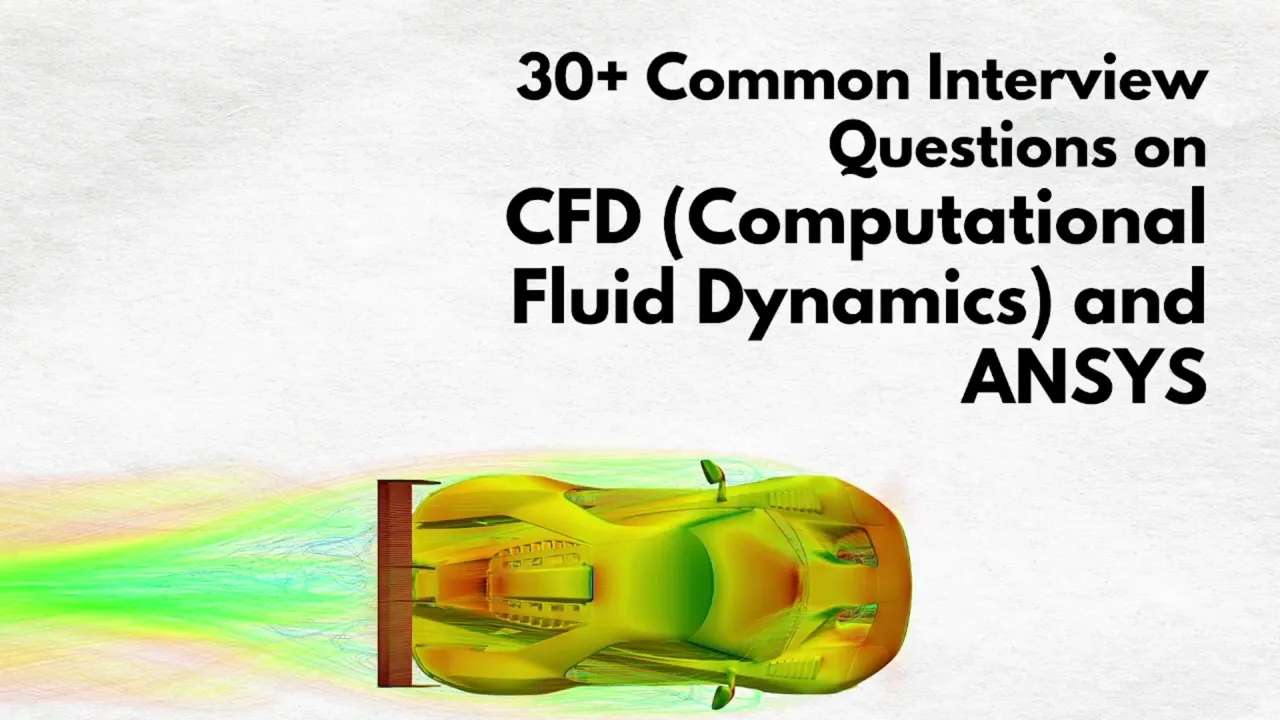
Simulation Engineer Interview Questions and Answers (CAE Workflow)


Deepak S Choudhary
Learn More in This Video
Subscribe to GaugeHow for More
A simulation engineer uses computer-based tools to predict how a product will behave before it's physically built, covering everything from structural strength to fluid flow and thermal performance. The role follows a structured CAE workflow, moving from geometry and meshing through to solving, results review, and reporting.
Basic Simulation Engineer Concepts
1. What does a simulation engineer do?
They predict product behavior using computer simulation. This covers structural, thermal, or fluid flow problems. Their work supports design decisions before physical testing. They often work closely with design and test teams.
2. What is CAE, and how is it different from CAD?
CAD is used to create the product's geometry. CAE is used to analyze how that geometry behaves. CAE tools usually take CAD geometry as their starting input. Both tools work closely together in product development.
3. What is the typical CAE workflow?
It starts with geometry cleanup and simplification. Next comes meshing, then boundary conditions and loads. The model is solved, then results are reviewed. Finally, a report documents the findings.
4. Why is geometry cleanup an important first step?
Raw CAD geometry often has small, unnecessary features. These can cause meshing problems or errors. Removing them keeps the model clean and solvable. This step saves time later in the process.
5. What types of analysis does a simulation engineer typically perform?
Structural analysis checks strength and deformation. Thermal analysis checks heat transfer and temperature. Fluid flow analysis checks pressure and flow behavior. Many engineers specialize in one or two of these.
6. What is the difference between linear and nonlinear simulation?
Linear simulation assumes small, simple behavior. Nonlinear simulation captures large deformation or material change. Nonlinear problems take longer and need more care. Choosing the right type depends on the actual physics involved.
7. Why is simulation used instead of relying only on physical testing?
Simulation is faster and cheaper than building prototypes. It allows testing many design options quickly. Physical testing is still needed to confirm key results. The two methods work best when used together.
8. What is a boundary condition?
It defines how a model interacts with its surroundings. Examples include loads, supports, or flow inlets. Wrong boundary conditions are a common source of bad results. They essentially translate a real scenario into the model.
Meshing and Model Setup
9. What is meshing, and why does it matter?
Meshing divides geometry into small, simple elements. The solver uses these elements to approximate behavior. Mesh quality directly affects result accuracy. A poor mesh is a common cause of unreliable results.
10. What is mesh refinement, and when is it used?
It increases element density in specific areas. It's used where results need to be more accurate. Common areas include holes, corners, or high-stress zones. Refining only where needed saves solving time.
11. What is mesh convergence, and why is it checked?
It confirms results stop changing as the mesh gets finer. It's checked by comparing results across mesh densities. A result that hasn't converged shouldn't be trusted. This is a standard validation step in any analysis.
12. What is the difference between structured and unstructured meshing?
Structured meshing uses a regular, grid-like pattern. Unstructured meshing uses irregular elements like triangles. Structured meshing suits simple geometry better. Unstructured meshing handles complex shapes more easily.
13. What are named selections, and why are they useful?
They label specific surfaces or edges in a model. This makes applying loads and conditions much easier. They reduce setup errors on complex assemblies. They're especially helpful for repeated or automated setups.
14. What is symmetry, and how does it simplify a model?
It uses a model's natural symmetry to reduce size. Only part of the model needs to be simulated. This saves significant solving time and effort. It only works when both geometry and loading are symmetric.
Solver Settings and Results
15. What is the difference between a solver and a pre-processor?
A pre-processor sets up geometry, mesh, and conditions. The solver actually calculates the simulation results. Post-processing then reviews and visualizes those results. All three stages are part of the full CAE workflow.
16. What is convergence in a simulation solver?
It means the solution has become stable. Further iterations no longer significantly change results. A simulation that hasn't converged can't be trusted. Checking convergence is a routine, required step.
17. What software is commonly used in CAE simulation work?
ANSYS is widely used for both structural and fluid analysis. ABAQUS is common for advanced nonlinear problems. Courses like FEA with ANSYS and ABAQUS CAE build strong foundations here. Most companies expect familiarity with at least one major tool.
18. What is the difference between implicit and explicit solvers?
Implicit solvers solve everything together at each step. Explicit solvers move forward using very small time steps. Implicit suits slower, stable problems best. Explicit suits fast, highly nonlinear events like impact.
19. How do you interpret stress results in post-processing?
Results are usually shown as color-coded contour plots. Von Mises stress is commonly used for ductile materials. High stress at sharp corners may just be a modeling artifact. Always check results against mesh convergence first.
20. What is the role of ANSYS Fluent in a typical CAE workflow?
It's used specifically for fluid flow and thermal simulation. It solves for pressure, velocity, and temperature fields. A course like ANSYS Fluent builds practical skill here. It's often used alongside structural tools on the same project.
Validation, Automation, and Reporting
21. How do you validate a simulation result before trusting it?
Compare results against physical test data if available. Check mesh convergence and solver convergence carefully. Use hand calculations as a quick sanity check. Skipping validation is a common, risky shortcut.
22. What role does MATLAB play in CAE workflows?
It's used to automate repetitive simulation tasks. It helps post-process exported simulation data. MATLAB skills pair well with most CAE software. Many engineers script parametric studies using it.
23. What is a parametric study in simulation?
It involves running the same model with varying inputs. It helps engineers understand design sensitivity. Automation tools make this process much faster. Results are usually compared across all the runs.
24. What is a simulation report, and why is it important?
It documents the setup, method, and results of an analysis. It allows others to review and trust the work. It's often required for design or certification approval. Clear reporting is a core professional skill in this field.
25. Why is good documentation important in simulation work?
It makes results traceable and repeatable. It helps catch mistakes during review. It supports decisions made later in the project. Poor documentation often causes confusion down the line.
Troubleshooting and Practical Scenarios
26. A simulation isn't converging despite many iterations. What would you check?
Start by reviewing the boundary conditions for errors. Check mesh quality near critical regions of the model. Adjusting solver settings can also help stability. Most convergence issues trace back to setup mistakes.
27. Two different mesh densities give very different results. What does this mean?
It means the mesh hasn't reached convergence yet. The coarser mesh likely isn't accurate enough to trust. Continue refining until results stabilize. Reporting unconverged results is a common credibility issue.
28. A simulation result doesn't match physical test data. What would you investigate?
Review whether boundary conditions reflect real test conditions. Check material properties used in the model. Mesh resolution in critical areas is another common cause. Comparing assumptions against the real setup usually finds the gap.
29. A client wants faster simulation turnaround, but accuracy still matters. How would you balance this?
Refine the mesh only in critical regions of interest. Simplify geometry features that don't affect key results. Clearly communicate any accuracy tradeoffs involved. This balance is a common real-world simulation challenge.
30. What's the most common mistake new simulation engineers make?
Trusting results without checking mesh convergence. Using boundary conditions that don't match real conditions. Both come from skipping basic validation steps. Building careful habits early avoids most of these issues.
Frequently Asked Questions
Q: Is simulation engineering a good career path for mechanical engineering students?
A: Yes, it's a strong, growing career path across many industries. Companies increasingly rely on simulation to reduce costly physical testing.
Q: Do I need to know multiple CAE software tools?
A: Not always, but it helps significantly. Most interviewers care more about strong fundamentals than specific software experience.
Q: What's the most important skill for an entry-level simulation role?
A: Understanding meshing and boundary conditions is essential. These two areas cause most real-world simulation problems.
Q: How important is validation compared to running the simulation itself?
A: Just as important, if not more so. A simulation result is only useful if it can actually be trusted.
Q: How should freshers structure their answers?
A: Keep answers short and clearly reasoned. Interviewers respond better to applied thinking than memorized definitions.
Conclusion
Simulation engineer interviews come back to a few core ideas: understanding the full CAE workflow, knowing how meshing and boundary conditions shape accuracy, and validating results instead of trusting them blindly. If you understand these clearly, you'll be ready for most interview questions.
To build job-ready skills, explore GaugeHow's FEA with ANSYS course and ANSYS Fluent course, or browse all engineering courses. You can even start free today. Good luck you've got this.























