
Mechanical Engineer Roadmap (Complete Guide)
Learn More in This Video
Subscribe to GaugeHow for More
Trying to figure out what to actually learn after your mechanical engineering degree? You are not alone.
Most graduates leave school with strong theory but no clear order for turning that theory into job-ready skills, and mechanical engineering is broad enough that it is easy to spend years learning the wrong things in the wrong sequence.
This guide lays out a complete roadmap: the core skills every mechanical engineer needs first, followed by the major specialization paths you can branch into once that foundation is solid.
What Does a Mechanical Engineer Do Across Different Specializations?
Mechanical engineering covers a wide range of day to day work depending on the specialization, but a few things stay consistent across almost every role:
Designing parts and assemblies that meet functional and manufacturing requirements
Reading and applying tolerances so parts fit correctly at scale, not just in a single prototype
Validating designs through simulation or physical testing before committing to production
Understanding how a part will actually be manufactured, inspected, and maintained
Communicating technical decisions clearly to non-specialist teams
Continuously updating skills as tools, materials, and manufacturing methods evolve
Where the job differs is in which of these gets the most attention: a design engineer spends most of their time in CAD, a quality engineer spends most of their time on inspection and process control, and an automation engineer spends most of their time on control systems. The foundation below applies to all of them.
Mechanical Engineer Roadmap: Step by Step
Step 1: Build Your Core Engineering Foundation
A bachelor's degree in mechanical engineering covers the theory: statics, dynamics, thermodynamics, and materials science. If you are still studying, treat these courses seriously rather than rushing through them, since every specialization later in this roadmap builds on this base. Already graduated? This step is behind you.
Step 2: Master CAD Fundamentals
Every mechanical design starts as a 3D model or a 2D drawing, which makes CAD the single most universal skill in the field. You need to be comfortable modeling parts and assemblies, not just viewing them.
AutoCAD covers 2D drafting fundamentals, while SolidWorks 2024 and Fusion 360 are both widely used industry platforms worth learning early. If you want a broader view of how CAD paths connect together, the CAD learning path is a good place to see the full sequence.
Step 3: Learn GD&T and Engineering Drawings
This step gets skipped constantly, and it shows up fast in interviews and on the job. If you cannot read a tolerance callout correctly, a design that looks perfect on screen can fail to assemble or fail inspection entirely.
The GD&T and Engineering Graphics course covers exactly the symbols and logic used on real production drawings.
Step 4: Learn Simulation and FEA Basics
Before a design becomes a physical part, it needs to be validated against real loads, vibration, and thermal conditions. The FEA with ANSYS course covers structural simulation fundamentals, and ABAQUS CAE is worth adding if your target roles lean toward advanced simulation work.
For a full view of where this fits into a broader specialization, the FEA/CAE simulation path lays out the sequence.
Step 5: Understand Manufacturing Processes
A design engineer who understands how a part actually gets made produces far fewer costly redesigns. This means understanding both traditional and modern manufacturing methods, from machining to 3D printing.
The CNC Programming course covers traditional subtractive manufacturing, and the 3D Printing / Additive Manufacturing course covers when additive methods make more sense for prototyping or low-volume production.
Step 6: Learn Quality and Metrology Fundamentals
Every design eventually gets measured against its drawing, and understanding how that measurement happens makes you a stronger engineer even if quality is not your main focus.
The Engineering Metrology & 3D Measurement course and Basics of 6 Sigma course both build this foundation, and the metrology learning path is worth reviewing if quality-focused work appeals to you.
Step 7: Add Programming Skills
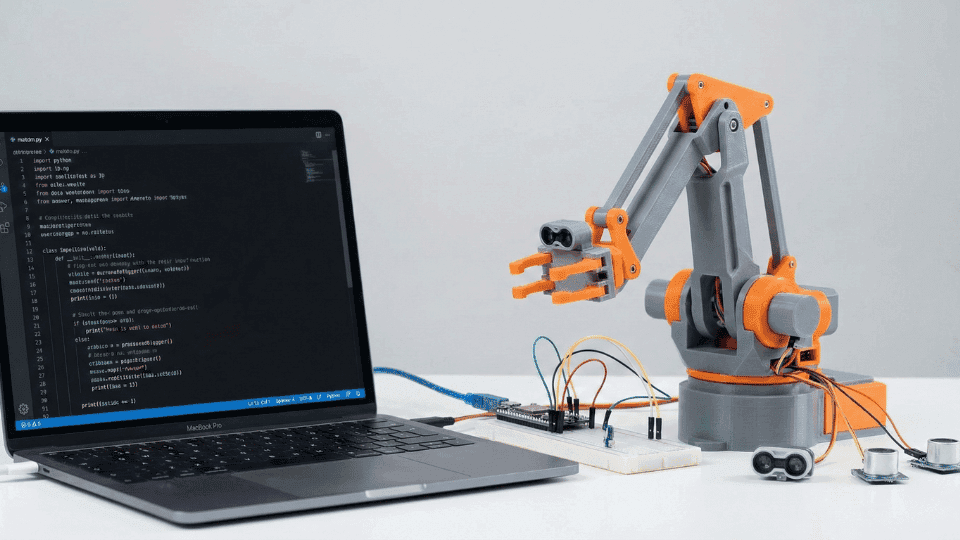
Mechanical engineering is no longer a purely mechanical field. Scripting skills let you automate repetitive simulation setups, analyze test data, and work on projects that blend mechanical design with control systems or robotics.
The Python for Mechanical Engineers & Robotics course and C and C++ for Mechanical Engineering course both build this from an engineering angle rather than a pure computer science one.
Step 8: Explore Industry 4.0 and Automation Basics
Modern manufacturing is increasingly connected, and even engineers outside dedicated automation roles benefit from understanding how PLCs, sensors, and connected systems fit into a smart factory.
The Introduction to Industry 4.0 course and PLC Programming and Automation course both cover this increasingly essential layer of modern mechanical engineering work.
Step 9: Choose a Specialization
By this point, you have a broad enough foundation to see which direction genuinely interests you: design, simulation, quality, production, automation, EV and battery systems, or connected digital manufacturing.
Choosing here shapes which advanced skills are worth prioritizing next, so it is worth pausing and comparing the paths in the next section before committing further.
Step 10: Target the Right Industry and Apply
Mechanical engineering hiring varies significantly by sector. Aerospace wants documentation discipline and tight tolerance control. Automotive wants high-volume production knowledge and increasingly, EV-specific skills.
Robotics-heavy environments want mechatronics and automation fluency. The Mechanical industry page, Aerospace industry page, and Automotive industry page are good places to see what each sector actually prioritizes before you apply.
Before interviews, review common technical questions so a design or calculation scenario does not catch you off guard.
The Interview Q&A Hub has role-specific practice questions, and the Practice / MCQ Tests section is useful for a quick knowledge check before a technical round.
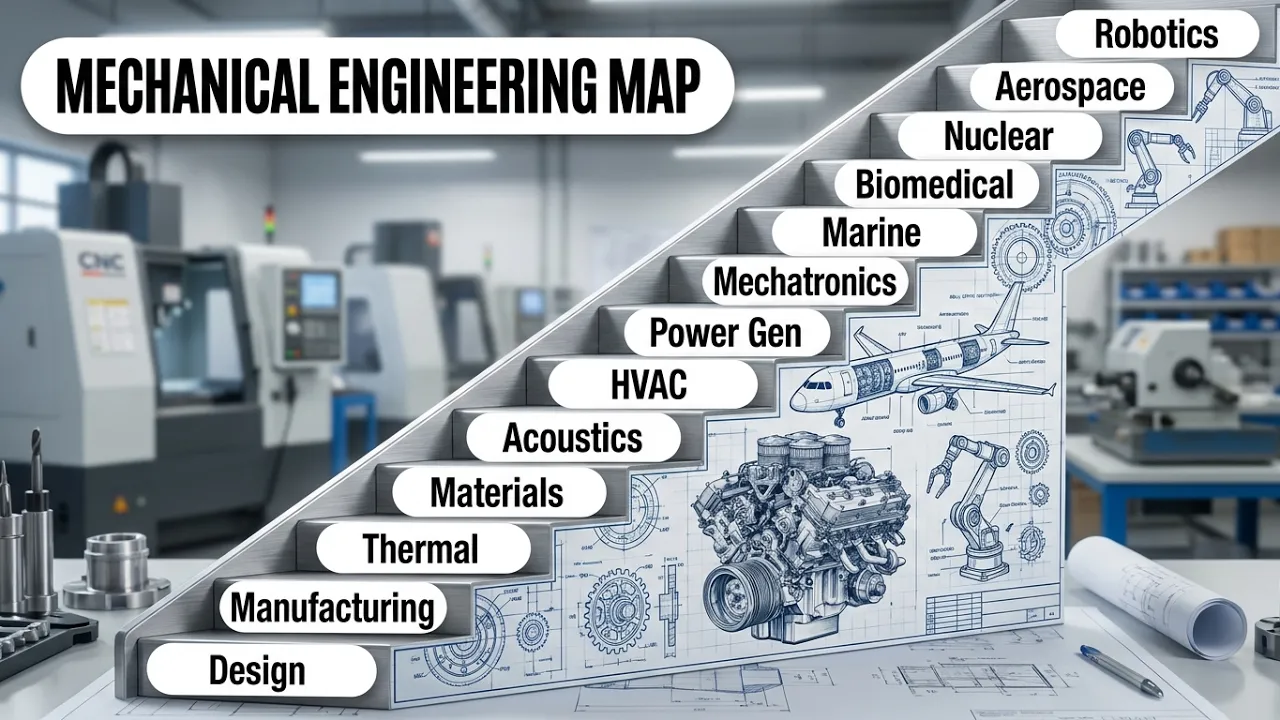
Mechanical Engineering Specialization Paths
Once your core foundation is solid, mechanical engineering branches into several distinct career paths. Here is how the major ones compare.
Specialization | Main Focus | Typical Tools |
|---|---|---|
Design Engineer | Creating and refining part and assembly designs | CAD, GD&T, materials selection |
CAE / Simulation Engineer | Validating designs through structural and thermal simulation | FEA, CFD, multiphysics tools |
Quality Engineer | Ensuring finished parts meet spec and safety standards | Inspection, CMM, calibration, root cause analysis |
Production Engineer | Running and improving day to day manufacturing output | Process design, quality tools, line management |
Automation & Robotics Engineer | Programming and integrating automated and robotic systems | PLCs, robot programming, mechatronics |
EV / Battery Engineer | Designing and validating EV-specific systems and components | CAD, FEA, CFD, battery fundamentals |
Digital / Industry 4.0 Engineer | Connecting shop floor data to plant-wide decisions | IIoT platforms, digital twins, dashboards |
Each of these paths has a dedicated career track on GaugeHow with courses sequenced specifically for that specialization. If design work interests you most, the Design Engineer career track is the natural next step.
If you are drawn to validating designs through simulation, the CAE / Simulation Engineer career track covers that path, and the Quality Engineer career track is worth reviewing if inspection and process control appeal to you more than design itself.
Mechanical Engineer Skills Checklist
Skill Area | Beginner | Job Ready |
|---|---|---|
CAD modeling | Can open and view a model | Can design a full assembly from scratch |
GD&T and print reading | Recognizes basic symbols | Can interpret full feature control frames |
Simulation (FEA basics) | Knows what FEA is used for | Can set up and interpret a basic structural simulation |
Manufacturing awareness | Knows machining and 3D printing exist as concepts | Can design a part with manufacturing constraints in mind |
Quality and metrology | Knows what a CMM does | Can interpret an inspection report against drawing tolerances |
Programming and automation | Knows basic Python syntax | Can automate a repetitive design or data task |
Frequently Asked Questions
Q: Do I need a specific degree to become a mechanical engineer?
A: Yes, in most cases. A bachelor's degree in mechanical engineering is the standard entry requirement for the field, and it provides the theoretical foundation, statics, dynamics, thermodynamics, and materials science, that every specialization builds on later.
Q: Which mechanical engineering specialization pays the most?
A: This varies by region, industry, and experience level rather than following a fixed hierarchy. Specializations tied to emerging technology, like EV and battery engineering or Industry 4.0 roles, often command a premium currently due to high demand relative to available talent.
Q: How long does it take to become job ready as a mechanical engineer?
A: With a completed degree, most graduates need three to six months of focused skill-building, CAD, GD&T, and basic simulation, before they are genuinely job ready, plus one strong project they can walk through confidently in an interview.
Q: Do all mechanical engineers need to learn programming?
A: Not at an expert level, but basic scripting skills, especially in Python, are increasingly expected across almost every specialization, from automating simulation setups to analyzing test data.
Q: Which industries hire the most mechanical engineers?
A: Automotive, aerospace, electronics, industrial manufacturing, and increasingly EV and battery manufacturing all hire heavily across the full range of mechanical engineering specializations.
Conclusion
Becoming a job-ready mechanical engineer is a layered process: build the core foundation first, CAD, GD&T, basic simulation, manufacturing awareness, and quality fundamentals, then branch into the specialization that genuinely interests you.
Follow the roadmap in order: engineering foundation, CAD, GD&T, simulation, manufacturing processes, quality and metrology, programming, Industry 4.0 basics, then choose your specialization.
Ready to build the skill set? Start with the Mechanical Engineer Hub on GaugeHow to see the full course sequence and every specialization path mapped out from this exact roadmap.
Mechanical Engineering Courses That Industry Actually Uses
Learn Tools of Design & CAD, Analysis & Simulation, Automation & Robotics, and Industry 4.0 used in modern factories.
Join 40+ Mech Courses like GD&T, Siemens NX, SolidWorks, CATIA V5, AutoCAD, ANSYS (FEA & Fluent), ABAQUS, Creo, Fusion 360, CNC Programming, Digital Twins, Python for Mechanical, and Industry 4.0.
Our Courses
Complete Course Library
Access to 40+ courses covering various fields like Design, Simulation, Quality, Manufacturing, Robotics, and more.