Altair HyperWorks
Altair HyperWorks

What Is Altair HyperWorks and Why Is It Important?
Altair HyperWorks is an advanced engineering simulation software used to design, test, analyze, and improve products before manufacturing. It helps engineers solve design problems through virtual simulation and optimization.
Developed by Altair Engineering, Altair HyperWorks is widely used in industries such as automotive, aerospace, manufacturing, and electronics.
For students and beginners, Altair HyperWorks is an important tool because it teaches how real engineering simulations are performed to improve product performance, reduce errors, and save development time.
Overview of Altair HyperWorks 2026
A Simple Definition of Altair HyperWorks Software
Altair HyperWorks 2026 is a simulation and design optimization platform that helps engineers test product performance digitally.
It allows users to build virtual models, simulate real-world conditions, and improve product designs before physical production. This reduces testing costs and helps companies create stronger and better-performing products.
Altair HyperWorks Used For?
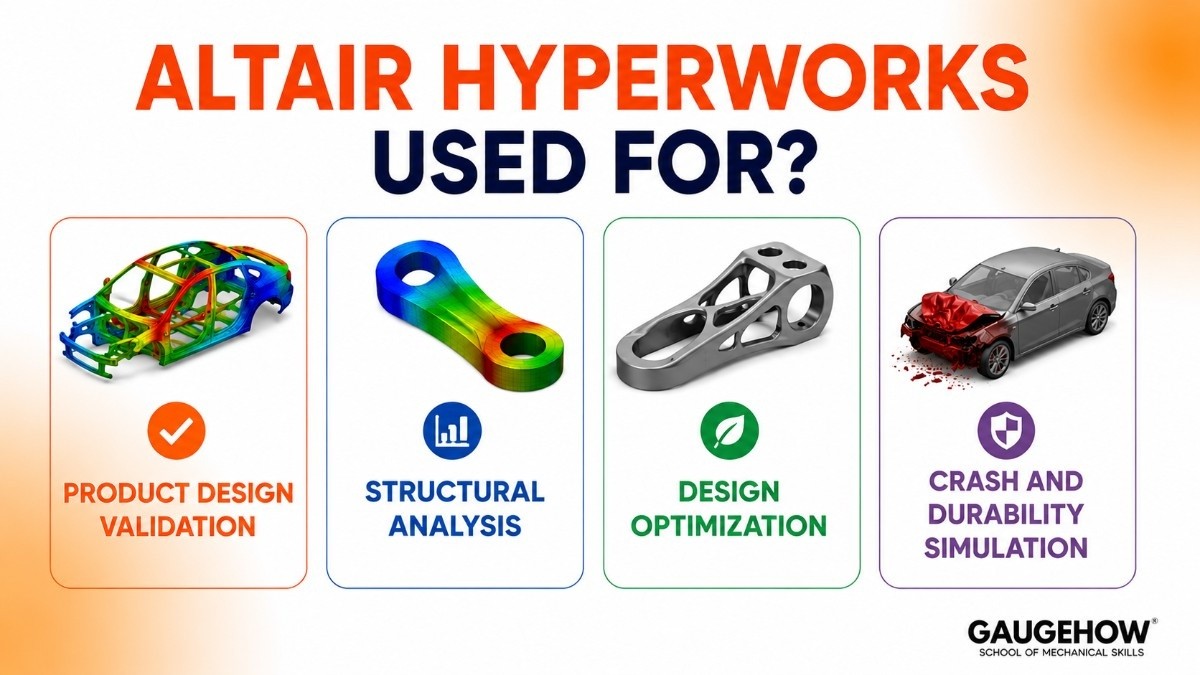
Altair HyperWorks is used to solve engineering design and simulation challenges.
Product Design Validation
Engineers use it to check whether a product design will perform correctly before manufacturing.
This helps avoid costly design failures.
Structural Analysis
It helps analyze stress, strain, and deformation in products.
This ensures components are strong enough for real-world use.
Design Optimization
Engineers can improve product efficiency while reducing unnecessary material use.
This creates lighter and stronger products.
Crash and Durability Simulation
The software predicts how products behave during impact or repeated loading.
This is widely used in automotive safety testing.
Key Features of Altair HyperWorks 2026
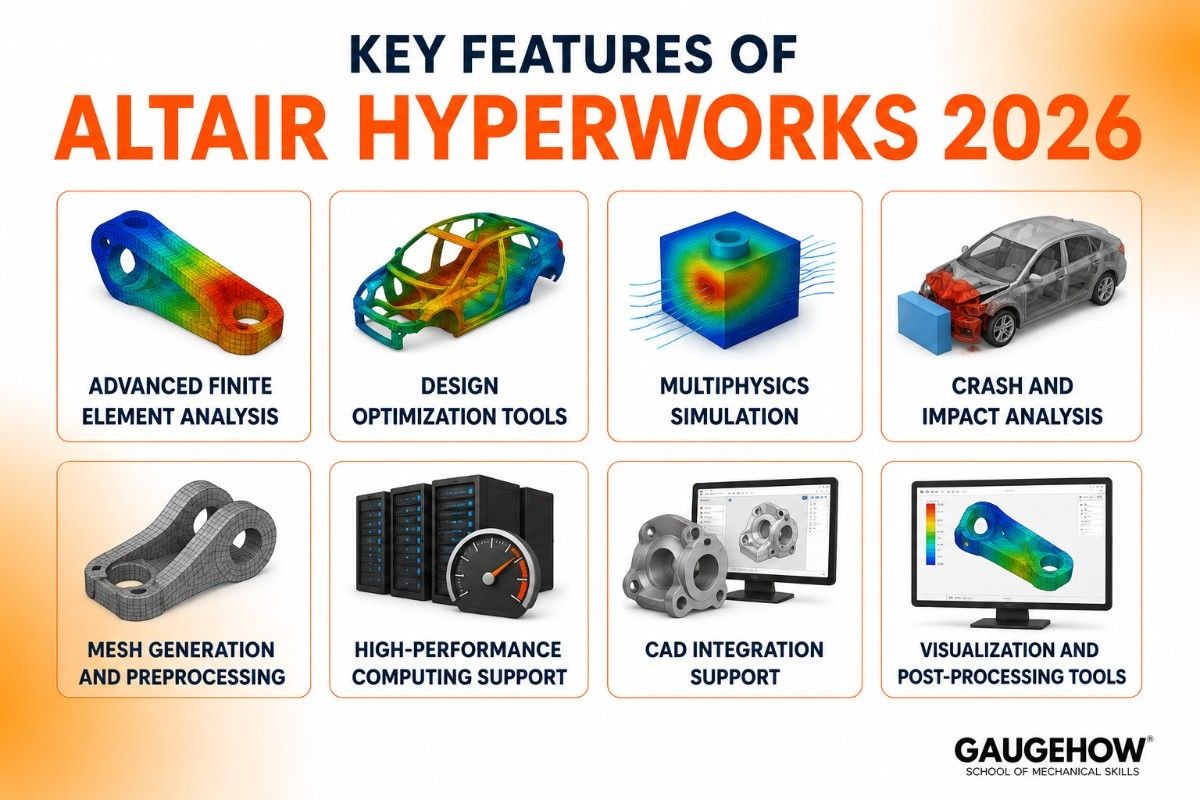
Advanced Finite Element Analysis
Altair HyperWorks helps engineers study structural performance through accurate finite element simulations.
This is useful for understanding product strength and reliability.
Design Optimization Tools
The software allows engineers to optimize designs for better performance.
It helps reduce weight, improve efficiency, and lower manufacturing costs.
Multiphysics Simulation
It supports simulations involving structural, thermal, and dynamic interactions.
This provides realistic analysis results.
Crash and Impact Analysis
Engineers can simulate collisions, drops, and impact events.
This improves product safety and durability.
Mesh Generation and Preprocessing
Altair HyperWorks provides strong meshing tools for an accurate simulation setup.
This helps improve analysis quality.
High-Performance Computing Support
Large simulations can run efficiently using advanced computing resources.
This improves speed and productivity.
CAD Integration Support
The software works with major CAD tools for faster design-to-simulation workflows.
Visualization and Post-Processing Tools
It provides detailed result visualization for better analysis and decision-making.
Altair HyperWorks Tutorials
Learning Altair HyperWorks becomes easier with practical tutorials.
Students usually begin with:
Basic structural simulation tutorials
Learning how to create simple simulation models.
Meshing tutorials
Understanding how to divide models for analysis.
Optimization tutorials
Learning how to improve designs efficiently.
Crash simulation tutorials
Understanding impact analysis basics.
These tutorials help beginners build strong simulation skills.
Altair HyperWorks Pricing and Licensing Options
Commercial Licensing
Designed for engineering companies needing full simulation tools.
Pricing depends on selected modules and user count.
Academic Licensing
Universities receive educational access for teaching and research.
This helps students gain industry-relevant skills.
Modular Licensing
Users can purchase only the required software modules.
This offers flexibility for different engineering needs.
Trial Access
Evaluation access may be available for businesses testing the platform.
Pros and Cons of Altair HyperWorks
Pros of Altair HyperWorks
Strong Design Optimization
Altair HyperWorks is well known for its powerful optimization tools. It helps engineers create lightweight, strong, and efficient product designs while reducing material usage.
Advanced Meshing Capabilities
The software provides high-quality meshing tools that improve simulation accuracy. Better meshing leads to more reliable engineering results.
Supports Multiple Engineering Applications
It can be used for structural analysis, crash testing, durability studies, and product optimization. This makes it useful across many industries.
Good CAD Integration
Altair HyperWorks works with major CAD software, making it easier to move from design to simulation without workflow interruptions.
Scalable for Large Projects
It can handle both small engineering tasks and large enterprise-level simulations efficiently.
Cons of Altair HyperWorks
Steep Learning Curve
Beginners may find the interface and workflow difficult at first. It requires practice to fully understand the simulation setup.
Expensive Commercial Licensing
The software can be costly for startups and small companies, especially when advanced modules are required.
Requires Strong Hardware
Complex simulations often need powerful computers for smooth performance.
Needs Engineering Knowledge
To use it effectively, users need a good understanding of simulation concepts and engineering analysis.
Altair HyperWorks Integrations
CAD Integrations
Altair HyperWorks integrates with major CAD software such as SolidWorks, CATIA, Creo, and Siemens NX. This allows engineers to move smoothly from design creation to simulation testing.
Data and Workflow Integration
The software supports workflow automation and engineering data connectivity. This improves productivity by reducing repetitive manual tasks and improving project management.
Deployment Options for Altair HyperWorks
On-Premise Deployment
Altair HyperWorks can be installed directly on engineering workstations. This gives organizations full control over software access, security, and performance.
Cloud Deployment
The cloud deployment option allows users to run simulations remotely using scalable computing resources. This is useful for handling large simulations without relying only on local hardware.
Hybrid Deployment
Hybrid deployment combines local workstations with cloud resources. This gives flexibility and allows companies to manage both speed and scalability.
Brownfield Readiness
Altair HyperWorks can fit into existing engineering systems without requiring major workflow changes. This makes it easier for companies to adopt without rebuilding infrastructure.
Altair HyperWorks vs Ansys
Choose Altair HyperWorks If You Need
Altair HyperWorks is ideal for engineers focused on optimization, lightweight product design, and advanced meshing workflows. It is especially strong for structural optimization projects.
Choose Ansys If You Need
Ansys is better for broader multiphysics simulations, including CFD, thermal analysis, and electromagnetic studies. It is often preferred for companies needing all-in-one simulation tools.
The right choice depends on your engineering goals and workflow requirements.
Best Alternatives to Altair HyperWorks
Ansys
Ansys is a strong alternative for companies needing broad engineering simulation capabilities across multiple physics domains.
Abaqus
Abaqus is ideal for advanced structural and nonlinear simulation problems.
COMSOL Multiphysics
COMSOL is best for multiphysics and research-focused engineering analysis.
Simcenter 3D
Simcenter 3D is a strong choice for organizations already using Siemens engineering tools.
MSC Nastran
MSC Nastran is widely trusted for structural simulation in aerospace and defense industries.
Frequently Asked Questions About Altair HyperWorks
What Is Altair HyperWorks Used For?
It is used for simulation, structural testing, optimization, and product validation before manufacturing. It helps engineers improve product performance and reduce development costs.
Is Altair HyperWorks Good for Beginners?
Yes, beginners can learn it through tutorials and practice projects. However, understanding simulation basics is important for effective learning.
Is Altair HyperWorks Cloud-Based?
Yes, it supports both cloud deployment and local installation, giving flexibility based on project needs.
Altair HyperWorks vs Ansys: Which Is Better?
Altair HyperWorks is stronger for optimization and meshing, while Ansys is stronger for broad multiphysics simulation.
Where Can I Learn Altair HyperWorks Tutorials?
Students can learn through official Altair learning resources, university programs, and guided engineering tutorials.
Final Thoughts on Altair HyperWorks 2026
Altair HyperWorks 2026 is a powerful engineering simulation platform that helps engineers design smarter and more efficient products. It combines optimization, simulation, and analysis tools to improve product development.
For students, it provides valuable practical simulation skills. For industries, it offers reliable engineering tools for solving modern product design challenges.
Altair HyperWorks helps engineers test designs, solve problems, and improve products through virtual simulation before manufacturing.























