Mastercam
mastercam software

What Is Mastercam Software and Why Is It Important?
Mastercam is one of the most widely used CAD/CAM software platforms for CNC machining and manufacturing.
It helps engineers, machinists, and students create part designs, generate toolpaths, and produce accurate machining instructions for CNC machines.
Developed by CNC Software, LLC, Mastercam is trusted by manufacturers around the world for improving machining accuracy, reducing errors, and increasing production efficiency.
For beginners and students, Mastercam is an important software because it helps connect digital design with real manufacturing processes.
Overview of Mastercam Software
Mastercam is CAD/CAM software used to design parts and create machining instructions for CNC machines.
It allows users to create digital part models, define machining operations, and generate toolpaths that tell CNC machines exactly how to cut, drill, and shape materials.
Mastercam is widely used because it simplifies manufacturing and helps produce accurate parts faster.
What Is Mastercam Used For?
Creating CNC Toolpaths
Mastercam helps users create toolpaths for CNC machines.
These toolpaths guide machine movement during cutting, drilling, milling, and turning operations.
Improving Manufacturing Accuracy
The software helps reduce machining errors by simulating operations before production.
This allows users to identify problems early.
Increasing Production Efficiency
Mastercam optimizes machining processes for faster production.
This saves time and improves workflow performance.
Supporting CNC Training and Learning
Students use Mastercam tutorials to learn how CNC programming works.
It provides practical manufacturing knowledge.
Key Features of Mastercam Software
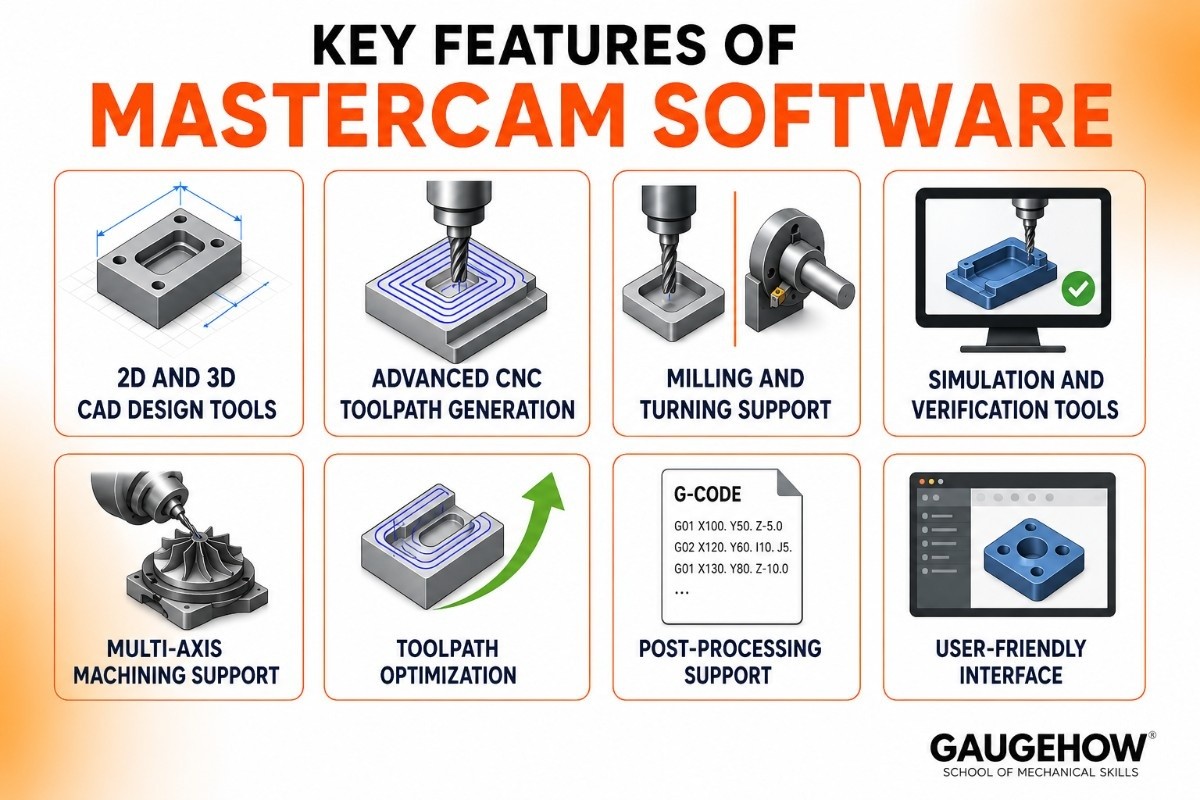
2D and 3D CAD Design Tools
Mastercam allows users to create part designs directly inside the software.
This helps engineers prepare models for machining.
Advanced CNC Toolpath Generation
The software creates efficient machining paths for different CNC operations.
This improves cutting accuracy and reduces machining time.
Milling and Turning Support
Mastercam supports both milling and turning operations.
This makes it suitable for different machining applications.
Simulation and Verification Tools
Users can simulate machining operations before actual production.
This helps detect errors and avoid material waste.
Multi-Axis Machining Support
Mastercam supports advanced multi-axis machining.
This allows manufacturers to produce complex parts more efficiently.
Toolpath Optimization
The software helps optimize cutting paths for better speed and performance.
This improves productivity.
Post-Processing Support
Mastercam generates machine-ready code for CNC systems.
This ensures compatibility with manufacturing equipment.
User-Friendly Interface
The software is designed to make CNC programming easier to understand.
This is helpful for students and beginners.
Mastercam Tutorial
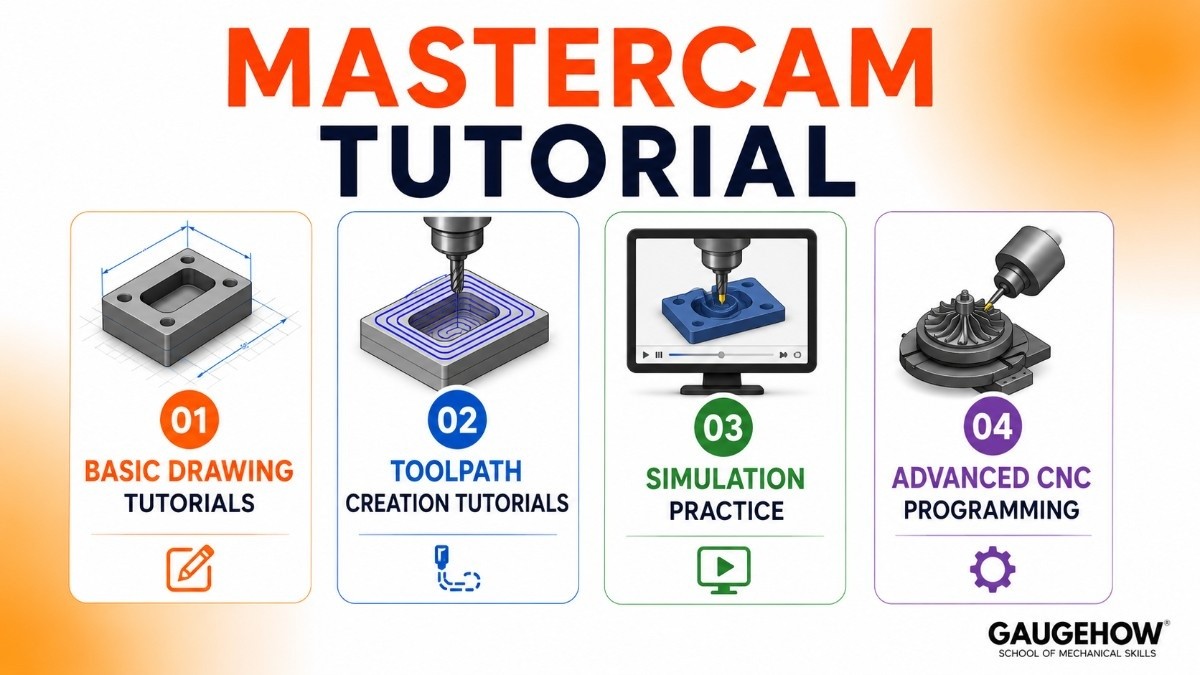
Learning Mastercam becomes easier through structured tutorials.
Basic Drawing Tutorials
Students learn how to create simple part geometry.
This builds design fundamentals.
Toolpath Creation Tutorials
Users learn how machining instructions are created.
This helps understand CNC programming.
Simulation Practice
Tutorials teach how to simulate machining processes.
This improves practical understanding.
Advanced CNC Programming
Users can learn multi-axis and advanced machining workflows.
This builds professional skills.
Mastercam Price and Licensing Options
Commercial Licensing
Professional licenses are designed for manufacturing businesses.
Pricing depends on selected modules and machine requirements.
Educational Licensing
Schools and colleges receive academic access.
This supports CNC education and training.
Subscription and Maintenance Plans
Some licensing options include software updates and support services.
Trial and Evaluation Access
Businesses may get trial access to test software features.
Pros and Cons of Mastercam Software
✅ PROS | ❌ CONS |
|---|
Easy CNC Programming | Premium Pricing |
Industry Standard Software | Learning Curve |
Precise Toolpath Control | High Hardware Demand |
Strong Career Value | Advanced Features Need Training |
Large Learning Community |
Reliable Manufacturing Performance |
Best Industries and Use Cases for Mastercam
CNC Manufacturing Shops
Mastercam is widely used for daily machining operations.
It improves machining precision.
Automotive Manufacturing
Used for producing precise mechanical parts.
Aerospace Industry
Supports high-accuracy machining for complex components.
Tool and Die Manufacturing
Useful for detailed tooling production.
Technical Education Institutes
Helps students learn practical CNC programming.
Mastercam Integrations
CAD Software Integrations
Mastercam integrates with:
SolidWorks
AutoCAD
CATIA
These integrations improve workflow efficiency.
CNC Machine Compatibility
Mastercam supports many CNC machine controllers.
This improves machine connectivity.
Deployment Options for Mastercam
On-Premise Deployment
Installed on local systems for direct machine programming.
Network Deployment
Supports multi-user access in larger manufacturing setups.
Brownfield Readiness
Works well with existing CNC workflows.
This makes adoption easier.
Mastercam vs Fusion 360
Choose Mastercam If You Need
Advanced CNC machining
Strong toolpath control
Industrial machining workflows
Choose Autodesk Fusion If You Need
Cloud-based CAD/CAM
Beginner-friendly workflows
Integrated design and manufacturing
The best choice depends on machining requirements.
Best Alternatives to Mastercam
Autodesk Fusion
Popular for integrated CAD/CAM workflows.
SolidCAM
Strong machining integration.
NX CAM
Enterprise-level manufacturing solution.
PowerMill
Advanced toolpath capabilities.
Edgecam
Widely used in CNC machining.
Frequently Asked Questions
What Is Mastercam Used For?
Mastercam is used to create CNC toolpaths and machining instructions for manufacturing parts. It helps engineers and machinists design parts, simulate machining processes, and improve production accuracy before actual machining begins.
Is Mastercam Good for Beginners?
Yes, Mastercam is a good software for beginners who want to learn CNC programming and machining. It offers tutorials and training resources that help students understand part design, toolpath creation, and CNC operations step by step.
Is Mastercam Cloud-Based?
Mastercam is mainly installed as on-premise software on local systems. This allows direct access to CNC programming tools and a smooth connection with manufacturing machines for daily production work.
How Much Does Mastercam Cost?
Mastercam pricing depends on the modules, features, and licensing type selected. Educational versions are available for students, while commercial licenses are designed for professional manufacturing businesses.
How Does Mastercam Compare to HyperMILL and ESPRIT CAM?
Mastercam is known for its ease of use and broad adoption across machine shops. HyperMILL is often preferred for advanced 5-axis and mold-making applications, while ESPRIT CAM is widely used for mill-turn and Swiss-type machining operations.
Where Can I Learn Mastercam Tutorials?
Students can learn Mastercam through official training courses, online tutorials, and educational programs. These tutorials cover everything from basic drawing and toolpath creation to advanced CNC machining techniques.
Mastercam is used to design parts and create CNC machine instructions. machinists and engineers make accurate parts faster and improve manufacturing.























