NX CAM
NX CAM software

What is NX CAM software, and Why Is It Important in Modern Manufacturing?
NX CAM is advanced computer-aided manufacturing software used to create CNC machining instructions for manufacturing complex parts.
It helps engineers and machinists design toolpaths, simulate machining operations, and improve production accuracy.
Developed by Siemens, NX CAM is part of the Siemens NX platform.
It is widely used in industries where precision, automation, and efficiency are important. For students and beginners, NX CAM helps in understanding how digital designs are converted into real manufactured parts.
What Is NX CAM Used For?
CNC Toolpath Creation
NX CAM helps create accurate machining paths for CNC machines.
These toolpaths guide cutting tools during manufacturing and ensure precise part production.
Machining Process Optimization
The software helps improve machining efficiency by selecting better cutting strategies.
This reduces machining time and improves overall productivity.
Virtual Machining Simulation
Users can simulate machining operations before production begins.
This helps detect tool collisions and programming errors early.
Complex Part Manufacturing
NX CAM is widely used for creating highly detailed and complex parts.
This is especially useful in industries requiring precision machining.
NX CAM Tutorial for Students and Beginners
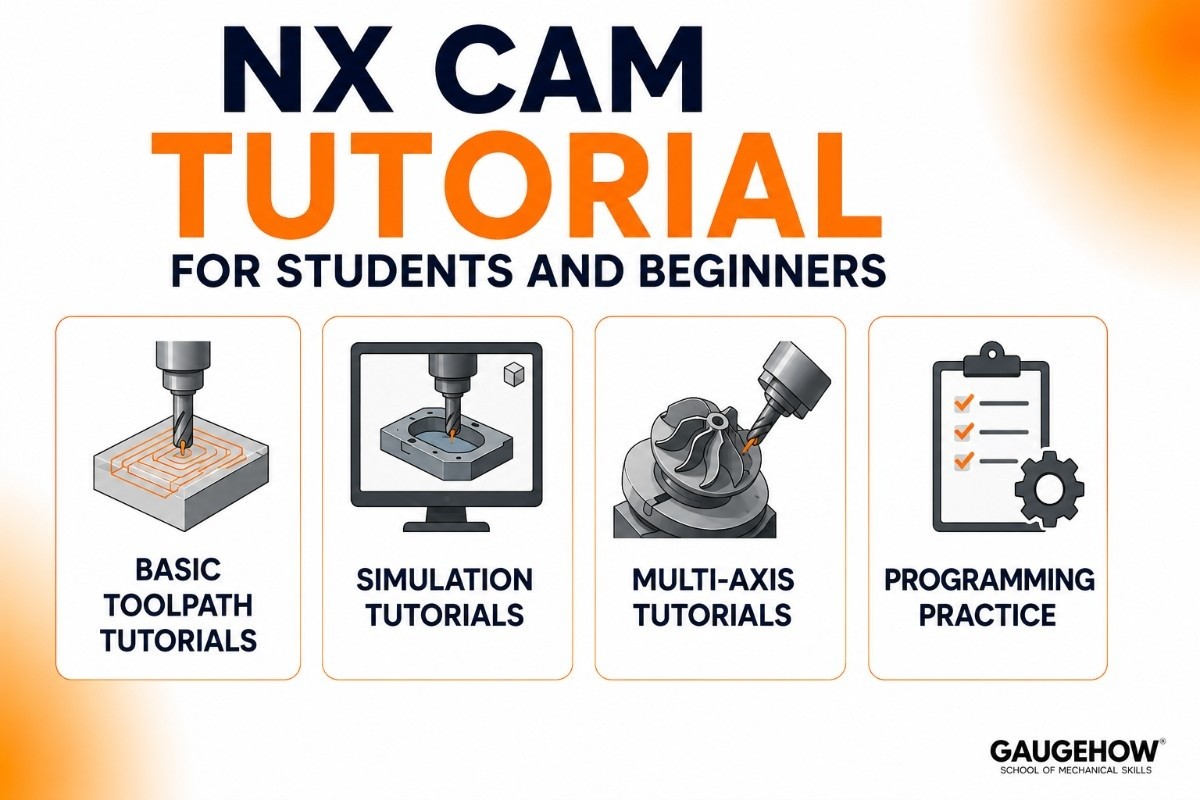
Learning NX CAM becomes easier with tutorials.
Basic Toolpath Tutorials
Students learn how to create simple machining instructions.
This builds strong CNC programming basics.
Simulation Tutorials
Users practice machining simulation and verification.
This helps understand machining behavior.
Multi-Axis Tutorials
Advanced tutorials teach complex machining workflows.
This builds professional manufacturing skills.
Programming Practice
Students learn how machining strategies affect production quality.
This improves real-world understanding.
NX CAM vs Mastercam
Both NX CAM and Mastercam are powerful CNC programming platforms, but they serve different types of manufacturers. Mastercam is widely used in job shops and production machining environments, while NX CAM is designed for enterprise manufacturing, advanced automation, and highly complex multi-axis operations.
Criteria | NX CAM | Mastercam |
|---|---|---|
Best For | Enterprise manufacturing | Machine shops & job shops |
Learning Curve | Steeper | Easier |
CAD Integration | Native Siemens NX | CAD-neutral |
5-Axis Machining | Advanced | Strong |
Automation | Extensive | Moderate |
Digital Twin | Yes | Limited |
Industry Focus | Aerospace, Automotive, Enterprise | General CNC Manufacturing |
Adoption | Large manufacturers | Broad shop-floor adoption |
Cost | Higher | Lower |
Ease of Implementation | Complex | Simpler |
Bottom Line:
NX CAM = Enterprise manufacturing, Siemens integration, advanced multi-axis machining.
Mastercam = Easier learning, broader shop adoption, simpler CNC programming.
Key Features of NX CAM Software
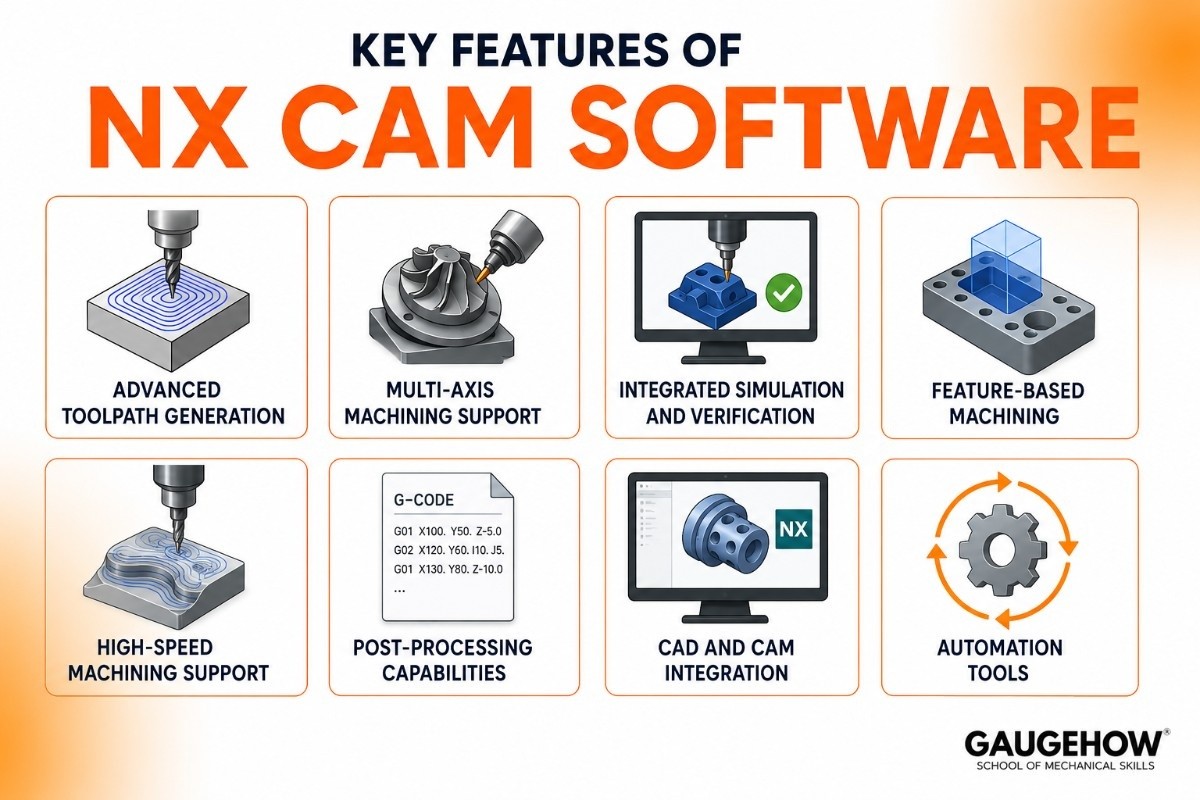
Advanced Toolpath Generation
NX CAM creates accurate machining instructions for milling, turning, drilling, and complex machining operations.
This improves part precision and production efficiency.
Multi-Axis Machining Support
The software supports advanced 3-axis, 4-axis, and 5-axis machining.
This helps manufacturers produce complex geometries more effectively.
Integrated Simulation and Verification
NX CAM provides machining simulation tools that help verify operations before production.
This reduces costly errors.
Feature-Based Machining
The software can automatically recognize design features and apply machining strategies.
This speeds up programming.
High-Speed Machining Support
NX CAM supports optimized cutting paths for faster machining performance.
This improves production output.
Post-Processing Capabilities
The software generates machine-ready CNC code.
This ensures compatibility with manufacturing equipment.
CAD and CAM Integration
NX CAM works directly with Siemens NX design tools.
This creates a smooth workflow from design to manufacturing.
Automation Tools
It supports process automation for repetitive programming tasks.
This saves engineering time.
NX CAM Pricing and Licensing Options
Commercial Licensing
NX CAM commercial licenses are designed for manufacturing companies.
Pricing depends on selected modules and machining requirements.
Enterprise Licensing
Large organizations can choose custom enterprise solutions.
These support advanced manufacturing workflows.
Academic Licensing
Educational access is available for students and institutions.
This supports manufacturing education.
Trial and Evaluation Access
Some businesses may receive trial access to evaluate software capabilities.
Pros and Cons of NX CAM Software
Pros of NX CAM | Cons of NX CAM |
|---|---|
Seamless integration with Siemens NX for a unified CAD/CAM workflow | Steeper learning curve than many CAM systems |
Advanced 3-axis, 4-axis, and 5-axis machining capabilities | Premium licensing costs can be expensive for small shops |
High-accuracy simulation, verification, and collision detection | Requires powerful hardware for large projects and simulations |
Strong automation and enterprise manufacturing tools | Many advanced features may be unnecessary for smaller workshops |
Well-suited for aerospace, automotive, and precision manufacturing | Longer implementation and training time |
Supports complex multi-axis machining similar to HyperMILL CAM software | Less cost-effective for users who only need basic CNC programming |
Quick Take: NX CAM excels in enterprise manufacturing, Siemens integration, and advanced multi-axis machining. However, smaller shops may find alternatives such as HyperMILL CAM software or Mastercam software more suitable depending on their budget, workflow complexity, and machining requirements.
Best Industries and Use Cases for NX CAM
Aerospace Industry
Used for highly accurate machining of complex aircraft components.
Precision is critical in this industry.
Automotive Manufacturing
NX CAM helps create efficient machining workflows for vehicle components.
Medical Device Manufacturing
Supports precision machining for surgical tools and implants.
Industrial Manufacturing
Useful for complex production workflows and automation.
Educational Institutions
Helps students learn modern CNC manufacturing methods.
NX CAM Integrations
CAD Software Integration
NX CAM integrates directly with:
Siemens NX
SolidWorks
CATIA
This improves workflow continuity.
Manufacturing System Integration
It supports connectivity with manufacturing workflows and shop-floor automation systems.
This improves production efficiency.
Deployment Options for NX CAM
On-Premise Deployment
Installed locally for direct access and machine control.
This is common in manufacturing facilities.
Cloud-Connected Workflow Support
NX CAM supports cloud-connected manufacturing collaboration.
This improves remote engineering access.
Hybrid Deployment
Combines local processing with connected digital manufacturing systems.
Brownfield Manufacturing Readiness
NX CAM fits into existing manufacturing workflows.
This makes adoption easier for established facilities.
Best Alternatives to NX CAM
Mastercam
Strong CNC programming software.
Autodesk Fusion
Good for integrated CAD/CAM workflows.
PowerMill
Known for advanced machining paths.
SolidCAM
Useful for integrated machining workflows.
Edgecam
Popular in CNC manufacturing.
FAQ
What Is NX CAM Used For?
NX CAM is CNC programming software used to create toolpaths and machining instructions for milling, turning, and multi-axis machining operations. Manufacturers use it to improve machining accuracy, reduce cycle times, and streamline production workflows.
Is NX CAM Good for Beginners?
Yes, NX CAM can be learned by beginners, although its enterprise-level features make the learning curve steeper than some other CAM systems. With structured tutorials, hands-on projects, and regular practice, students can gradually build confidence in CNC programming and toolpath creation.
Is NX CAM Cloud-Based?
NX CAM is primarily installed desktop software rather than a fully cloud-based platform. However, it supports connected digital manufacturing workflows through integration with Siemens solutions such as Teamcenter and the Xcelerator ecosystem.
NX CAM vs Mastercam: Which Is Better?
The better choice depends on your needs. NX CAM is stronger for enterprise manufacturing, Siemens integration, and advanced multi-axis machining, while Mastercam is generally easier to learn, more widely adopted in machine shops, and better suited for everyday CNC programming.
Where Can I Learn NX CAM Tutorials?
You can learn NX CAM through Siemens' official training resources, educational programs, online courses, and hands-on CNC machining projects. Combining guided instruction with real-world practice is the fastest way to develop practical NX CAM skills.
Final Thoughts on NX CAM Software
NX CAM is one of the most advanced manufacturing software tools available today.
It helps engineers and machinists create precise machining programs, reduce errors, and improve manufacturing efficiency.
For students, it provides practical CNC programming skills.
For industries, it delivers reliable tools for modern precision manufacturing.
NX CAM is software that create CNC machine for making parts. It is used to design toolpaths, improve machining accuracy, and make manufacturing faster.























