Autodesk Fusion
Autodesk Fusion
Overview
Autodesk Fusion is a cloud-native, unified 3D CAD, CAM, CAE, and PCB software platform. Developed by Autodesk, this software breaks down traditional data silos by combining conceptual mechanical engineering, structural simulation, electronic design, and multi-axis CNC toolpath generation inside a single, synchronized cloud workspace.
Key Features
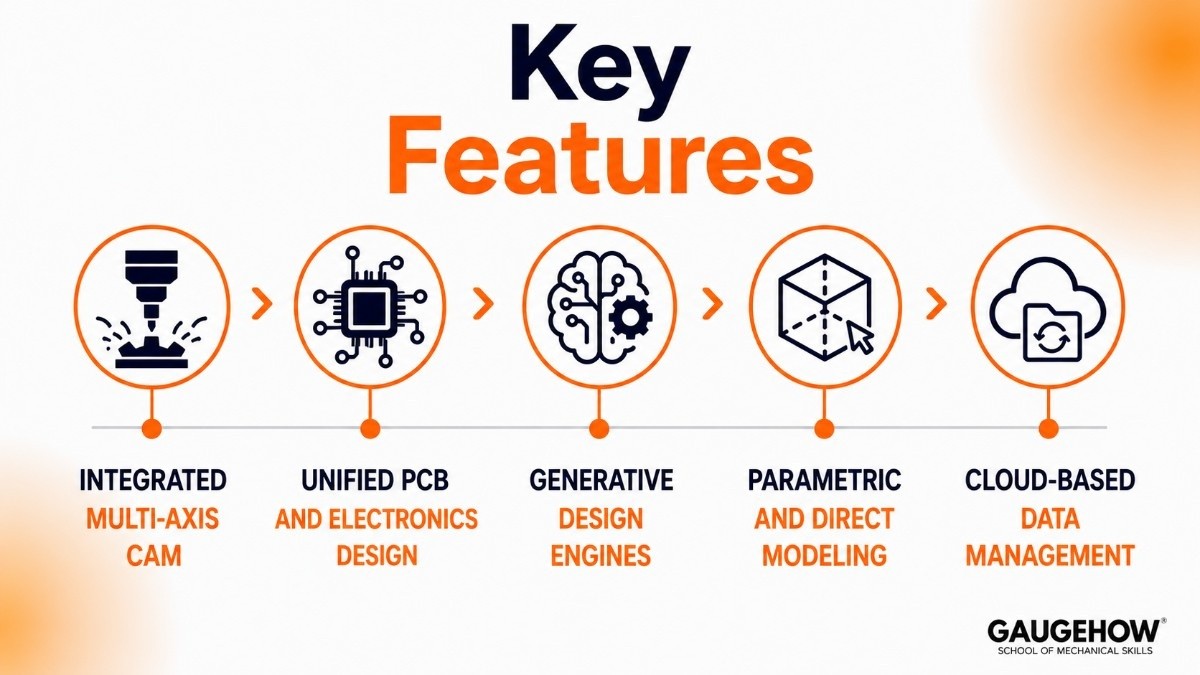
Integrated Multi-Axis CAM: Generates advanced toolpaths for 2.5-axis to 5-axis milling, turning, and high-speed adaptive clearing directly from native solid geometry.
Unified PCB and Electronics Design: Houses complete schematic capture, PCB layout routing, component management, and SPICE simulation without requiring external file conversions.
Generative Design Engines: Utilizes cloud computing and machine learning to produce optimized, lightweight structural configurations based on real-world manufacturing constraints and load profiles.
Parametric and Direct Modeling: Blends history-based parametric sketch geometry with flexible direct modeling and organic T-Spline surfacing inside the same environment.
Cloud-Based Data Management: Tracks revision history, manages bill of materials (BOM) changes, and facilitates real-time cross-team design markups natively without an expensive local PDM setup.
Autodesk Fusion 360: The Core Engine
The platform—widely known across manufacturing shops as Autodesk Fusion 360—fundamentally changes how engineering departments collaborate. By moving the core data model to a cloud database, it ensures everyone on a project works from the absolute latest revision. Whether an engineer updates a mechanical housing sketch, an electronics designer adjusts a circuit trace, or a machinist modifies a fixture layout, the modifications cascade across the entire assembly instantly.
Autodesk Fusion 360 Free: Access Tiers
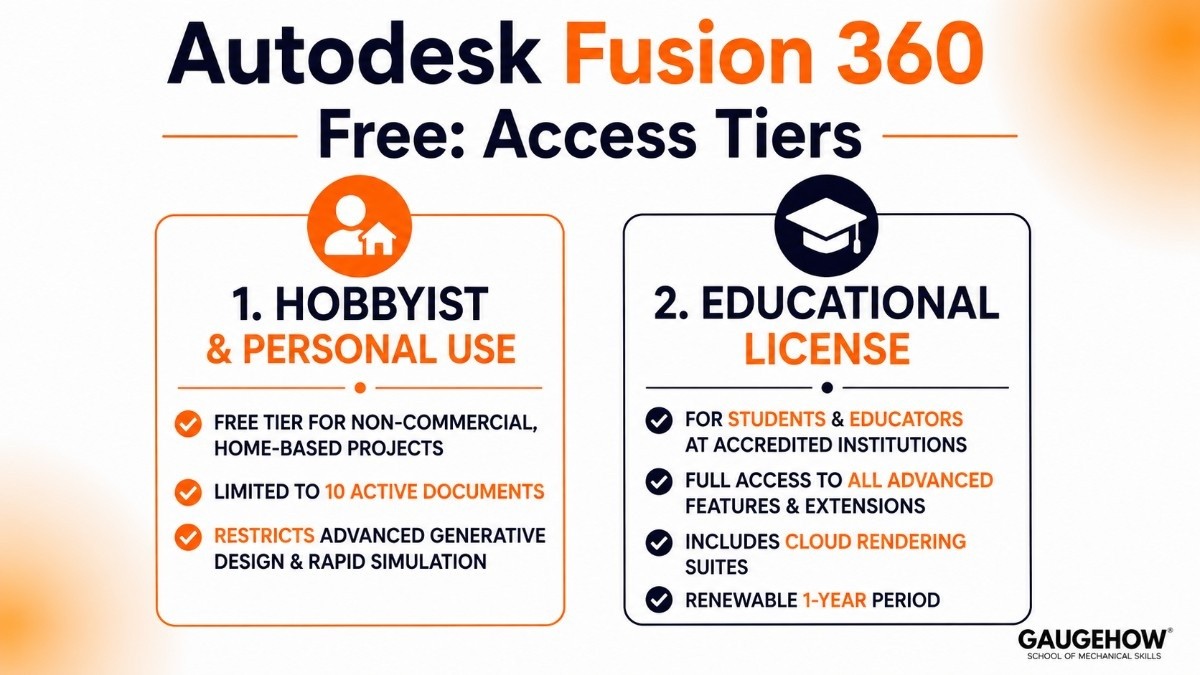
For users looking to learn the platform or launch early-stage hardware projects, there are two distinct entry routes to secure a legitimate, non-commercial license:
Hobbyist & Personal Use: A free tier explicitly limited to non-commercial, home-based fabrication and personal design projects. This tier limits active documents to 10 and restricts advanced generative design and rapid simulation tasks.
Educational License: Provides students and educators at accredited institutions with comprehensive, uncompromised access to all advanced features, extensions, and cloud rendering suites for a renewable 1-year period.
Autodesk Fusion 360 Download: Quick Deployment
To run a clean deployment, users must register an account on the official Autodesk portal and proceed to the Autodesk Fusion 360 download hub. The bootstrapper acts as a lightweight, secure gateway installer.
Because the heavy local execution engine relies heavily on your GPU for computing lines, shaders, and visual assemblies, a modern setup requires a 64-bit operating system (Windows 11 or macOS 14/15) and an ISV-certified graphics card to prevent unexpected viewport canvas crashes when generating complex multi-axis toolpaths.
Pricing
Commercial pricing is straightforward and avoids the large upfront perpetual licensing costs traditional legacy platforms demand. Instead, it relies on a flexible SaaS (Software as a Service) subscription.
Subscription Tier | Cost | Target Audience |
Personal / Hobbyist | Free | Non-commercial makers, DIY builders, and home fabricators earning under $1,000/year. |
Commercial Monthly | ~$85 / month | Freelance product designers, contract machinists, and agile prototyping shops. |
Commercial Annually | ~$680 / year | Dedicated corporate manufacturing teams and rapid product development firms. |
Startup Program | Paid / 3-Year Term | Venture-backed hardware startups requiring full engineering features at scale. |
Note on Extensions: Advanced capabilities like heavy structural FEA simulation, complex automated tooling nesting, and full 5-axis machining require specialized cloud extensions, which can be unlocked on demand for an additional ~$595 to ~$1,465 per year.
Pros & Cons
Pros:
Eliminates local file management issues with an integrated, automated cloud backup system.
Seamless transition from a 3D part model directly into a multi-axis CNC toolpath within one application tab.
Native, stable cross-platform performance across Windows and macOS environments.
Cons:
Requires a continuous, stable high-speed internet connection to compute complex tasks and access team file hubs.
The cloud-based file architecture makes it difficult to adhere to strict on-premise IT compliance or military-grade IP security protocols.
Using complex generative design runs or advanced structural simulations consumes cloud tokens, which adds to operating costs over time.
Best For
Autodesk Fusion is an ideal solution for small-to-mid-sized product development firms, custom consumer electronics startups, and agile job shops specializing in fast CNC turnaround workflows.
It is best suited for cross-functional engineering teams where the same professional handles both the mechanical design and the subsequent programming of the shop floor machine tools.
Integrations
The application bridges the gap between design data and actual floor production by integrating into standard enterprise middleware:
MES & CAM Automation: Syncs directly with modern shop floor monitors and smart tools to verify tool life, material feeds, and machine parameters.
ERP & PDM Connectors: Connects to standard asset management systems like SAP or Upchain via open APIs to automatically export dynamic multi-level bill of materials data.
Metrology Frameworks: Feeds precise production dimensions straight to coordinate measuring machine (CMM) quality workflows, making it easier to audit out-of-tolerance parts quickly.
Deployment
The software utilizes an agile hybrid deployment style. The heavy CAD graphic rendering engine installs locally on your workstation to fully maximize your CPU cores and dedicated graphics card.
Meanwhile, version tracking, file collaboration, and component library storage are offloaded securely to cloud infrastructure. For remote or offline field environments, a dedicated local caching mode allows engineers to continue designing and generating code without interruption when offline.
Alternatives
SolidWorks
A leading mechanical CAD platform known for parametric design, engineering documentation, and product development workflows.
Onshape
A cloud-native CAD platform focused on browser-based collaboration, integrated version control, and team-based product development.
PTC Creo
An enterprise CAD solution designed for advanced parametric modeling, simulation, and large assembly management.
Siemens NX
A high-end CAD/CAM/CAE platform widely used in aerospace, automotive, and digital manufacturing environments.
Autodesk Inventor
Autodesk's desktop-focused mechanical design solution for industrial equipment, machinery, and factory layouts.
FAQ
1. Is Autodesk Fusion fully browser-based?
No. The primary CAD/CAM execution engine installs locally on your Windows or Mac workstation to leverage your physical hardware components. However, design files are managed in the cloud, and projects can be viewed and marked up through any modern web browser.
2. What happens to my design files if my subscription lapses?
Your design data remains tied securely to your Autodesk account. If your commercial subscription ends, your account transitions to a read-only state. This allows you to view, measure, and export your existing files, but prevents you from saving new modifications until you renew.
3. What is the difference between Autodesk Fusion and SolidWorks?
Fusion operates on a flexible cloud-first subscription model that unifies CAD, electronics, and toolpath creation into a single application. SolidWorks is a desktop environment optimized for highly complex mechanical components and deep parametric relationships.
4. Can I run the commercial version completely offline?
You can work in offline mode for up to 14 consecutive days. After that period, the local software engine must ping the primary cloud server to verify your active user subscription and synchronize your project files.
Autodesk Fusion is a cloud-native platform that unifies 3D CAD, CAM, CAE and PCB design into a single workspace.it keeps data synchronized automatically.























