Siemens NX
Siemens NX

Overview
Siemens NX is an elite, high-performance integrated solution for CAD, CAM, and CAE. Developed by Siemens Digital Industries Software, it provides a "digital twin" framework that allows engineering teams to design, simulate, and manufacture complex products within a single, unified asynchronous ecosystem.
Key Features
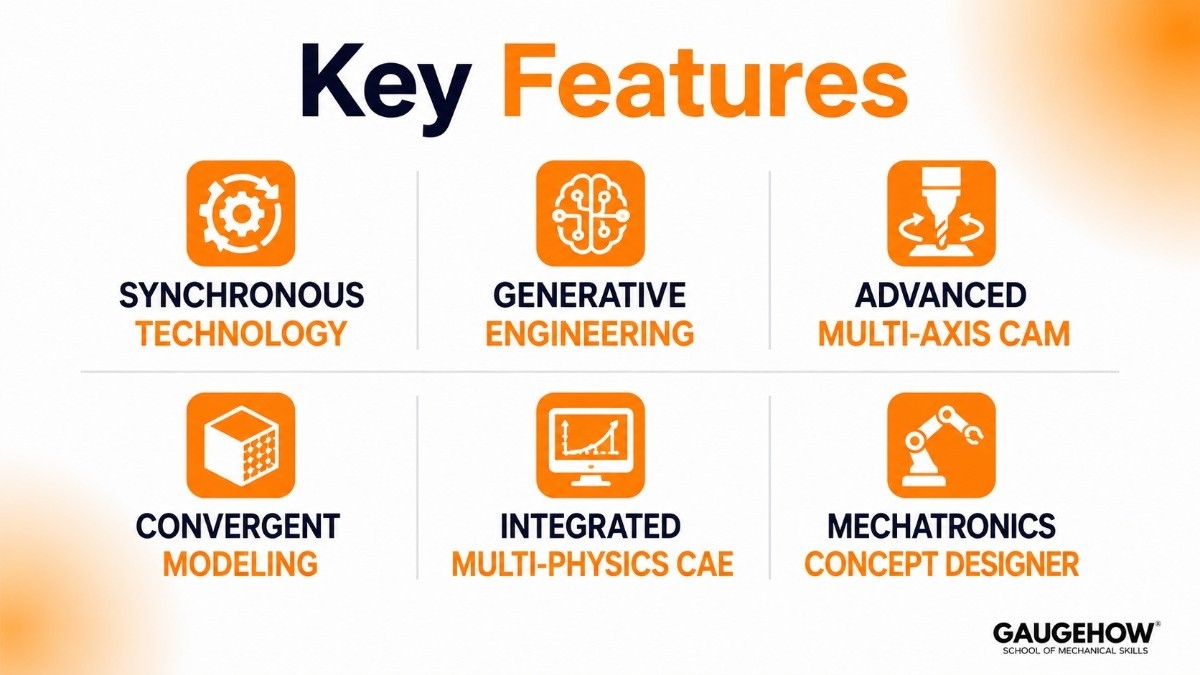
Synchronous Technology: Allows for the simultaneous editing of parametric and non-parametric geometry without the need for complex history-tree rebuilding.
Generative Engineering: Uses integrated AI and topology optimization to automatically create lightweight, high-strength structural designs based on functional constraints.
Advanced Multi-Axis CAM: Provides sophisticated toolpath generation for 2.5-axis to 5-axis milling, specialized turbine machining, and complex robotic additive manufacturing.
Convergent Modeling: Enables engineers to work directly with facet data (STL files) alongside traditional B-rep solids without time-consuming data conversion.
Integrated Multi-Physics CAE: Conducts advanced structural, thermal, flow, and motion simulation using the Simcenter Nastran solver directly on native CAD models.
Mechatronics Concept Designer: Simulates the functional behavior of complex machines, including sensors, actuators, and PLC logic, before any physical hardware is built.
NX Software Siemens: The Industrial Standard
The nx software siemens portfolio is engineered to handle the world's most complex product lifecycles. Unlike entry-level CAD tools, it serves as a robust enterprise platform that bridges the gap between conceptual design and the factory floor.
By utilizing a high-performance architecture, it allows thousands of engineers to collaborate on a single "Master Model," ensuring that changes in design are instantly reflected in simulation and manufacturing toolpaths.
Siemens NX CAD: High-End Design Mastery
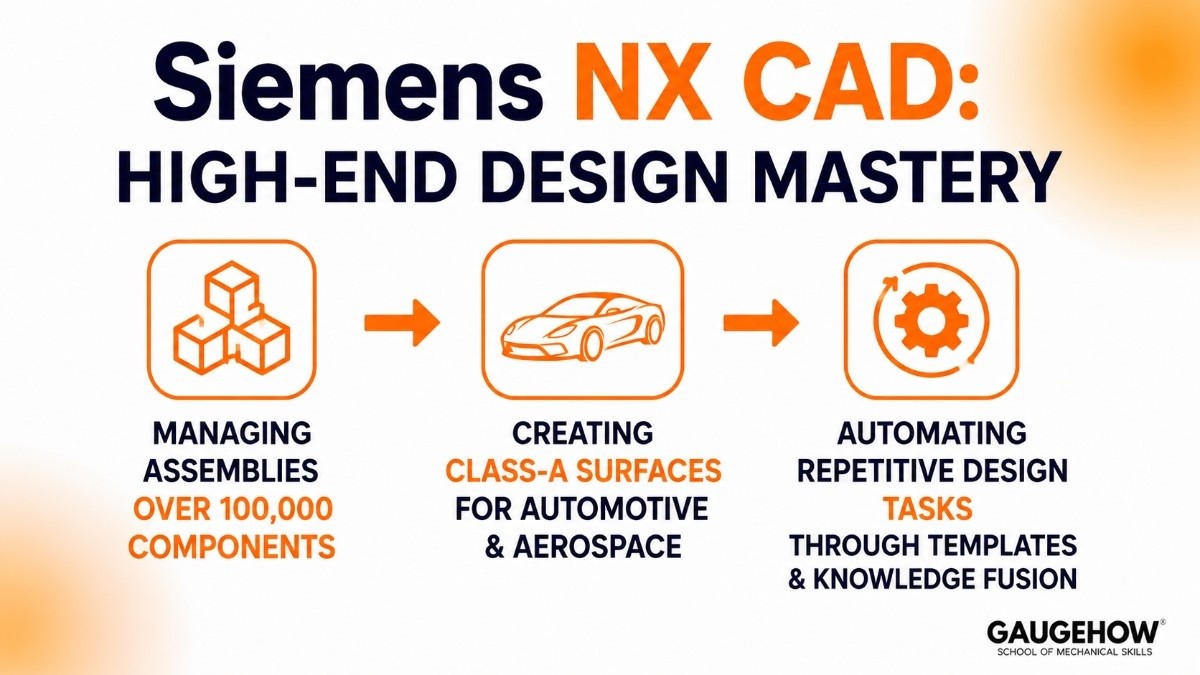
At its core, siemens nx cad is optimized for extreme assembly scale and surface complexity. It is the preferred tool for industries where "near enough" isn't an option. The platform excels at:
Managing assemblies containing over 100,000 discrete components.
Creating Class-A surfaces for automotive aesthetics and aerospace aerodynamics.
Automating repetitive design tasks through specialized "Product Templates" and Knowledge Fusion.
Pricing
Siemens utilizes a modern, flexible Value-Based Licensing (VBL) model. This "token-based" system allows companies to access a massive library of specialized modules without purchasing individual perpetual licenses for every user.
Tier / Model | Estimated Cost | Best For |
Core Designer | ~$6,000 - $9,000 / year | Standard 3D modeling, assemblies, and drafting. |
Advanced / Full Suite | ~$15,000+ / year | High-end surfacing, routing, and integrated simulation. |
Value-Based Tokens | Custom Quote | Large teams needing intermittent access to 100+ specialized add-ons. |
Academic / Student | Free | Verified students at accredited engineering institutions. |
Pros & Cons
Pros:
Unmatched stability when handling ultra-large assemblies and complex, massive data sets.
Synchronous technology makes editing "dumb" geometry from other CAD systems incredibly fast.
Industry-leading integration between design (CAD) and manufacturing (CAM).
Cons:
One of the highest total costs of ownership in the engineering software market.
Extremely steep learning curve; requires professional training to utilize advanced modules effectively.
The interface can feel overwhelming due to the sheer depth of available commands and settings.
Best For
Siemens NX is best for large-scale enterprise manufacturers and Tier-1 suppliers in the aerospace, automotive, and defense sectors. It is the ideal solution for plants managing products with high mechanical complexity such as jet engines, electric vehicle chassis, and industrial automation lines—where data integrity and multidisciplinary collaboration are non-negotiable.
Integrations
The platform acts as a central hub for the digital enterprise by connecting to:
Teamcenter PLM: The industry-standard for managing product data, workflows, and revision control.
ERP Systems: Direct hooks into SAP and Oracle for real-time Bill of Materials (BOM) and cost tracking.
Shop Floor MES: Seamlessly feeds machining code and inspection plans to Siemens Sinumerik controllers and other CNC hardware.
Deployment
Siemens NX offers a flexible "Cloud-Ready" deployment. While the heavy graphics engine is typically installed locally on high-performance Windows workstations to minimize latency, the data management layer is often hosted on private or public clouds (AWS/Azure).
This ensures that brownfield sites with limited internet can still design locally, while global teams stay synchronized through the cloud.
Alternatives
CATIA
The primary enterprise competitor, widely used for aerospace engineering, Class-A surfacing, and large-scale product development.
PTC Creo
A powerful parametric CAD platform known for top-down design, simulation integration, and complex assembly management.
SolidWorks
A popular mid-market CAD solution focused on mechanical design, product development, and engineering documentation.
Autodesk Fusion
A cloud-connected CAD/CAM platform designed for startups, product designers, and manufacturing teams seeking an all-in-one workflow.
Onshape
A browser-based CAD platform that emphasizes cloud collaboration, built-in version control, and real-time engineering teamwork.
FAQ
1. Is Siemens NX cloud-based?
It is "cloud-connected." The software runs locally on your PC to ensure maximum performance, but it uses the cloud for collaboration, data storage, and license management via the 3DEXPERIENCE or Teamcenter platforms.
2. Siemens NX vs. SolidWorks: What is the difference?
SolidWorks is an excellent tool for mid-market product design. Siemens NX is a high-end enterprise solution built to handle much larger assemblies and more complex manufacturing workflows that SolidWorks cannot process efficiently.
3.Which CAD Software Competes with Siemens NX?
The primary competitors to Siemens NX include CATIA, PTC Creo, SolidWorks, Autodesk Fusion, and Onshape. Each platform serves different needs, ranging from enterprise digital engineering and advanced manufacturing to cloud collaboration and product development.
4.Can I run Siemens NX on a standard laptop?
Technically, yes, but it is not recommended for professional work. To avoid crashes and lag, you need an ISV-certified workstation with a professional GPU (like NVIDIA RTX A-series) and at least 32GB of RAM.
5. Does Siemens NX support Mac?
No. Siemens NX is natively developed for Windows 10/11 and specific Linux distributions. It does not support macOS.
Siemens NX is an elite, high-performance CAD, CAM, and CAE software.it contains thousands of components and automated tooling layouts without system lag.























