Siemens Insights Hub
Siemens Insights Hub

What Is MindSphere? A Student's Guide to Siemens' IoT Platform .
If you have been learning Siemens PLCs with TIA Portal, you already know the control layer — telling machines what to do.
MindSphere is the layer above that. It takes the data your PLCs and sensors produce, sends it to the cloud, and gives you tools to monitor, analyze, and act on it.
The confusing part right now is the name. You will see both "MindSphere" and "Insights Hub" used for what looks like the same thing. That is because Siemens rebranded MindSphere to Insights Hub as part of a broader reorganization.
This guide explains what the platform actually is under either name, how to get started, whether it is free, and how it fits into the Siemens ecosystem — all from a student's perspective.
What is MindSphere used for?
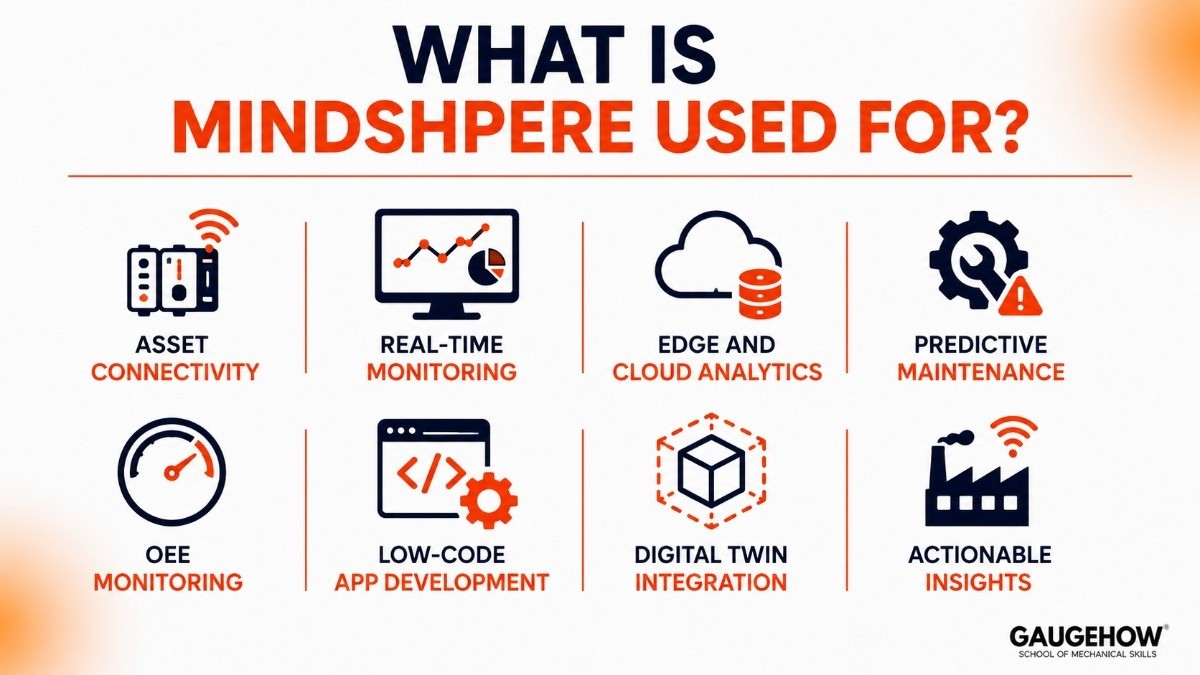
MindSphere (now Insights Hub) is Siemens' cloud-based Industrial IoT platform for connecting machines, collecting operational data, and turning it into actionable insights.
It is part of the Siemens Xcelerator portfolio — Siemens' open digital business platform — and sits within what they call Industrial Operations X, their strategy for fusing IT and OT.
Built on the Mendix low-code application platform, it lets users and developers build IoT applications without heavy coding.
In practical terms, here is what it does:
Asset connectivity: Connects PLCs, sensors, CNC machines, and other equipment to the cloud to collect real-time data.
Real-time monitoring: Watch live machine data — temperatures, cycle times, vibration, energy consumption — in dashboards.
Edge and cloud analytics: Run analytics close to the machine (edge) or in the cloud, depending on how fast you need the answer.
Predictive maintenance: Use data patterns and AI to predict when equipment will fail, so you fix it before it breaks.
OEE monitoring: Track Overall Equipment Effectiveness — the single most common manufacturing KPI.
Low-code app development: Build custom IoT applications using Mendix, without needing a full software development team.
Digital twin integration: Connect virtual models of equipment to live data for simulation and optimization.
For a student, the short version: MindSphere takes the raw numbers flowing out of factory machines and turns them into something a maintenance engineer, plant manager, or analyst can actually use.
What is Siemens Insights Hub?
Insights Hub is the current name for what was previously called MindSphere. Siemens rebranded it as part of the Xcelerator portfolio reorganization, which grouped Siemens' digital products into a more unified ecosystem.
The platform itself did not disappear or start over. Insights Hub is MindSphere with an expanded scope — tighter integration with the rest of the Siemens digital portfolio, updated capability packages, and a clearer path from basic monitoring to advanced analytics and AI.
If you are learning the platform today, you should use the name Insights Hub when talking about the current product.
But you will still see MindSphere in most tutorials, documentation, API references, and community forums, because the internet has not caught up with the rename yet. Both names point to the same technology.
MindSphere vs Insights Hub
This is the question students and engineers keep asking, so here is the clear answer.
Many people think MindSphere and Insights Hub are different platforms, but they are essentially the same industrial IoT solution.
Siemens rebranded MindSphere as Insights Hub and expanded its capabilities within the Siemens Xcelerator ecosystem. If you've learned MindSphere, your knowledge still applies to Insights Hub.
Feature | MindSphere | Insights Hub |
|---|---|---|
Status | Original platform name | Current platform name |
Branding | Standalone Siemens IoT platform | Part of Siemens Xcelerator |
Low-Code Development | Limited focus | Strong Mendix integration |
Digital Twin Integration | Basic | Enhanced integration |
PLM & Manufacturing Integration | Available | More tightly connected |
Cloud Infrastructure | Siemens cloud platform | Same core platform |
APIs & Connectivity | Available | Same technology foundation |
Recommended Today | Legacy name | Current name |
Quick Takeaway
MindSphere and Insights Hub share the same core technology.
MindSphere tutorial:
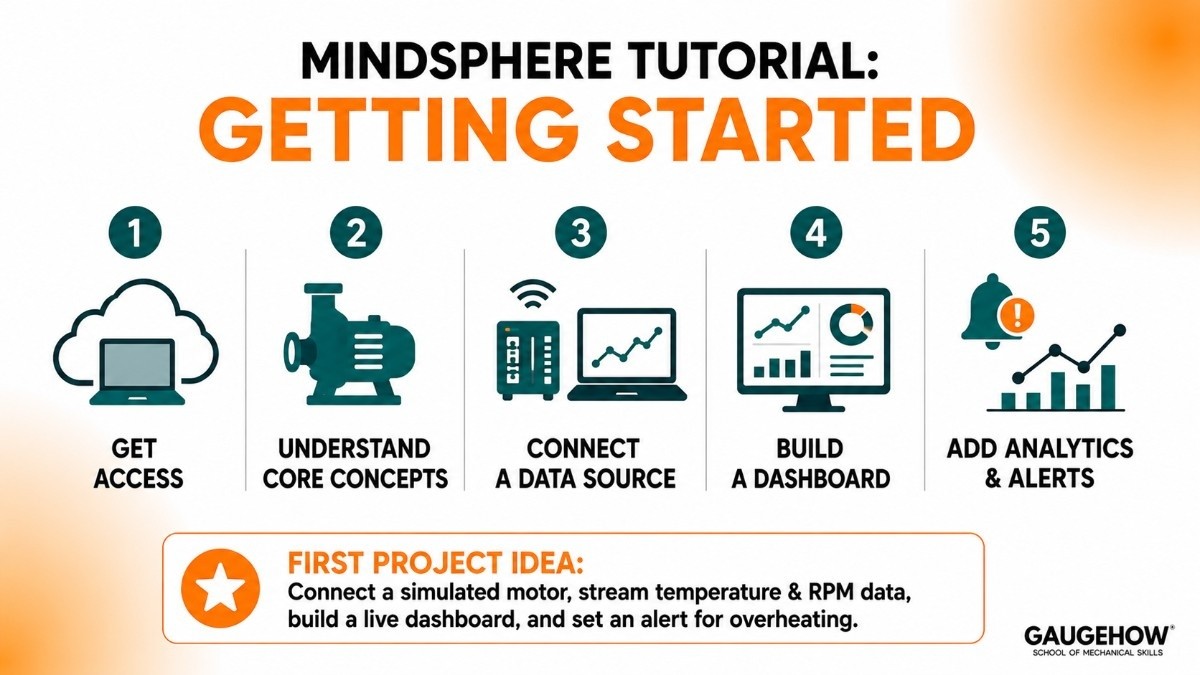
You do not need to be a cloud expert to begin. Here is the typical learning path.
Step 1: Get access
Sign up through the Siemens Insights Hub portal. There is a free tier and trial options (more on that below). Once you have access, you get a cloud-hosted environment — no local install needed.
Step 2: Understand the core concepts
The platform revolves around a few key ideas:
Assets represent real-world equipment (a pump, a motor, a conveyor).
Aspects define the data points for each asset (temperature, speed, status).
Data ingestion brings live or simulated data from devices into the cloud.
This asset-aspect-data pattern is the foundation for everything else.
Step 3: Connect a data source
For learning, you can use a simulated data source or connect a real device. Siemens provides agent software for SIMATIC PLCs, and you can also send data via REST APIs or MQTT from a Raspberry Pi or any IoT-capable device.
Step 4: Build a dashboard
Use the built-in Fleet Manager and monitoring tools, or build a custom dashboard using Mendix. Watch your asset data update live — this is the moment where cloud IoT stops being abstract.
Step 5: Add analytics and alerts
Set up rules to trigger alerts (for example, "if vibration exceeds threshold, flag for maintenance"), and explore the analytics tools to find patterns across your assets.
A good first project for students: connect a simulated motor asset, stream temperature and RPM data, build a live dashboard, and set an alert for overheating. It teaches connectivity, data modeling, dashboards, and rules all in one exercise.
MindSphere free trial and student access
This is the practical question: can you use it without paying?
Yes. Siemens offers several no-cost paths:
Free tier / trial: Insights Hub has a free entry-level option that lets you connect a limited number of assets and explore the platform. The scope is enough for learning.
Academic programs: Siemens partners with universities for academic access. Check whether your engineering department has a Siemens agreement.
Developer resources: Siemens provides documentation, tutorials, and sandbox environments through its developer portal.
For a student, you should not need to spend anything. Start with the free tier, work through the tutorials, and build a small project.
Insights Hub pricing and capability packages
For those who need the commercial picture, Insights Hub uses a subscription model organized into tiered capability packages:
Monitor: Connect assets, visualize data, and explore basic insights. The entry point.
Analyze: Add advanced analytics, AI, and deeper data processing.
Optimize: Full-scale transformation with enterprise integration and custom app development.
Pricing is not published as a simple public rate card — it depends on the number of connected assets, the capability tier, and the deployment model. You request a quote through Siemens or a partner. As enterprise IIoT software, it is priced for companies, not individuals.
Pros and cons
A balanced view.
Pros
Deep integration with the Siemens ecosystem — TIA Portal, SIMATIC PLCs, Teamcenter PLM.
Cloud-native with edge capability, so it handles both real-time and historical data well.
Low-code app development through Mendix lowers the barrier for building custom tools.
Free tier and academic programs give students real access.
Backed by one of the largest industrial automation companies in the world.
Cons
The MindSphere-to-Insights Hub rebrand has created real confusion — documentation and community resources are split between two names.
Strongest when paired with Siemens hardware; less natural with non-Siemens equipment.
Enterprise pricing makes it inaccessible for individual purchase.
The platform is deep, and the learning curve is real for beginners.
Fewer independent beginner tutorials compared to PLC tools like TIA Portal.
Who is Insights Hub best for?
Insights Hub fits manufacturers, OEMs, and service organizations using Siemens equipment who want to connect their machines, track performance, and build toward predictive maintenance and AI — common in automotive, aerospace, food and beverage, and discrete manufacturing.
It scales from a small pilot (a few connected machines) to a global enterprise deployment. For students, it is an excellent way to learn cloud-based IIoT concepts within the Siemens ecosystem, especially if you are already learning TIA Portal and SIMATIC PLCs.
Integrations: what Insights Hub connects to
Insights Hub is designed to sit between the factory floor and business systems:
Siemens PLCs and devices: Native agents for SIMATIC S7-1200 and S7-1500, connecting directly from TIA Portal.
Third-party equipment: Through REST APIs, MQTT, OPC UA, and partner connectors.
ERP and MES: Connects to SAP, manufacturing execution systems, and quality management tools.
PLM: Integrates with Siemens Teamcenter for a digital thread from design to operations.
Mendix: For building custom low-code IoT applications on top of the platform.
The Siemens-native connectivity is the strongest part — connecting a SIMATIC PLC to Insights Hub is smoother than connecting to a third-party IoT platform.
Deployment: cloud, edge, and hybrid
Insights Hub is cloud-first — hosted on infrastructure that was originally Azure-based, and now part of Siemens' own cloud services. But it also supports edge computing for scenarios where data needs to be processed locally before reaching the cloud.
Cloud: The primary model — data flows from devices to Siemens' cloud, where dashboards and analytics live.
Edge: For low-latency analytics or environments where not all data should leave the factory.
Hybrid: A mix, common in large enterprises that want both local processing and cloud-scale analytics.
For brownfield work (existing equipment), Insights Hub can connect to legacy SIMATIC PLCs and third-party devices already running in the plant, so you do not need to replace anything to start collecting data.
Insights Hub alternatives
To see where it fits among other IIoT platforms:
PTC ThingWorx — PTC's IIoT platform with strong Kepware connectivity, now part of Velotic.
Microsoft Azure IoT — a general-purpose cloud IoT platform with broad integration.
Ignition by Inductive Automation — a flexible SCADA and IoT platform with a strong community.
Schneider EcoStruxure — Schneider's IoT architecture spanning machines, buildings, and power.
Frequently asked questions
Is MindSphere the same as Insights Hub?
Yes. Siemens rebranded MindSphere to Insights Hub as part of the Xcelerator portfolio reorganization. The core technology is the same.
Is MindSphere / Insights Hub free?
There is a free tier for learning, plus academic programs for universities. Full commercial use requires a paid subscription.
Is it cloud-based?
Yes, primarily cloud-based, with edge computing options for local data processing.
Do I need Siemens hardware to use it?
No, it supports third-party devices through APIs, MQTT, and OPC UA. But it works best with Siemens SIMATIC equipment.
What is Siemens Xcelerator?
Xcelerator is Siemens' broader digital business platform — the umbrella that now includes Insights Hub, TIA Portal, Teamcenter, and many other Siemens software products.
Insights Hub vs ThingWorx — which should a student learn?
Insights Hub if you are working within the Siemens ecosystem (TIA Portal, SIMATIC). ThingWorx if you want a vendor-neutral IIoT platform with broader device connectivity through Kepware.
Final thoughts
So what is MindSphere? It is Siemens' Industrial IoT platform — now called Insights Hub — that takes the data flowing from your PLCs and factory equipment and puts it in the cloud where you can monitor it, analyze it, and predict problems before they happen.
For a student already learning Siemens PLCs through TIA Portal, it is the natural next step up the stack. Start with the free tier, connect a simulated asset, build a dashboard, and you will understand cloud IoT in a way no lecture can match.
Siemens Insights Hub is an industrial IoT platform , connects machines and operational data to help businesses monitor performance and improve efficiency.























